

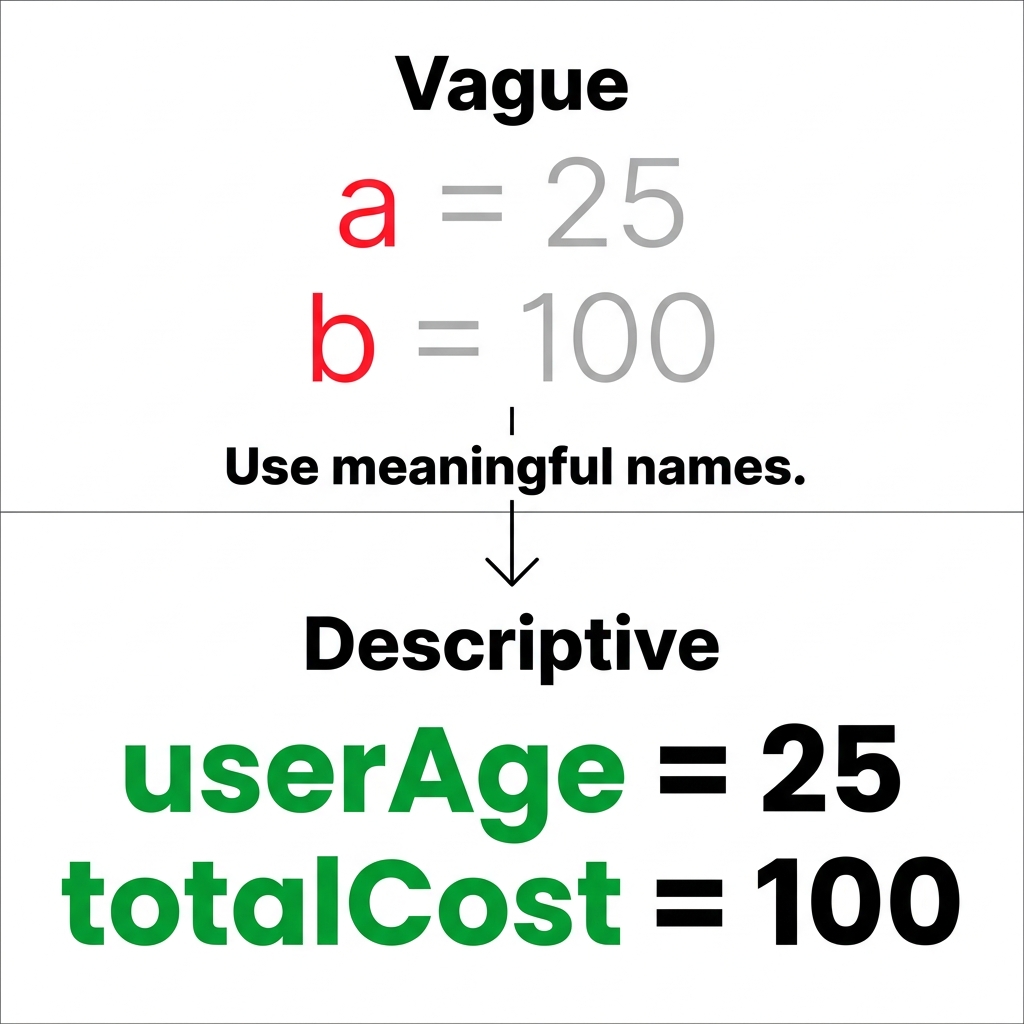
A colleague once asked me why we bother making students change a perfectly functional variable name like v1 to something descriptive. It is a fair question, especially when you are trying to rush through a coding unit in the middle of a packed semester. We have all been there. Whether you are in the Tulare City School District, San Jose Unified, Hemet Unified, or Cabrillo Unified, the schedule is always tight, and certain standards get squeezed toward the end of the term. This is exactly where the lesson Using Descriptive Variables and Operations comes in handy.
This 8th grade computer science lesson is built specifically for an Algorithms and Programming unit. It tackles the fundamental practice of creating clearly named variables that store data, and performing operations on their contents. The lesson asks students to move away from cryptic, meaningless names and instead define storage locations by exactly what they hold. A variable is simply a named storage location that holds a value, and an operation is a mathematical action performed on that data. By the time they finish, students should be able to explain why a name like totalCost is vastly superior to a letter like c or b.
What the lesson actually asks students to do
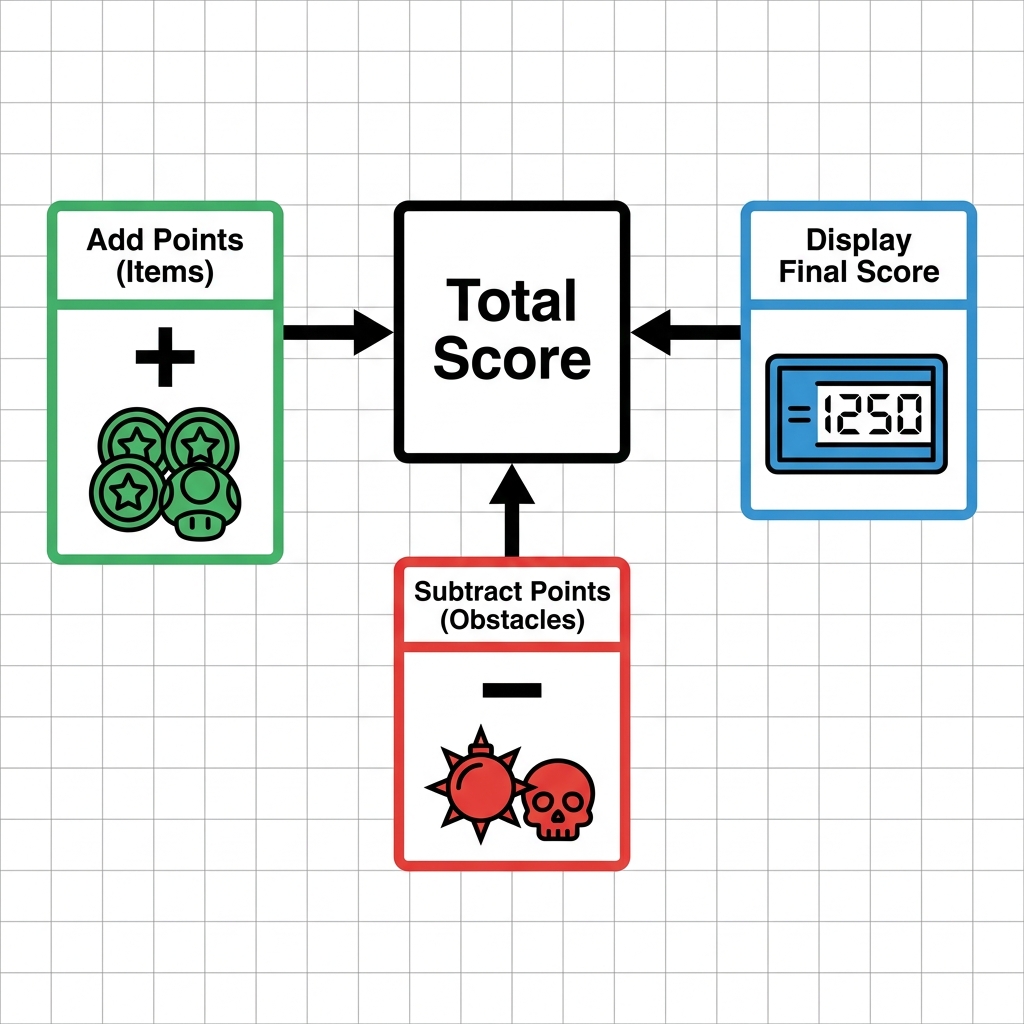
The core objective here is simple: students create clearly named variables and perform math operations on the data they store. The lesson uses a relatable game development scenario to show how programmers keep track of a player’s score. If a game starts with a score of 100, the program needs to hold that value in a variable named playerScore so the system can recall it later. It is a clear, concrete example that clicks with most students who have ever spent time in a game environment.
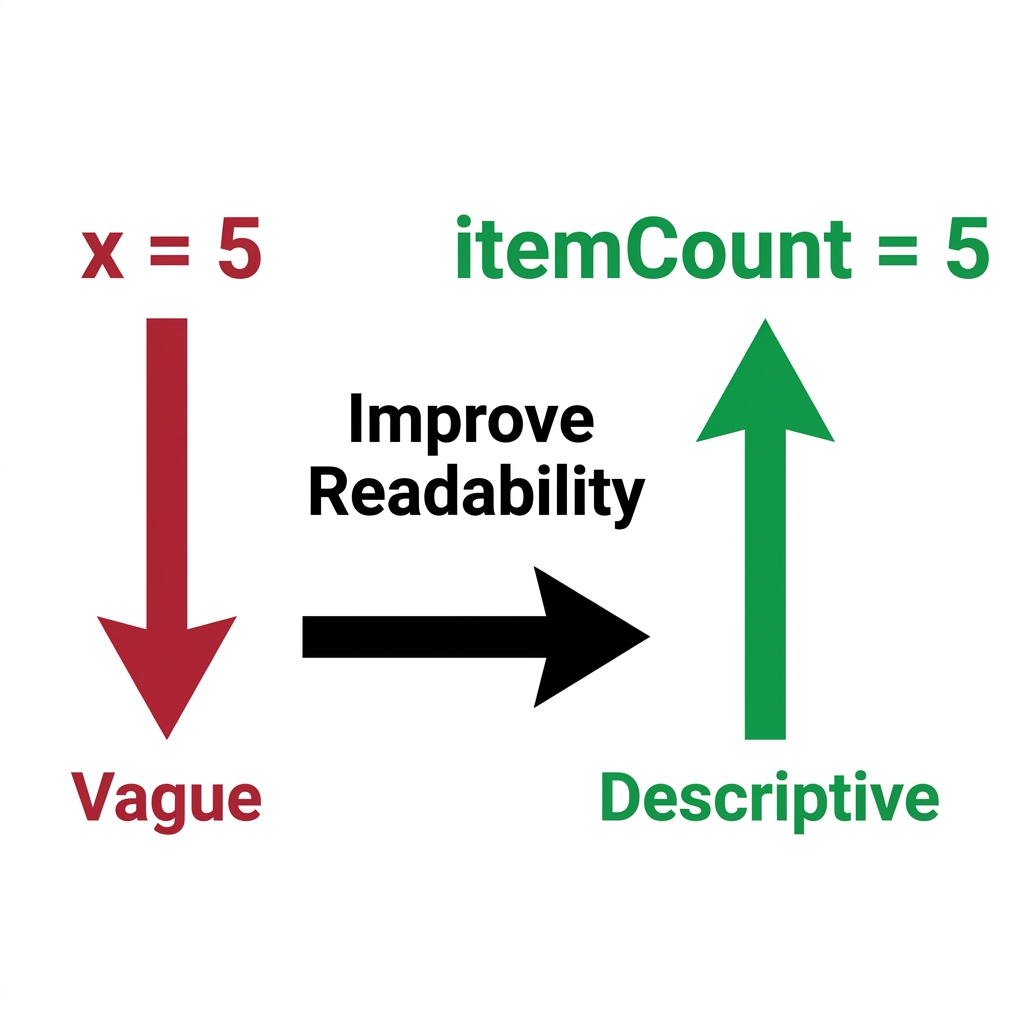
You will find that the lesson hits the mark on CA.CS.6-8.AP.11. This standard asks students to create clearly named variables that store data and perform operations on their contents. It is the California-adopted standard that ensures students are writing code that other human beings can actually read and maintain. The lesson does a great job of explaining that software engineers do this every single day. In complex fields like banking, where names like accountBalance and transactionAmount are mandatory for accuracy, sloppy naming leads to dangerous errors.
Where students slip
The most common hurdle I see is the resistance to typing long names. Students want to type short, fast keys. They will use names like v1 or a because it takes less time. The lesson addresses this directly in the guided practice section, where it points out that using vague, non-descriptive names like v1 to store a student grade creates an unmaintainable mess. I recommend pushing them on this point. If they cannot explain what their variable stores just by reading the name, they have not yet mastered the concept.
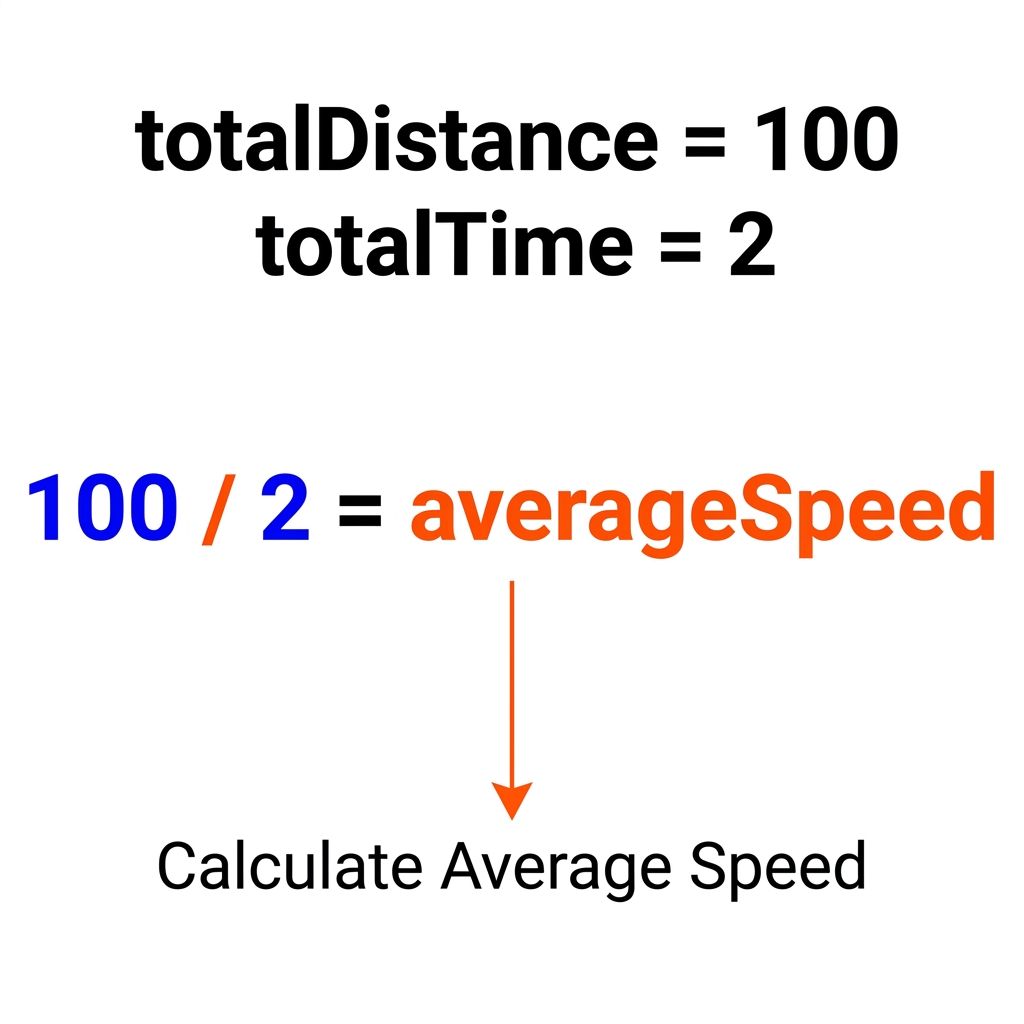
If you are managing an independent study course or dealing with a student who missed the entire unit during a busy week, this 8th grade computer science variables lesson is a reliable standalone resource. It provides enough context that a student can work through the logic of storage locations and math operations without needing a lecture from you. It also works as a solid substitute day assignment when you need the class to practice something productive rather than watching a video.
Using consistent, clear labels in code is the first step toward writing software that is not just functional, but actually professional. It is worth the forty-five minutes to help them break the habit of using single-letter variables now, before they move into more advanced programming work.
Related lessons
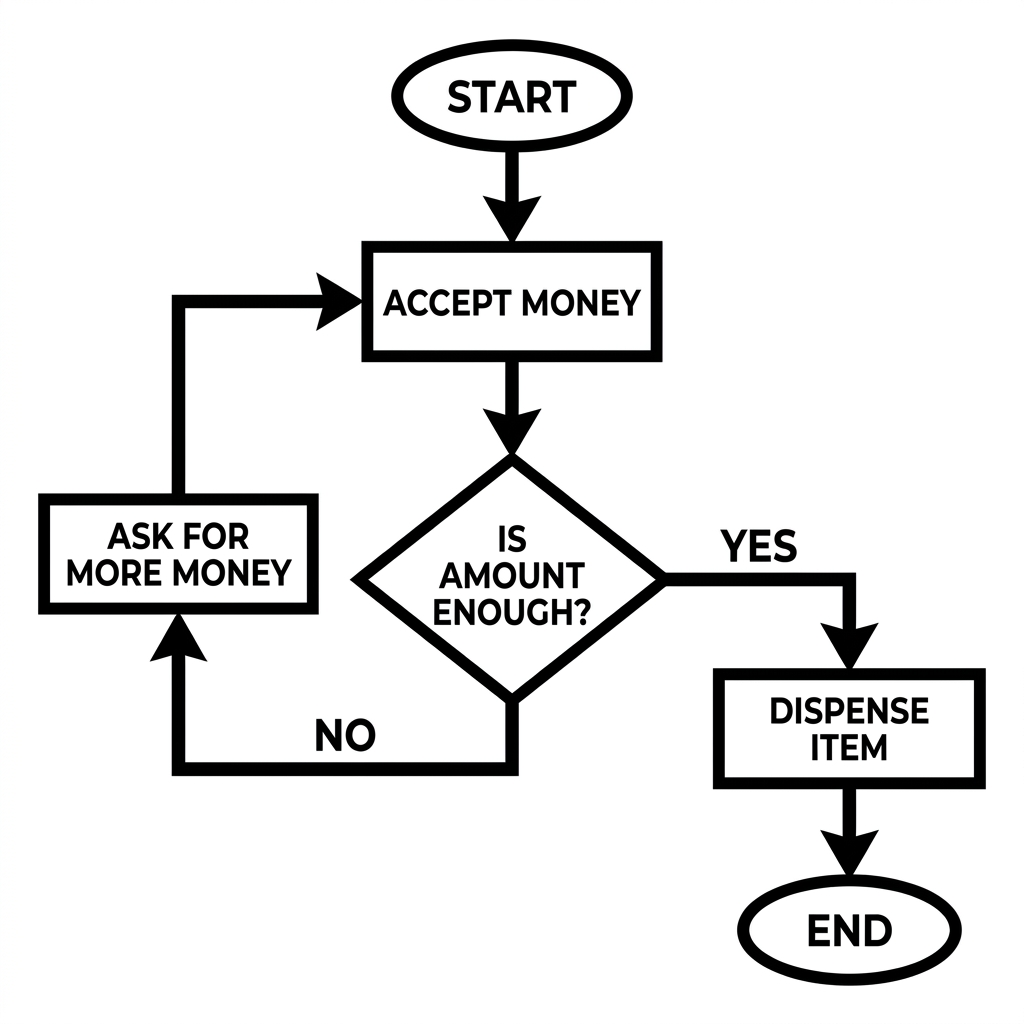
Designing Algorithms with Flowcharts and Pseudocode, Teaches logic mapping through visual flowcharts and written pseudocode
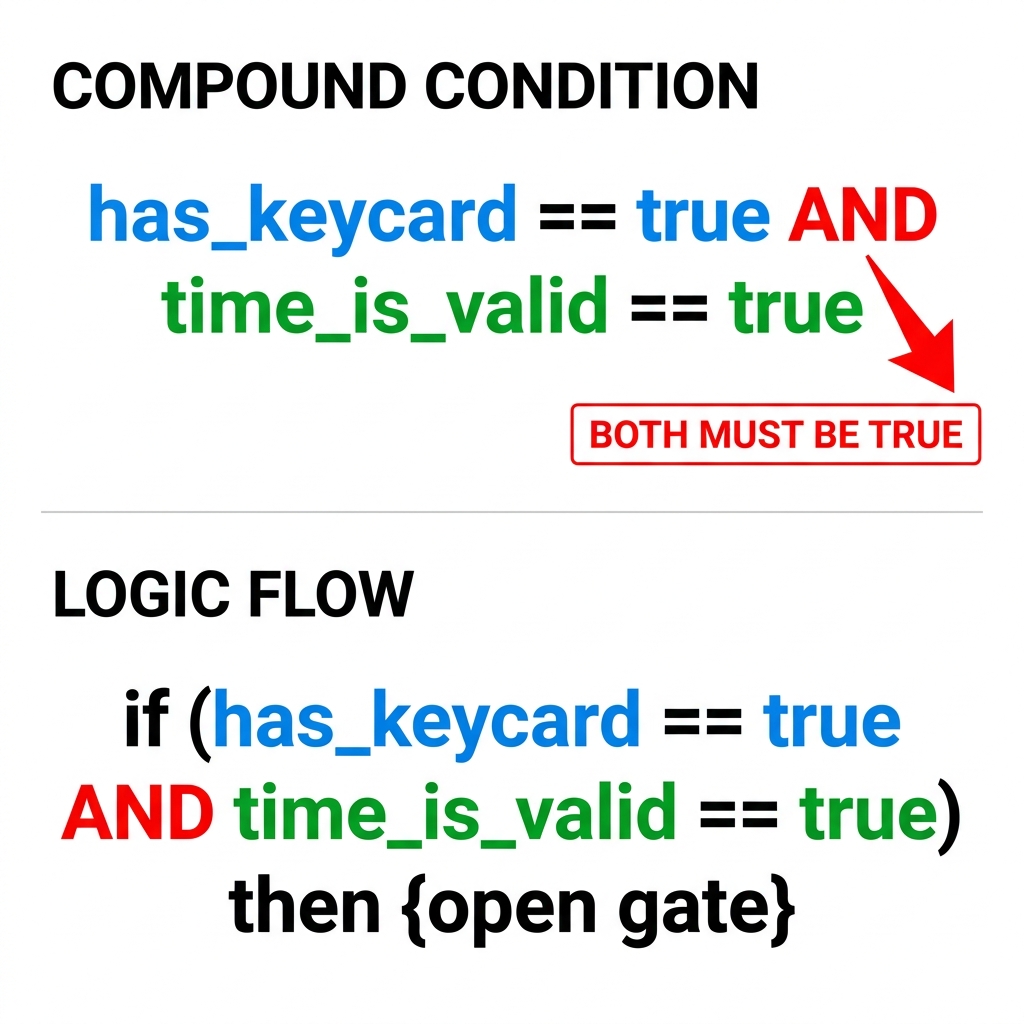
Designing Programs with Compound Conditions, Explains how to use logical operators to create conditions
Breaking Down Problems with Decomposition, Shows how to solve complex problems by splitting them