

By the time students hit mid-semester in 8th grade English Language Arts, they are often buried under research drafts that lack any real structure. When I see students scrolling through four pages of disorganized text, I know it is time to shift focus from drafting to architecture. The Organizing Digital Writing lesson is a solid 45-minute refresher that forces students to move beyond the linear paragraph and think about how a reader experiences their work.
This lesson is effective for a whole-class assignment when you notice papers becoming bloated and hard to follow, or for a student who missed the week and needs a quick way to catch up on formatting expectations. The objective is to use digital tools to organize and publish writing so ideas are simple for a reader to move through. The material introduces three key concepts: a heading as a title or subtitle to organize text, a hyperlink as a way to jump between sections, and a collaborative workspace for working simultaneously with peers. If your class is like mine, they will need a reminder that these tools are not just for aesthetics but are vital for keeping a reader engaged.
What the lesson actually asks students to do
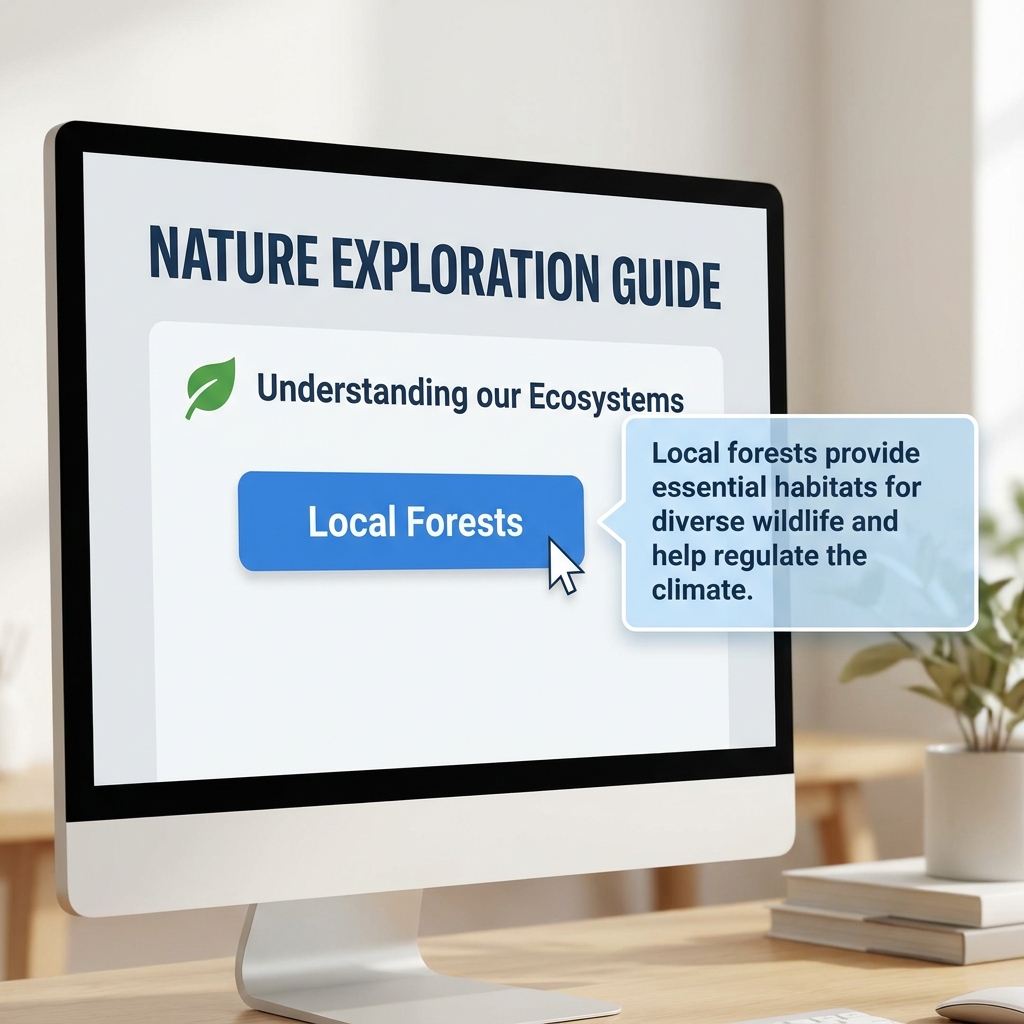
The lesson starts by framing the writer as an architect. Using the example of a research paper on local history, it explains that “Headings act like signposts that tell the reader what to expect in the next section.” Students learn that long-form writing in a digital environment requires more than just a title at the top. The lesson provides a clear scenario involving an interactive document where clicking a link about a tree opens a box of facts. This highlights how information can be layered, allowing readers to choose their own path through the content.
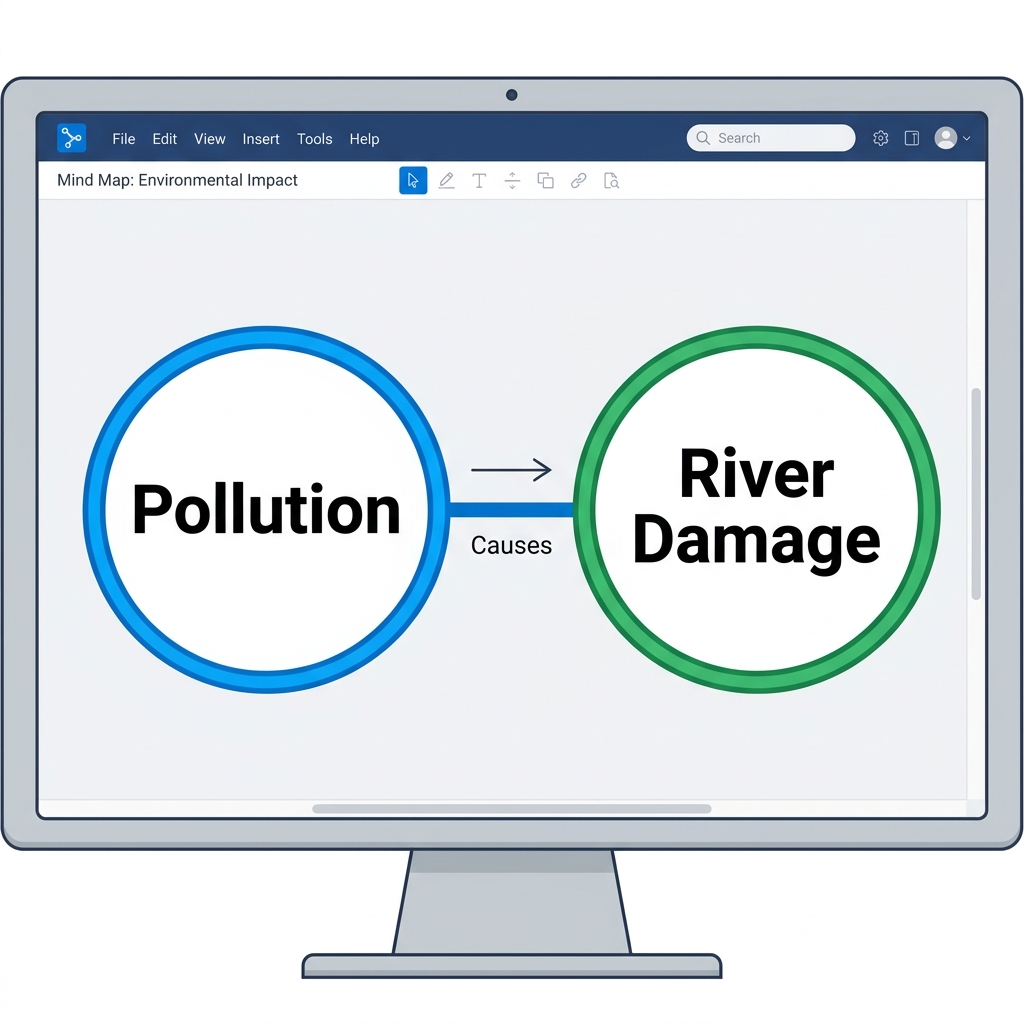
This material serves CA.ELA.W.8.6, the California-adopted standard which asks students to use technology to produce and publish writing and present relationships between ideas efficiently. This is the same standard taught in San Diego Unified, Lodi Unified, La Mesa-Spring Valley School District, and Paradise Unified. The lesson also incorporates CCSS.ELA-LITERACY.W.8.6, which emphasizes the same requirement to use technology to publish writing and present information relationships, adding the specific expectation that students learn to interact and collaborate with others. My students often struggle with the collaboration aspect, so it is helpful that the lesson explicitly defines a collaborative workspace as a place for feedback and shared ideas.
Where students slip
The guided practice asks students to apply these formatting skills to a passage that already exists. This is where you should circulate the room. Students often create “link traps” or headings that do not actually describe the content beneath them. They might use a hyperlink just for the sake of having one, rather than to improve the flow of information. I find that when I watch them work, the most common error is ignoring the hierarchy of a document.
Remind your class that the journalists mentioned in the lesson, who use video, text, and links to tell complex stories, do not add these features just for show. They do it because the story requires it. Ask your students, “Does this link help your reader understand the relationship between these two ideas?” If the answer is no, it does not belong in their draft. The lesson highlights that digital organization really matters in the professional world, and getting students to see themselves as content creators rather than just essay writers is a big win.
Refining the digital workflow
For independent study or a substitute day, this lesson is straightforward enough that students can tackle it without a lecture from me. I appreciate that it treats digital writing as a craft, not just a technical requirement. The lesson concludes by asking students to analyze why digital structure is important for longer reports. It moves the conversation away from the word count and toward the reader experience.

If you have an 8th grader who is tech-savvy but struggles with traditional essay structure, have them look at this lesson. Sometimes seeing their work as a digital writing platforms exploration makes the organization part click in a way that outlining on paper never did. Just be prepared to help them trim their content once they realize how much they can hide behind a well-placed link or heading.
Related lessons
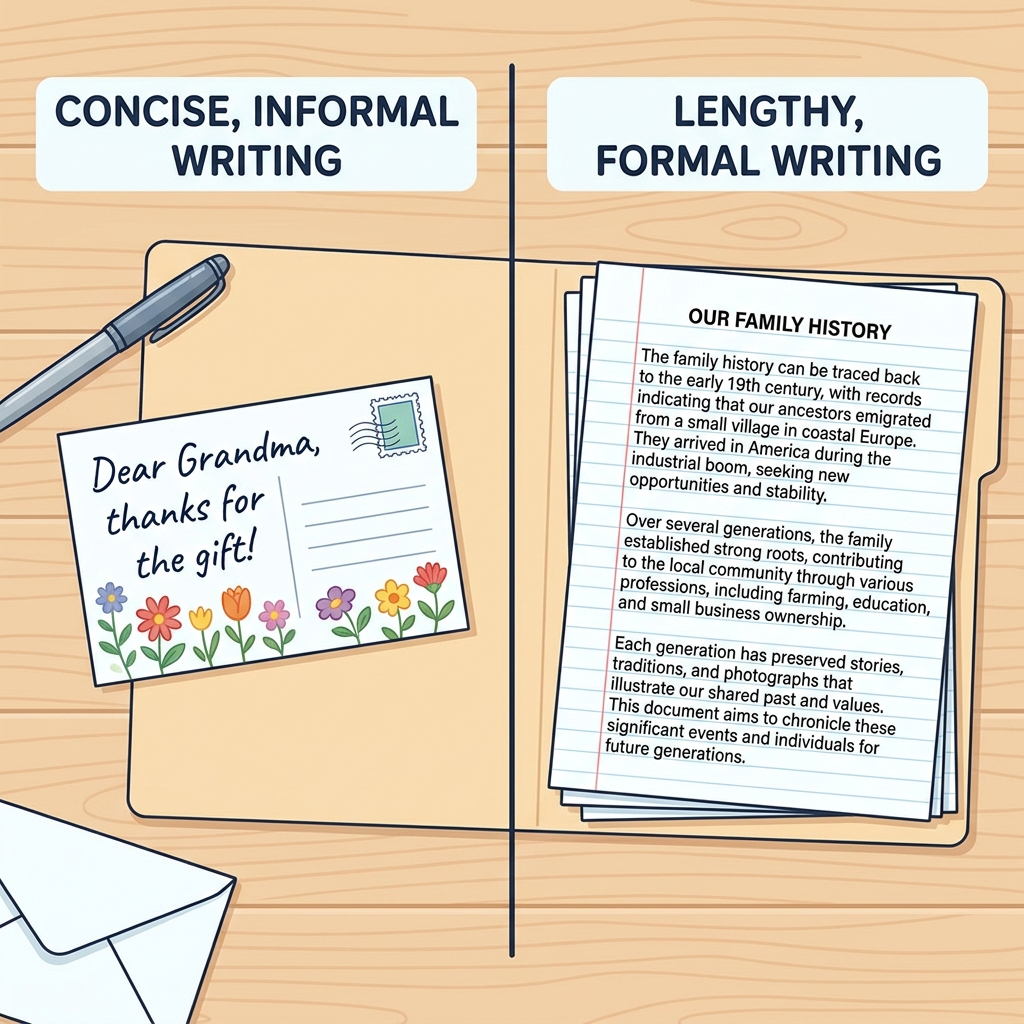
Adapting Your Writing for Different Tasks, Learn to modify tone and structure for specific writing goals
Writing for Your Audience and Purpose, Techniques for tailoring content to reach intended target readers effectively
Strengthening Your Writing Through Purposeful Revision, Develop strategies for refining drafts to improve clarity and impact