


A classroom of kindergartners can be chaotic, and adding technology to the mix often amplifies that energy, especially when things go wrong. Most educators have been there: a student sits at a desk, stares at a blank screen, and raises a hand to announce that the machine is broken. It is a moment that can derail a whole-class activity if you are not prepared, turning a productive learning session into a hunt for a mysterious technical error. The lesson Fixing My Tools is designed to turn those frantic cries for help into calm, specific observations. It is a simple kindergarten computer science exercise that takes about 15 minutes of your time, but it pays off every time a mouse cord gets pulled or an app fails to load. By integrating this into your early instruction, you create a more resilient classroom culture.
How to get students talking about their tech
This lesson helps your students learn that they have the power to fix simple tech problems themselves. Instead of just saying it is broken, they start to identify the specific hardware or software issue at hand. Whether they are in Long Beach Unified, the Ontario-Montclair School District, the Los Gatos Union Elementary School District, or ABC Unified, students are expected to articulate their tech struggles in this same way. It is a shared expectation across the state that learners start building their troubleshooting vocabulary early. By teaching these habits now, you are saving yourself hours of individual tech support in the long run.
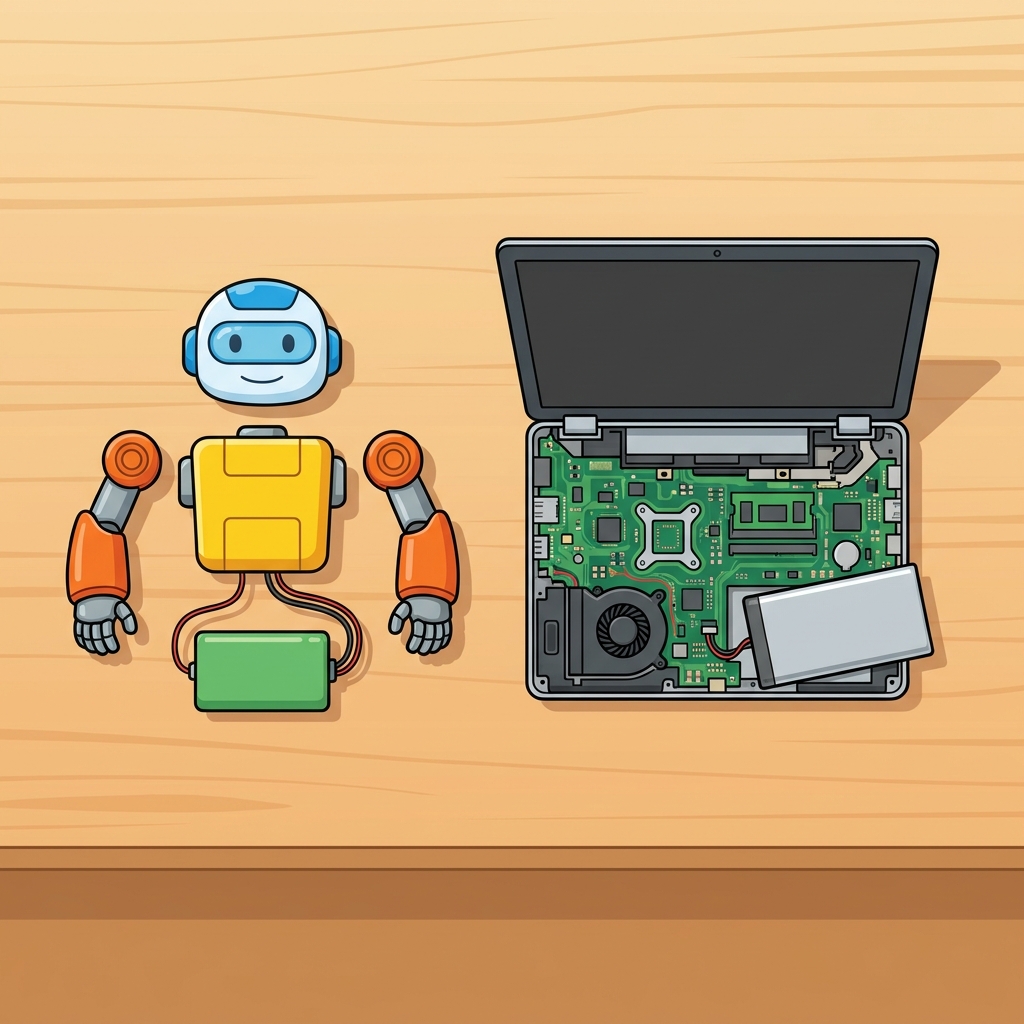
When you sit down to run kindergarten computer science troubleshooting lessons, the goal is simple. You want your students to look at the equipment and identify the culprit: is it a loose wire, a frozen screen, or perhaps a program that did not start correctly? By giving them the words to describe these things, you change the way they interact with their tools. It is about building a mindset where technical errors are viewed as learning moments rather than reasons to stop working or give up. This shift in perspective is perhaps the most valuable takeaway from the entire lesson.
What the lesson actually asks students to do
The core objective is straightforward: students learn to find and fix simple tech problems. You work through what hardware and software actually mean in practice. If a keyboard is unplugged, that is a hardware issue they can address. If a program is not responding, that is a software issue they might need to help solve by restarting or checking their inputs. By focusing on CA.CS.K-2.CS.3, you are hitting the specific California-adopted standard that asks students to describe basic hardware and software problems using accurate terminology. This standard falls under the Computing Systems domain, specifically the Troubleshooting cluster, which asks kids to be more than just passive users of technology.

You will find that some students pick up the terms immediately, while others need a bit more time to separate the screen from the tower or the software from the peripheral. During guided practice, keep an eye on how they describe their frustrations. If a student says the game is stuck, ask them if the screen is frozen or if the mouse just will not move. That difference is the whole point of the activity. When students gain this vocabulary, they are able to communicate their needs clearly to the teacher or their peers, effectively turning a moment of panic into a brief maintenance task. This practice is necessary because it builds the muscle memory of troubleshooting. It is helpful to treat it as a routine rather than an emergency. When a child learns how to plug in a monitor cable or refresh a webpage, they develop a sense of autonomy that helps them stay focused on the actual assignment rather than just waiting for an adult to swoop in.
Think of this as a foundational step toward computational thinking. Before students can debug complex code, they must first understand the relationship between the physical machine and the programs running on it. By demystifying the equipment, you lower the barrier to entry for everything else you will teach this year. If students feel confident handling the physical tools, they will be much more willing to engage with the abstract concepts behind computer science. You are not just teaching them how to fix a cord; you are teaching them that they are capable, observant, and technically literate individuals who belong in the digital space.
I recommend using this for whole-class instruction at the start of the year, or perhaps as a quick refresher for an independent study session when you notice the class is struggling with the equipment. It also works as a perfect activity for a student who missed the week or even for a substitute teacher who needs a short, focused task that keeps everyone on track without requiring a lot of setup. Keep the pace moving. Fifteen minutes is plenty of time to cover the basics. If you stretch it out, you risk losing their focus. The best part is watching them realize that they do not need to be experts to solve a problem. They just need to look, think, and use the words they learned to describe what they see. Over time, you will notice fewer raised hands for minor issues and more students proactively solving problems alongside their peers, creating a collaborative environment where tech issues become a shared, manageable part of the school day.
Related lessons
Making Our Robot, Students explore the basics of building and programming simple robots

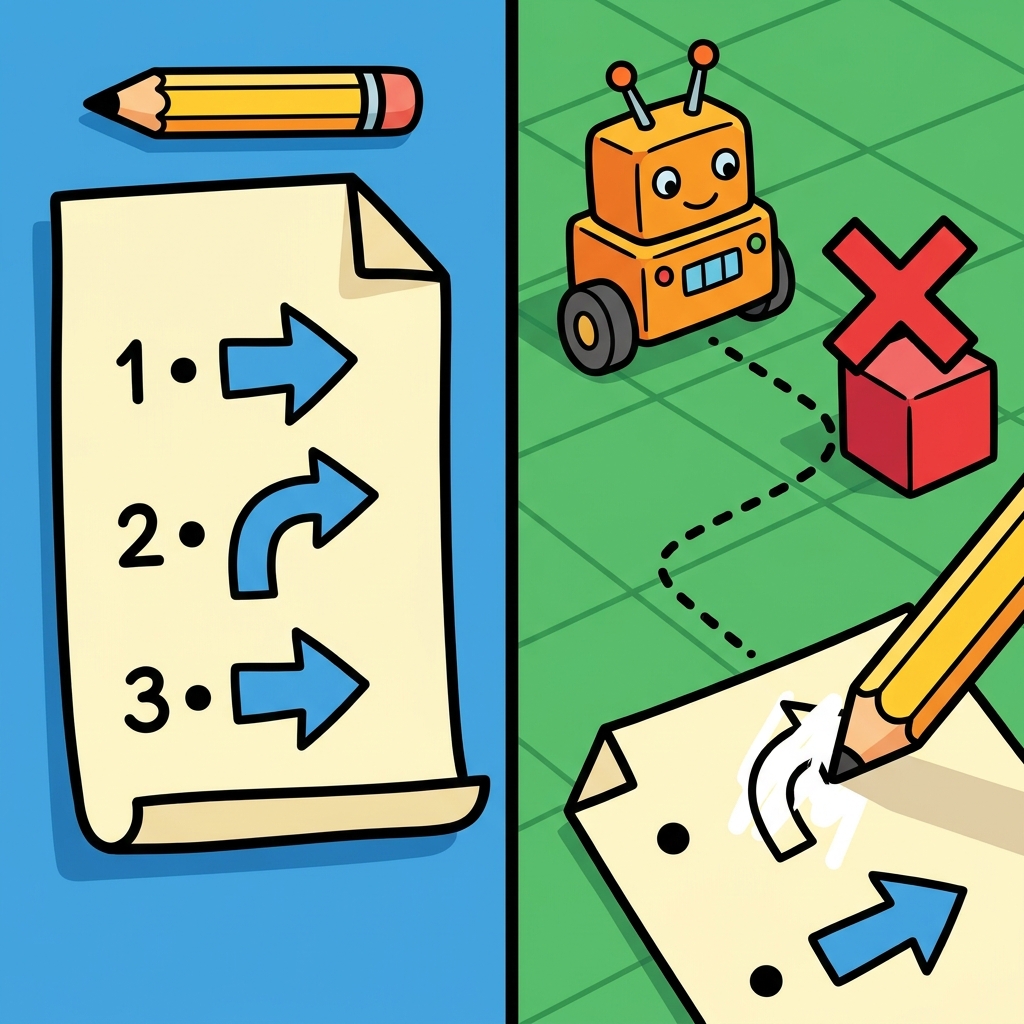
Fixing the Pattern, Learning to identify and correct errors in repeating visual patterns

Keeping Secrets Safe, Introducing young students to basic digital security and personal privacy