

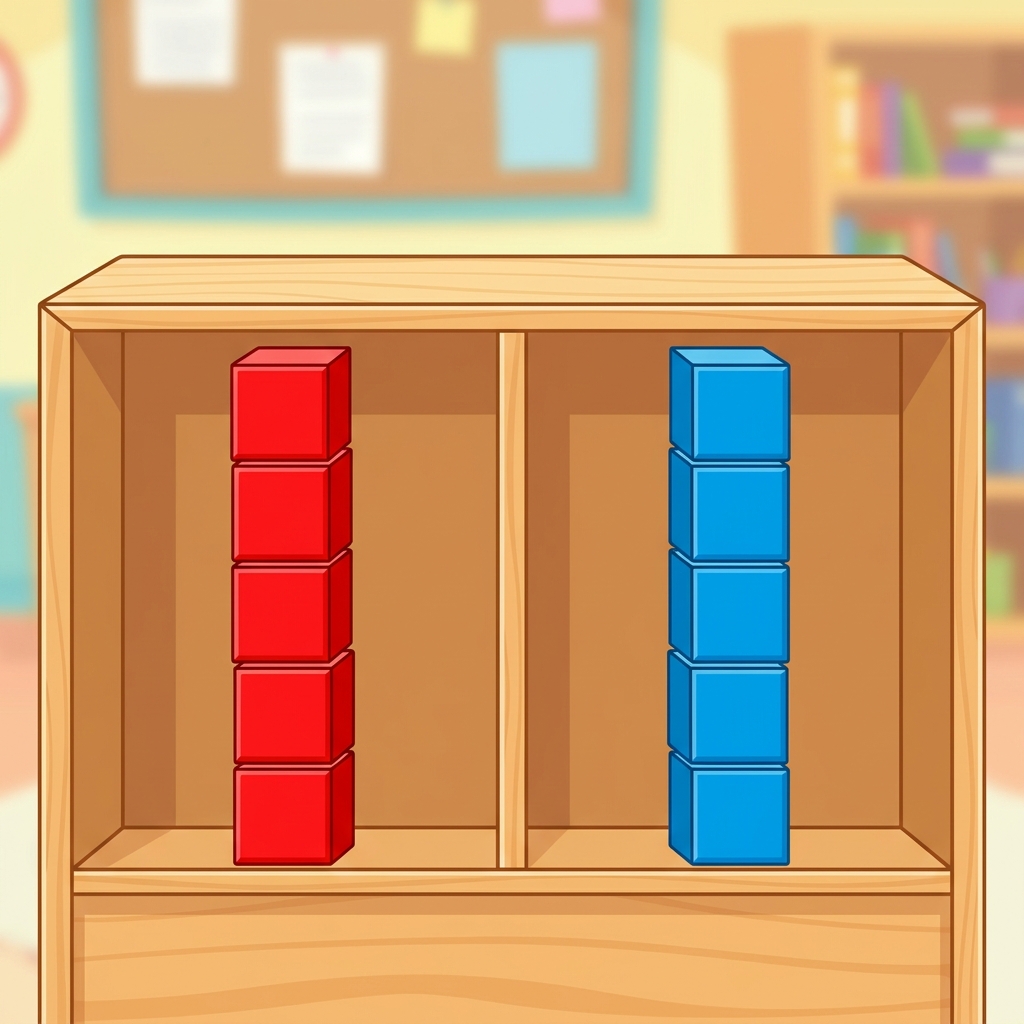
A parent once asked me if their child would actually be doing anything like real programming in kindergarten. I remember laughing a little because, at that age, programming starts with the basics of how we organize the world around us. In our classrooms, we often wait until the end of the year to talk about how computers hold onto information, but it usually gets squeezed by testing or seasonal events. If you are behind on your pacing guide or have students who missed the foundational discussions on digital logic, you need something quick and concrete to bridge that gap.
The Storing Our Treasures lesson is designed exactly for this purpose. It is a fifteen-minute activity that keeps things simple for five and six-year-olds. The core objective is helping students understand that computers keep information in groups. By using the metaphor of treasure, students learn how to categorize items, which is the most basic building block for understanding how variables work later on. It is not about writing code, but about training the brain to think in the structured ways that programming requires.
What the lesson actually asks students to do
This kindergarten computer science material asks students to model the way programs store data. It moves away from abstract concepts and focuses on the physical act of grouping things together. I appreciate that it respects the age group by keeping the examples very tangible, even if the underlying logic is sophisticated. Students identify ways to sort their collection, which mirrors the way a program sorts bits of information into different buckets or variables.
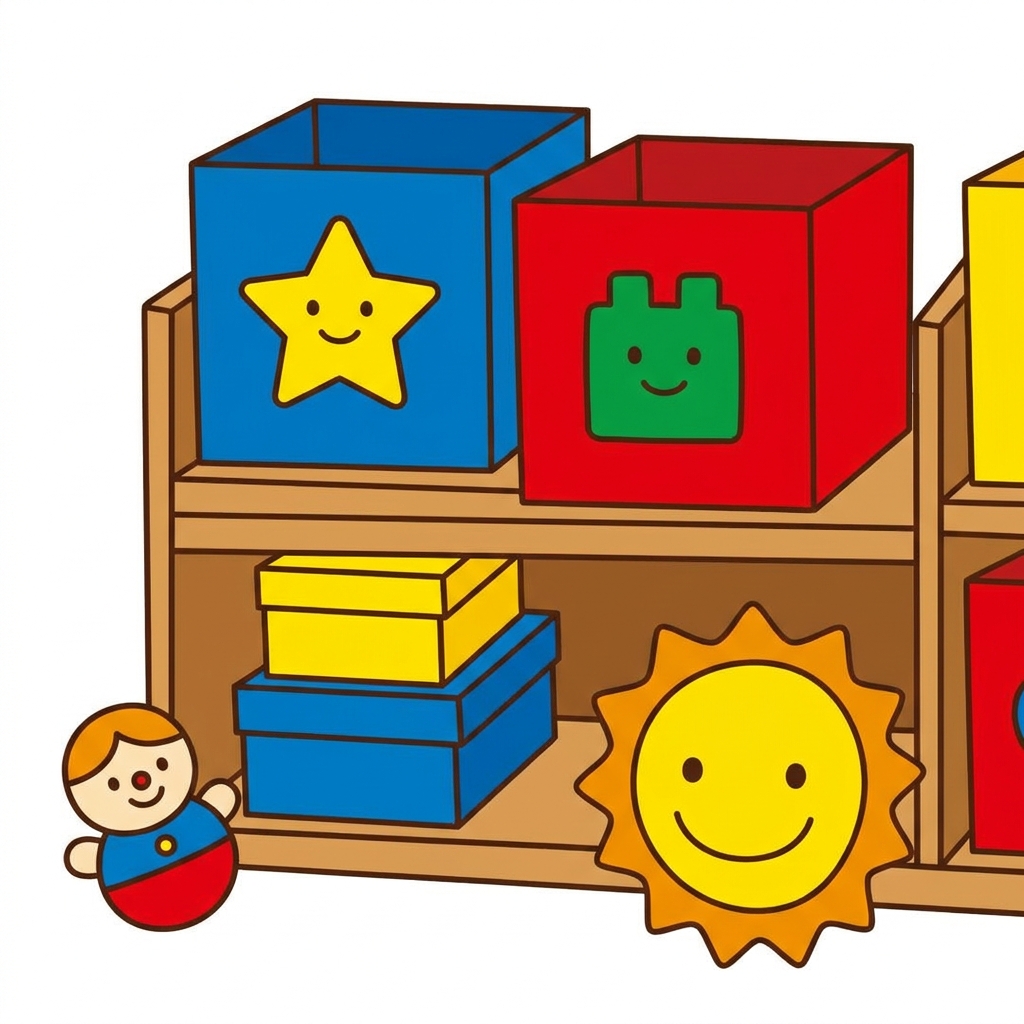
The standard at work here is CA.CS.K-2.AP.11. This California-adopted standard asks young students to model the way programs store data. It is the same standard taught in Irvine Unified, Palmdale Elementary School District, Lindsay Unified, and Piedmont City Unified. Whether your district is focused on early computational thinking or just looking for a way to meet the requirements of the California computer science standards, this approach gives kids a concrete anchor for an otherwise invisible concept.
Where students slip
The trickiest part for young students is often the transition from the physical object to the digital idea. You might see a student who can sort blocks perfectly but struggles to explain why a computer would need to do the same thing. I have found that it helps to frame the lesson not just as a one-off activity, but as a practice in logic. When a student uses the lesson for independent study or as a make-up session after missing class, remind them that programmers are just professional organizers. They are writing instructions so a machine can remember things exactly where they put them.
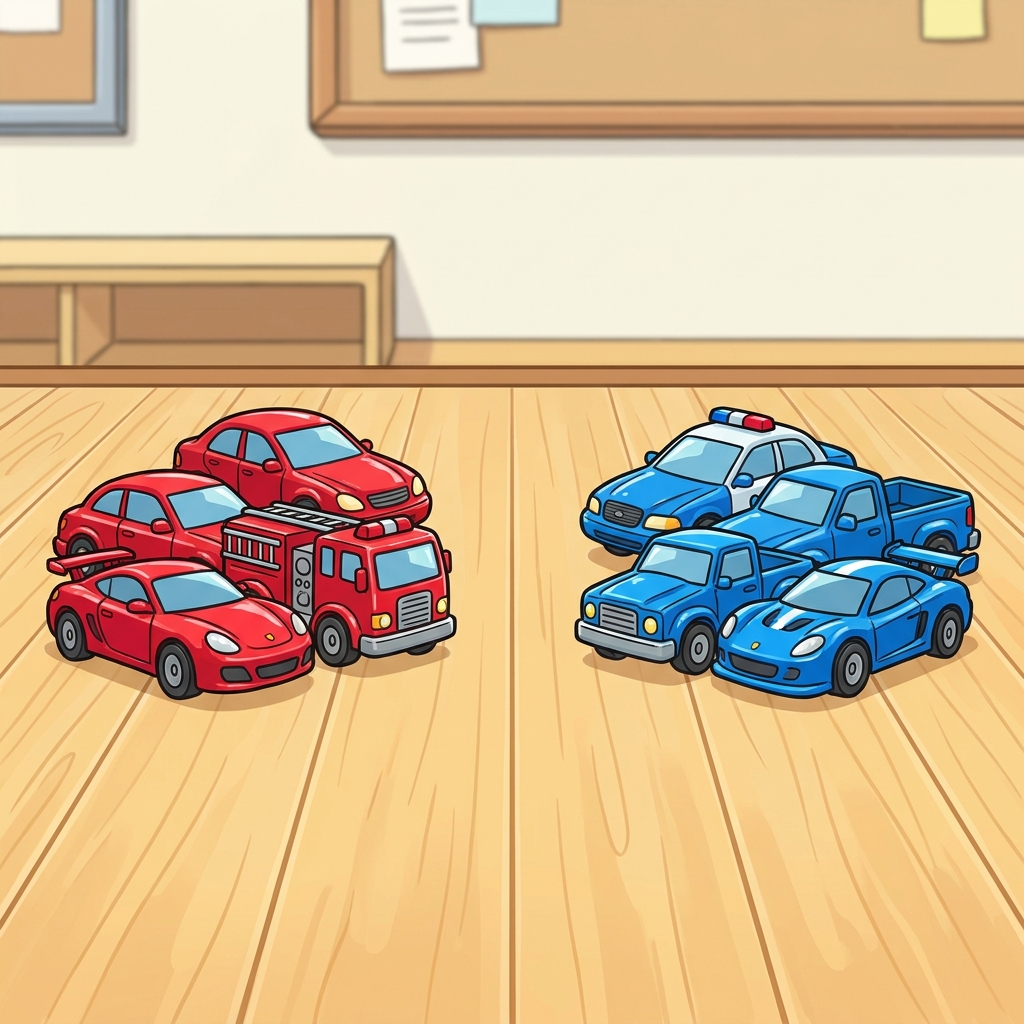
I find this lesson especially useful for a student who missed the week or as a quick filler for a substitute day. It requires very little prep, and because it is self-contained, a student can work through the logic independently while you manage the rest of the class. It is refreshing to have a resource that does not try to do too much. It gets in, teaches the concept of grouped data, and leaves the student with a clear idea of what a variable does without getting bogged down in terminology they are not ready for yet.
If you have an intervention block or a spare ten minutes before a transition, pull this up on a tablet or a computer. It is low-stress for the teacher and surprisingly grounding for the students. They get to see the logic behind their tablets and toys, which gives them a sense of ownership over the tools they use every single day.
Related lessons
How We Do Things, Introduces basic algorithmic thinking and sequential steps for young students
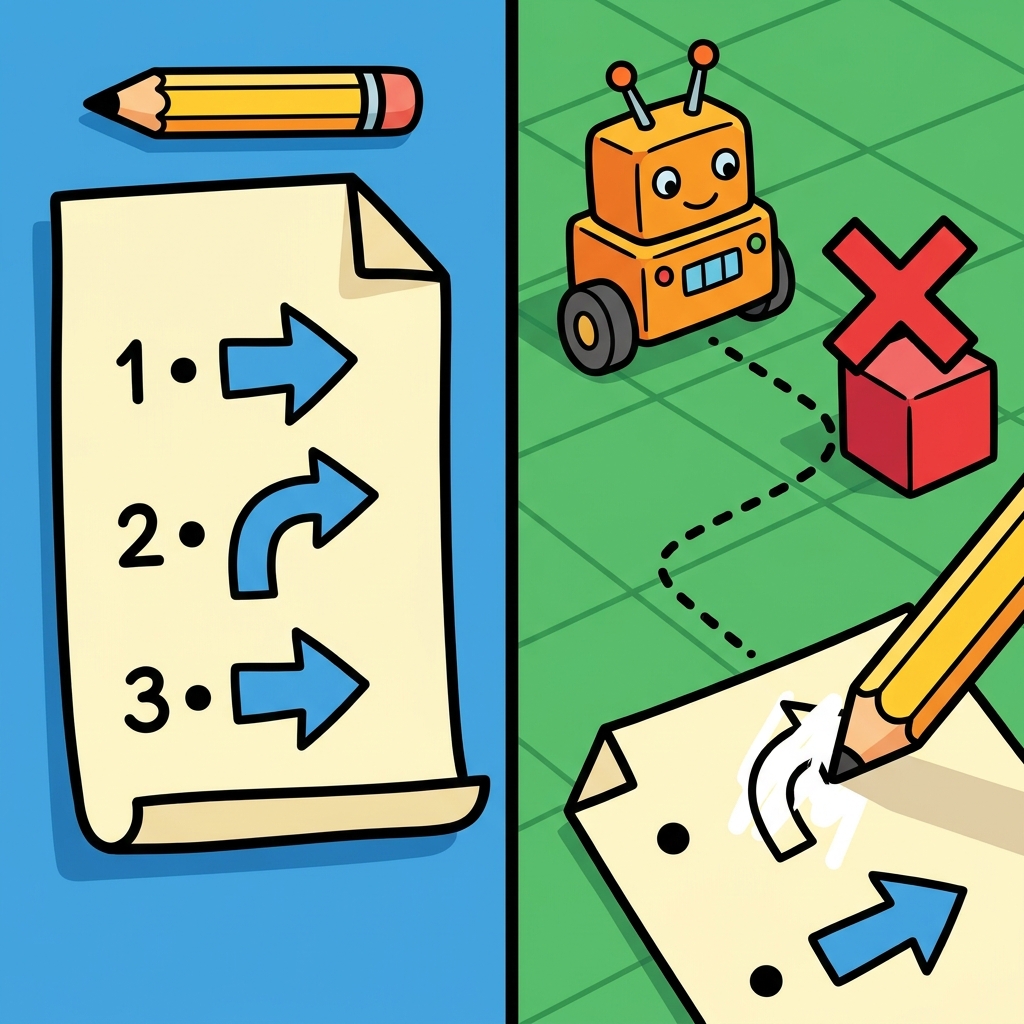
Making Our Robot, Covers building simple instructions for a classroom robotic device
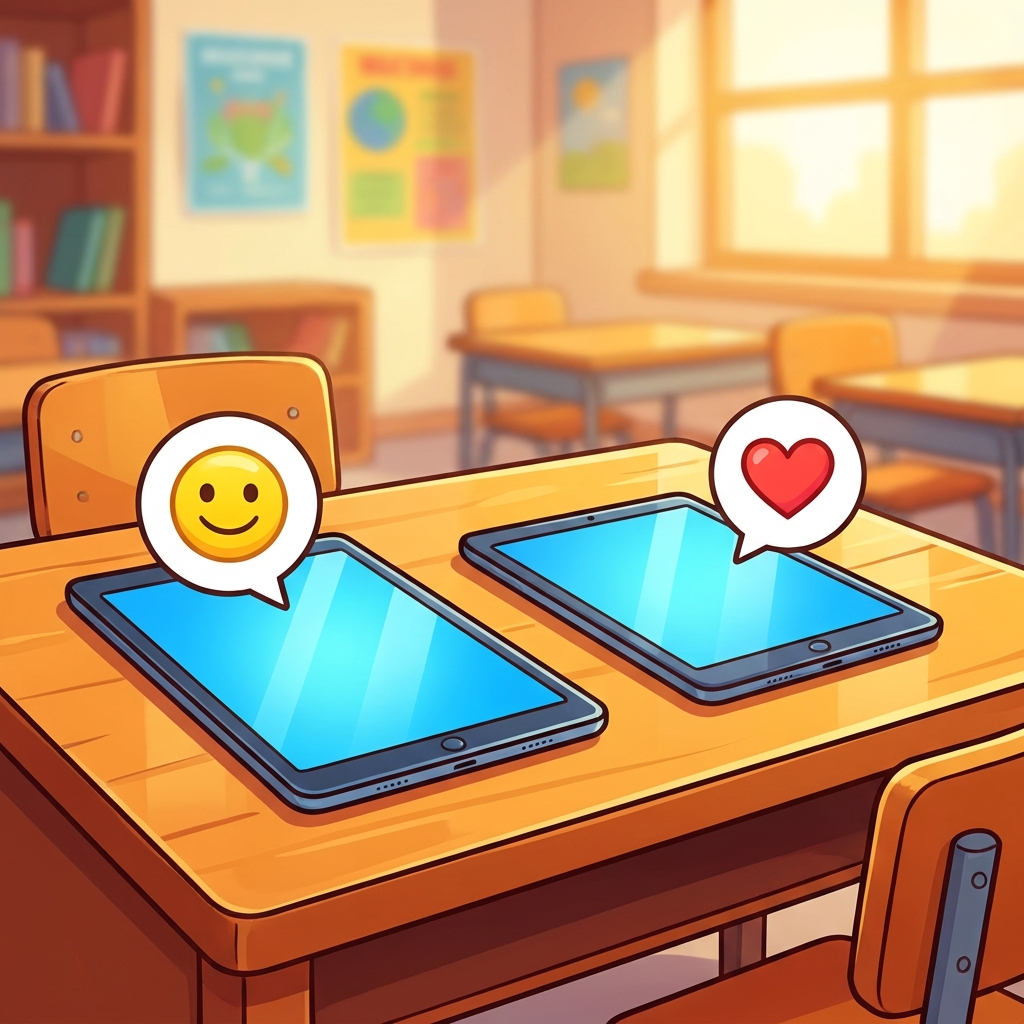
Being Kind Online, Explores digital citizenship and positive interactions in virtual spaces