

This lesson is for seventh graders who have written a little code on their own and have never had to share a file with anyone. That second part is the whole reason to teach it. A student who has only ever coded alone has no idea why a professional team needs anything more than a Save button, and Working Together on Code is built to close exactly that gap.
It is a seventh grade computer science lesson from the Middle School Computer Science course on Impacts of Computing, and it runs about 45 minutes. The core concept is version control. The objective is plain: students work with others on computer code by using version control to manage changes. The lesson starts small, with one developer and a website code file that has 10 lines. When that person works alone, every change is easy to track, they save, and they know what is in the latest version. Then the lesson starts adding people, and the easy picture falls apart, which is the right way to build it.
The standard is CA.CS.6-8.IC.22, from the California computer science standards. It asks students to collaborate with many contributors when creating a computational artifact. In practice that means a student should understand that real software is made by groups, and that groups need a system so their work fits together instead of colliding. It sits in the Impacts of Computing domain, under the Social Interactions cluster, and I think that filing is honest. The hard part of shared code is rarely the syntax. It is the people. Riverside Unified, Pajaro Valley Unified, Dry Creek Joint Elementary School District and Needles Unified all teach this same standard, since it reads the same for every middle school classroom in California.
Where the time goes
The opener with the 10-line file goes quickly. Students will agree that one person can keep track of one small file, and you want them to agree fast so you can get to the part where that stops being true.
Plan to slow down for the vocabulary. There are three terms, and each one does real work later in the period:
- Version control: a system that tracks changes to files so several people can work on one project without losing or overwriting each other’s work.
- Repository: the central storage location where all versions of a project’s files are saved and managed.
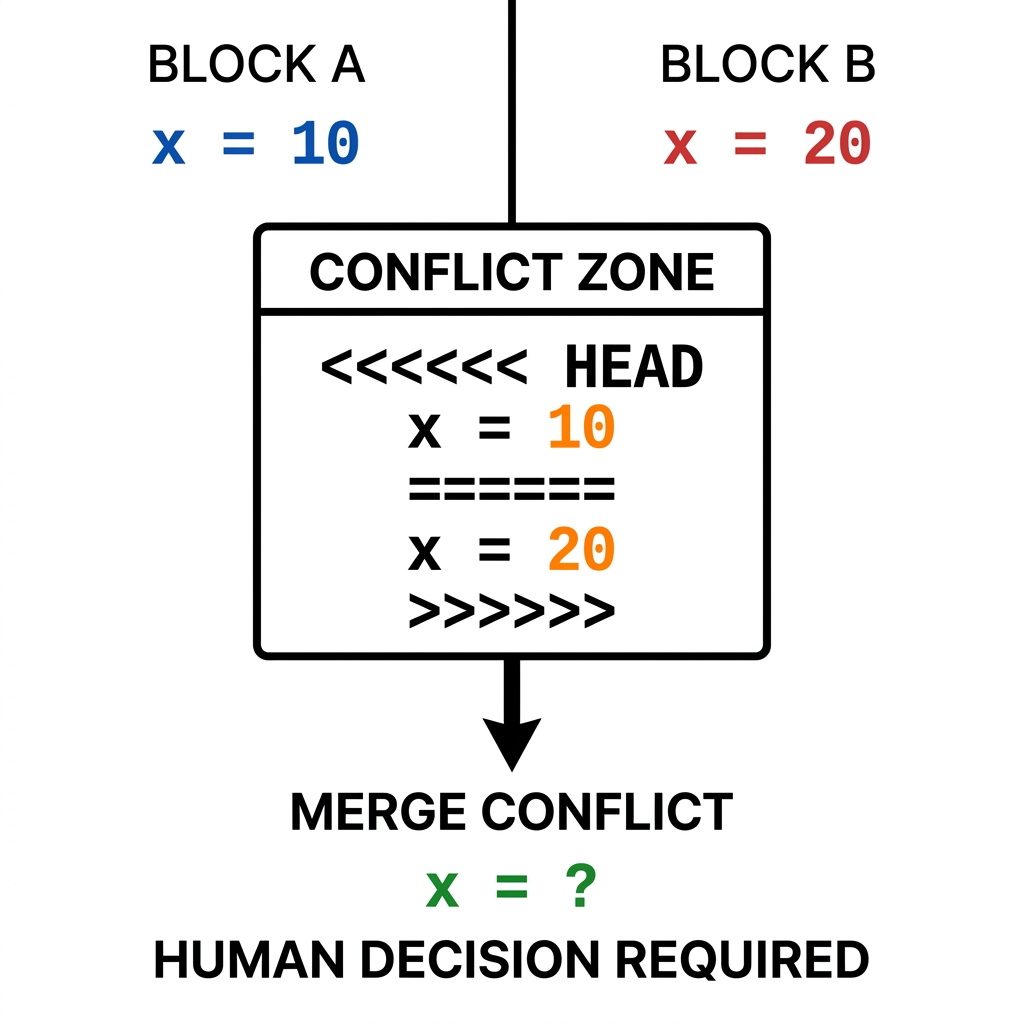
- Merge conflict: what happens when two people change the same line of code in different ways, so a human has to decide which change to keep.
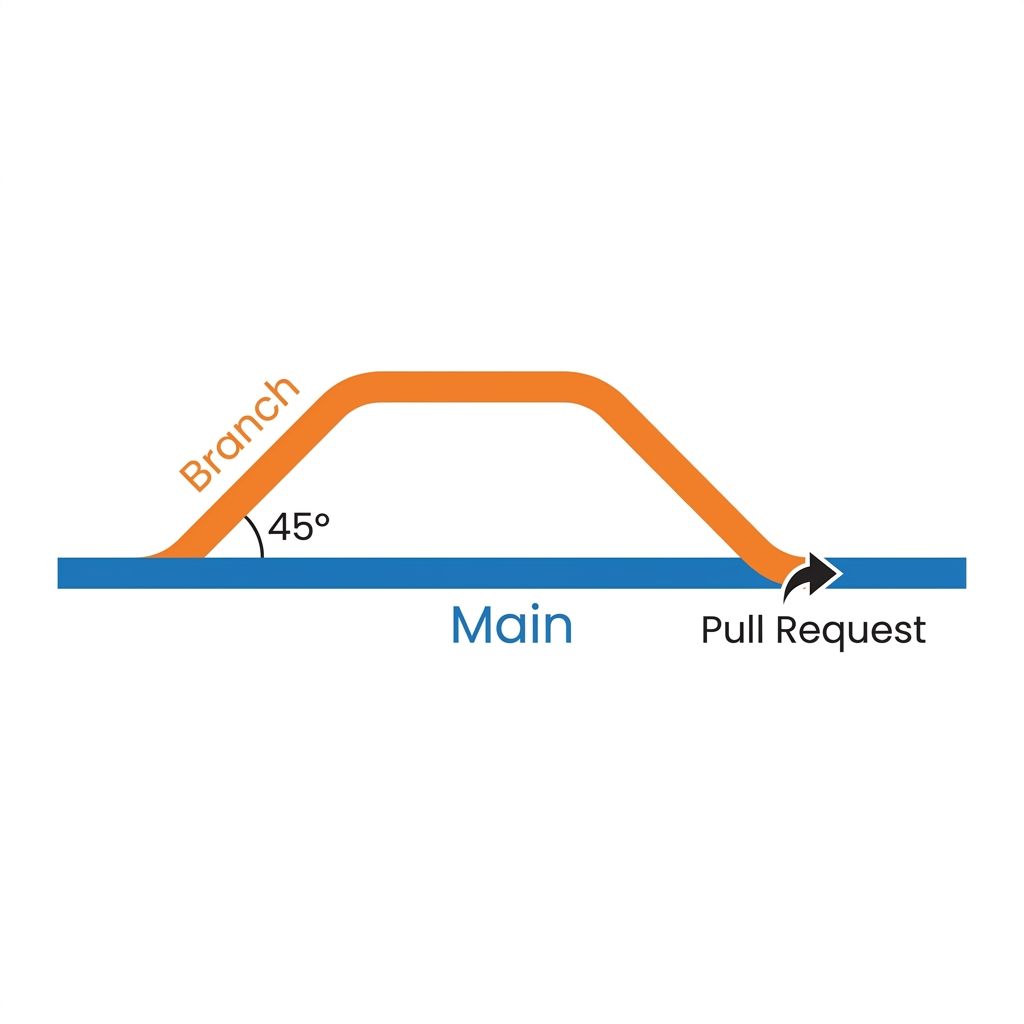
The worked example is where most of the period should go. It describes an open-source project where developers use branches, which the lesson compares to a separate workspace where you can make changes without touching the main project. When the changes are ready, the developer submits a pull request, asking the team to review the work before it joins the main code. Seventh graders get the branch idea quickly. The pull request takes longer, because they do not yet see why anyone would want their work reviewed before it counts. I would stop here and ask what could go wrong if every person could push changes straight into the main file. Let them find the answer themselves.
The why-it-matters section scales this up to operating systems, which need thousands of contributors. It introduces feature branching, a separate version of the project code where a developer can make changes safely until they are ready to merge, and it ties pull requests to keeping dozens of changes from overwhelming any one person. This is a nice moment for students who use a phone or laptop every day and have never thought about how many hands built the software on it. Do not skip it to save time; it is short, and it answers the question students will be holding by then.
What to watch for during guided practice
The guided practice puts students on a website design project with a teammate and asks them to assign roles so they do not work on the same files. It sounds simple. It is where the misunderstandings show up.
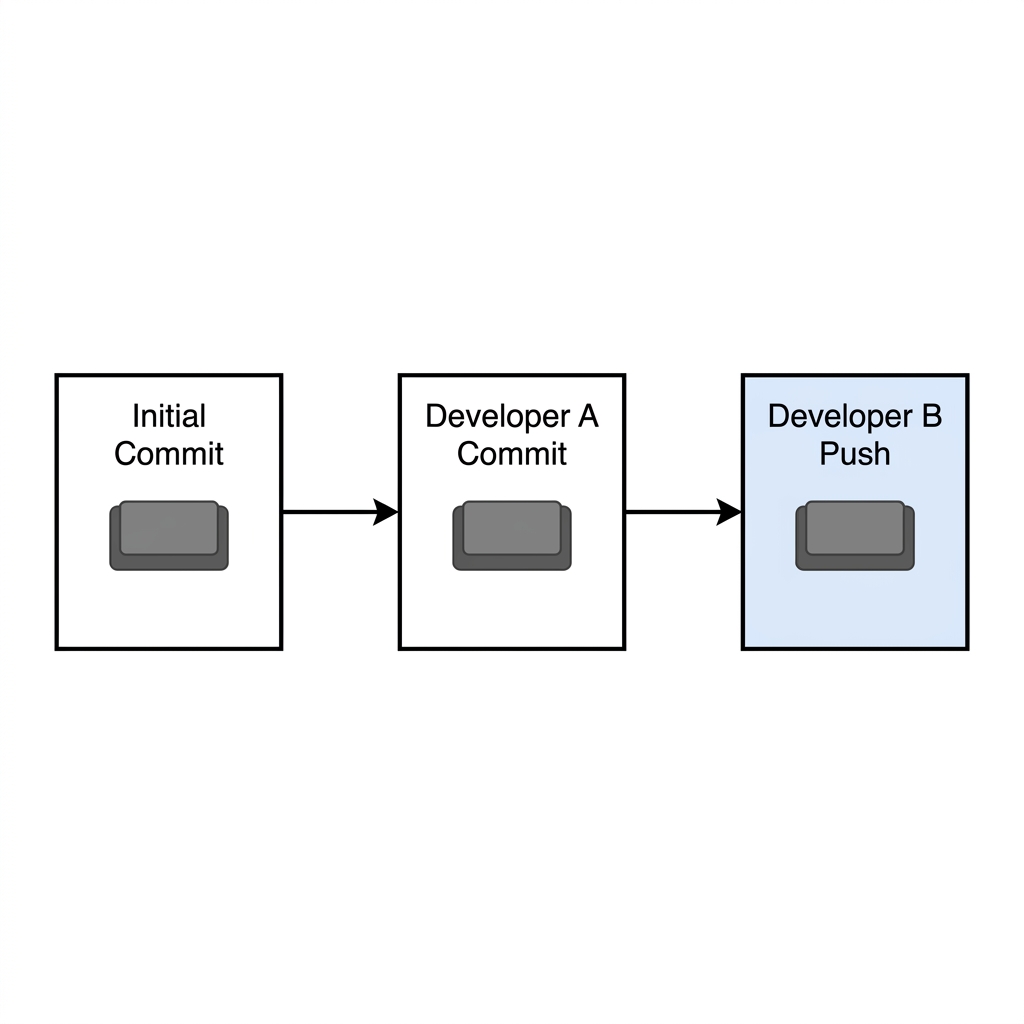
The first thing I watch for is students dividing the work by person instead of by file. Two partners will say one of them does the colors and the other does the text, and then both plan to edit the same page. That is the merge conflict from the vocabulary list, about to happen in real life. Push them to name the actual files each person owns.
The second thing is a quieter misconception. Some students decide that if roles are assigned well, version control is unnecessary. Assigning roles reduces conflicts; it does not replace a repository or a record of changes. Ask what happens when the teammate who owns the stylesheet is absent for a week and someone else has to pick it up.
The third is about the merge conflict definition itself. Students often assume the computer sorts it out. The definition in the lesson says a human decides which change to keep, and that detail is worth saying out loud, because it is the reason review and communication matter at all.
One honest caveat. If your students have never had two people edit the same file, merge conflict can stay abstract for the whole 45 minutes. I would add a quick paper demo before guided practice: two students each rewrite the same line on one sheet, differently, and the class has to choose. It takes three minutes and makes the term stick.
As for fit, this works well as a whole-class assignment because the partner practice needs a partner. It is also a good choice for a student who missed the week, since the vocabulary and the scenarios carry the lesson without much outside setup, and it holds up on a substitute day for the same reason, as long as students can pair off for the guided practice.
If you are planning the collaboration piece of your Impacts of Computing unit, open the seventh grade version control lesson before you build your pairs, and decide in advance which files each partner will own.
Related lessons
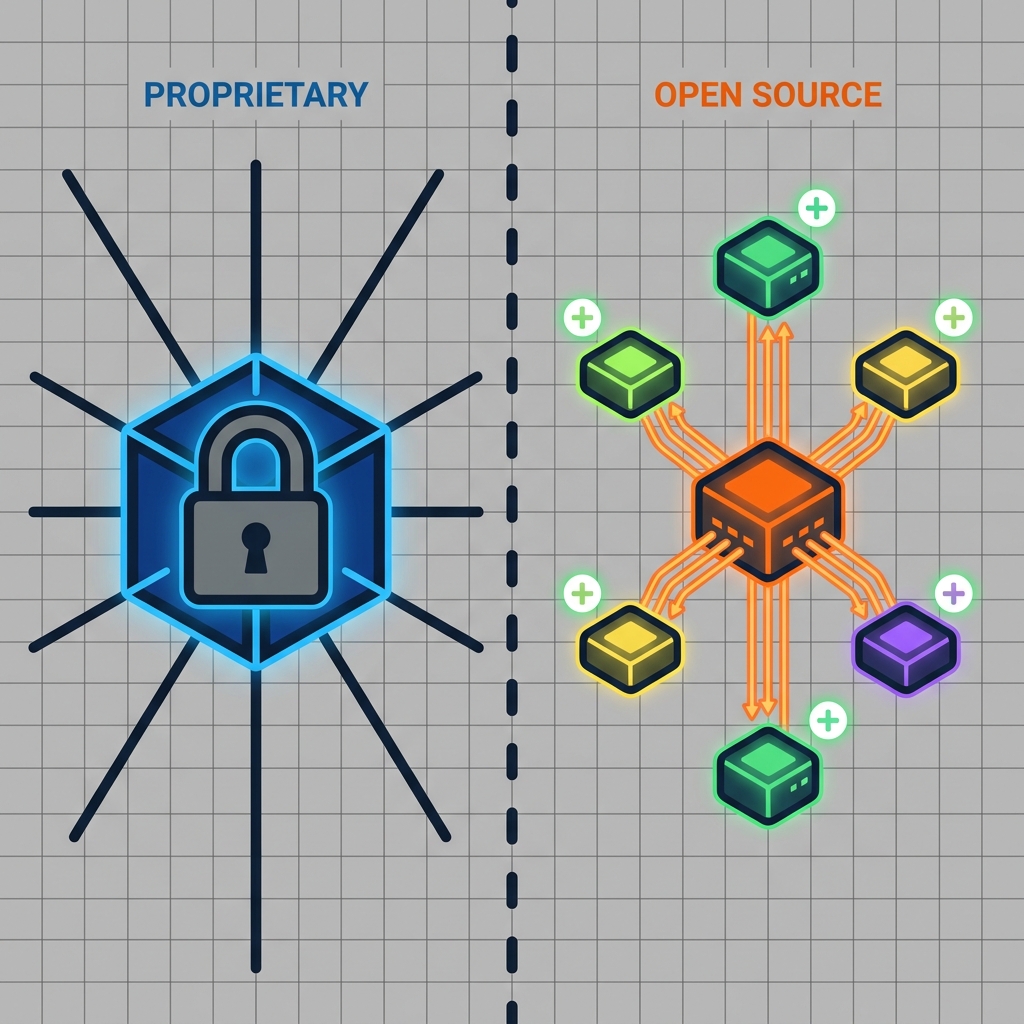
Balancing Rights and Freedom in Software, Weighing user rights and freedoms in how software is made
Designing Technology for Everyone, Designing technology that works for a wide range of users

Choosing Technology Wisely, Making thoughtful decisions about which technology to use and why