

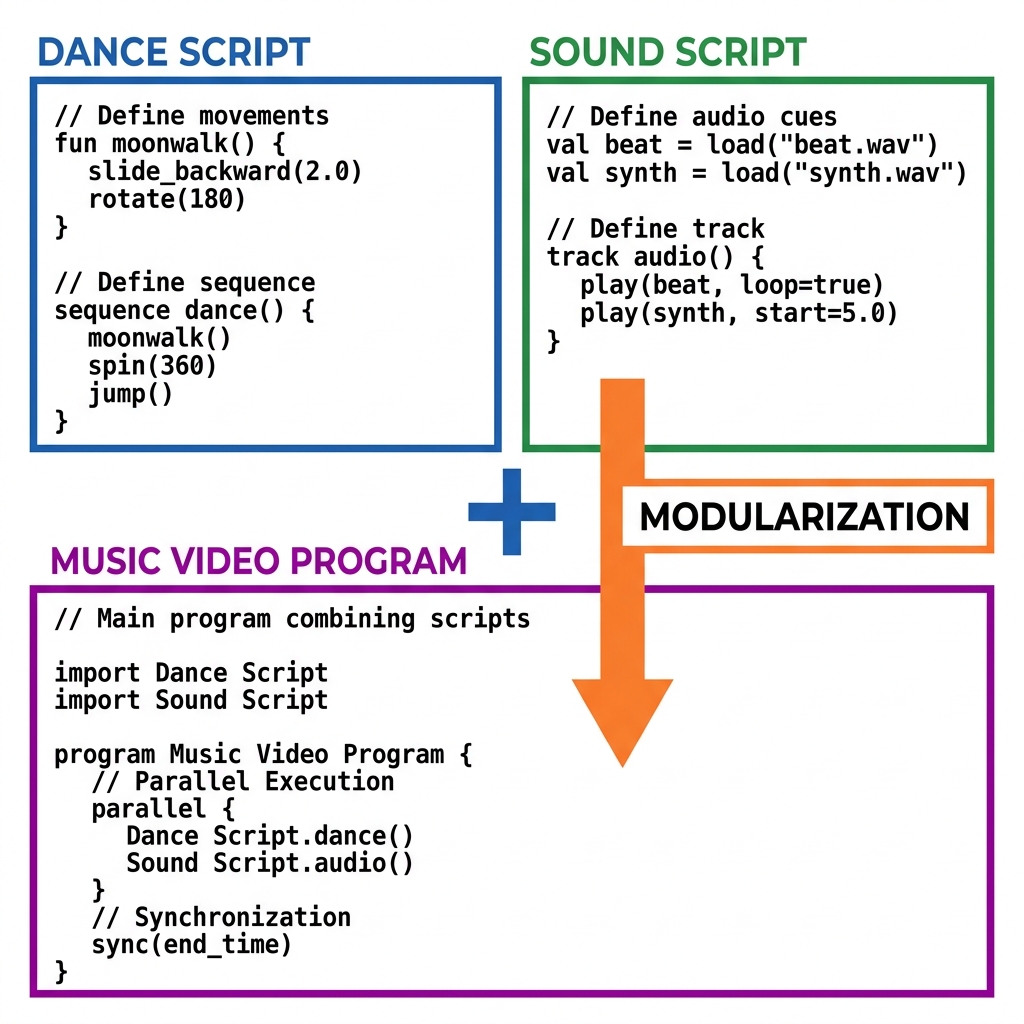
When we reach this part of the third grade computer science curriculum, students are usually comfortable with single-purpose scripts. They know how to make a sprite move or play a sound, but they often see those as isolated tasks. Now is the perfect time to introduce the concept of modularizing because it shifts their perspective from writing lines of code to building systems. If you have been working through the algorithms and programming unit, Building Programs with Code Blocks provides the bridge they need to connect those separate ideas.
This lesson tasks students with taking smaller, functional pieces of code and combining them into a more sophisticated project. The primary goal is to help them understand that they do not need to build everything from scratch every single time. By reusing existing scripts, they can save time and focus on the creative additions that make a program feel complete. This approach to programming is explicitly covered under CA.CS.3-5.AP.14, which is the California-adopted standard asking students to create programs by incorporating smaller portions of existing code to develop new features. Whether your students are at San Diego Unified, Stockton Unified, Sunnyvale School District, or Lowell Joint School District, they are all tackling this exact standard to prepare for more complex computational thinking.
What the lesson asks students to do
The lesson starts by anchoring students in what they already know. They likely recognize the term sprite, which the lesson defines as a character or object on the screen that they can control with code blocks. The opener uses the familiar scenario of a sprite trying to reach a goal across the screen. From there, it introduces a script as a set of code blocks that tells the sprite what to do. The core activity follows a clear progression: it shows students how to combine a dance script with a sound script to produce a music video program. This specific example helps them visualize what modularizing actually means in practice.
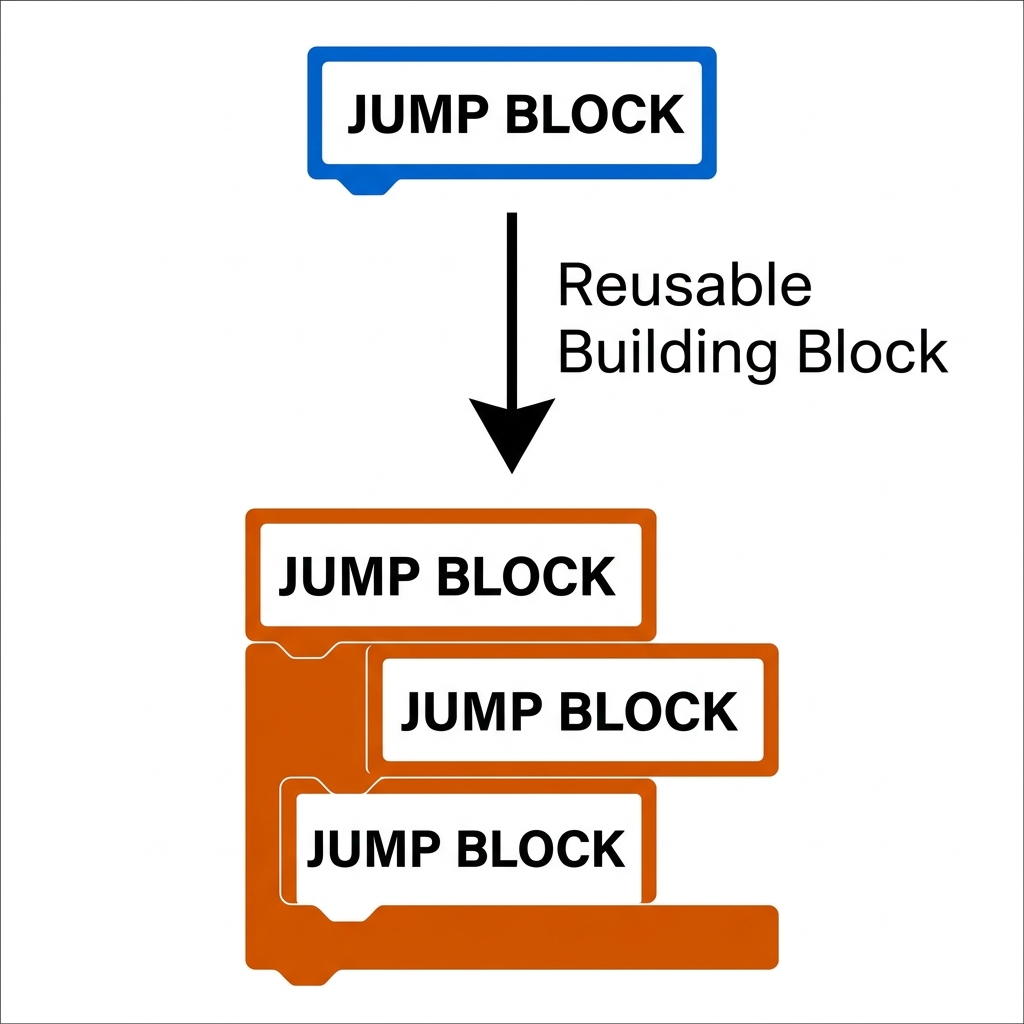
To check for understanding, you should listen for students describing how they choose which blocks to join. They have to identify the purpose of a reset button in a drawing program, for instance, and figure out how to integrate it so the sprite draws lines and then clears them. The vocabulary they encounter includes modularizing, which the lesson explains as taking smaller, working parts of a program and combining them to build something new, as well as a variable, which is a place in a program used to store information, like a number or a name. It is a smart way to get them thinking like software engineers who use shared libraries to build games and social media apps.
Where students slip and how to support them
The biggest hurdle in this third grade computer science lesson is not the coding itself, but the logic of integration. Sometimes a student will try to force two scripts together that share the same sprite triggers, resulting in a conflict where the code does not know which instruction to prioritize. When you see this, ask them to trace the path of the execution. Remind them that modularizing is about building pieces that work independently before they are stitched into the larger program. If they get stuck, suggest that they test the drawing function first, ensure the reset function works on its own, and only then tackle the integration.
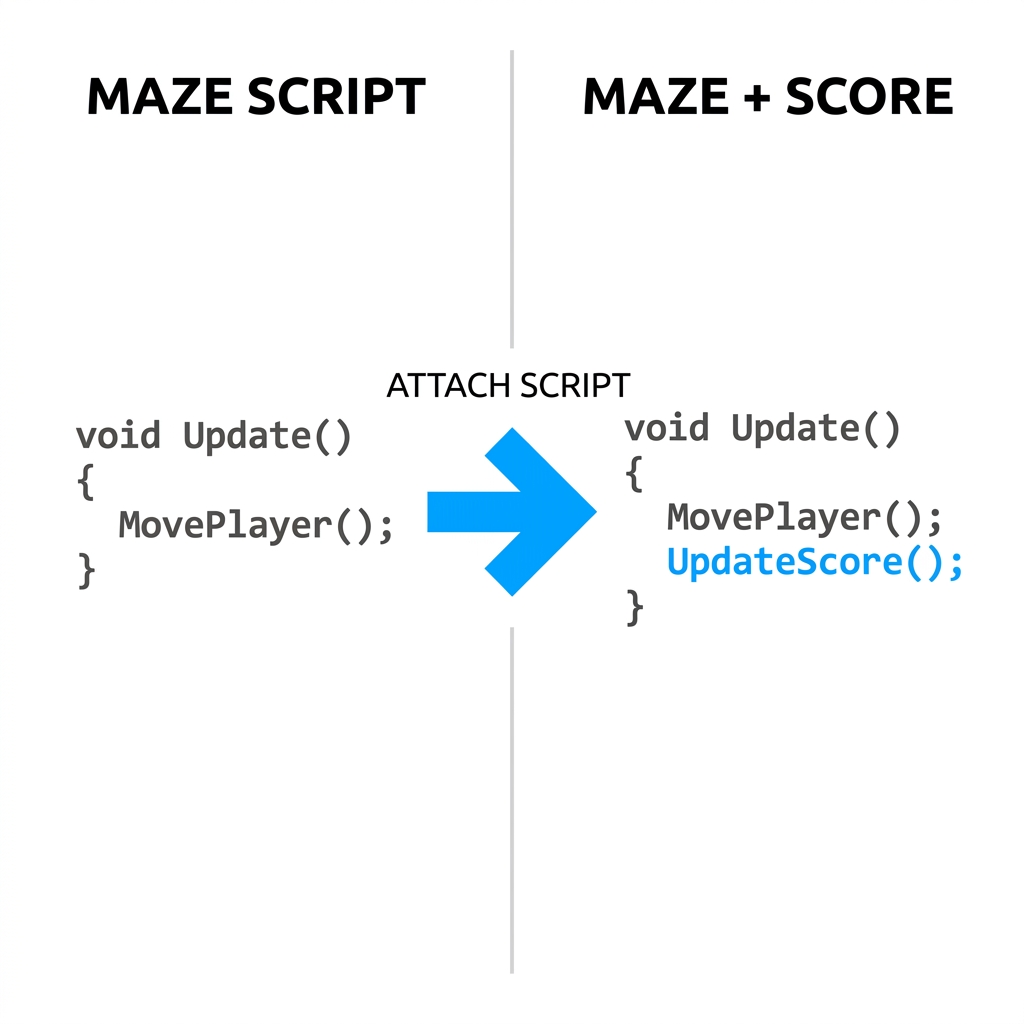
This lesson is quite flexible, fitting well as a whole-class assignment when you are ready to move past basic sequencing. It is also an excellent resource for a student who missed the week, as it summarizes a core concept without requiring a week of prerequisite work. If you have a substitute teacher coming in, this lesson provides enough structured practice to keep the class moving forward in the programming unit while you are away. Keep an eye on how they use their variables during the drawing portion. Often, they will define a variable but forget to update it as the sprite draws. Bringing their attention back to the variable definition helps them connect the data storage to the visual output on the screen.
Related lessons
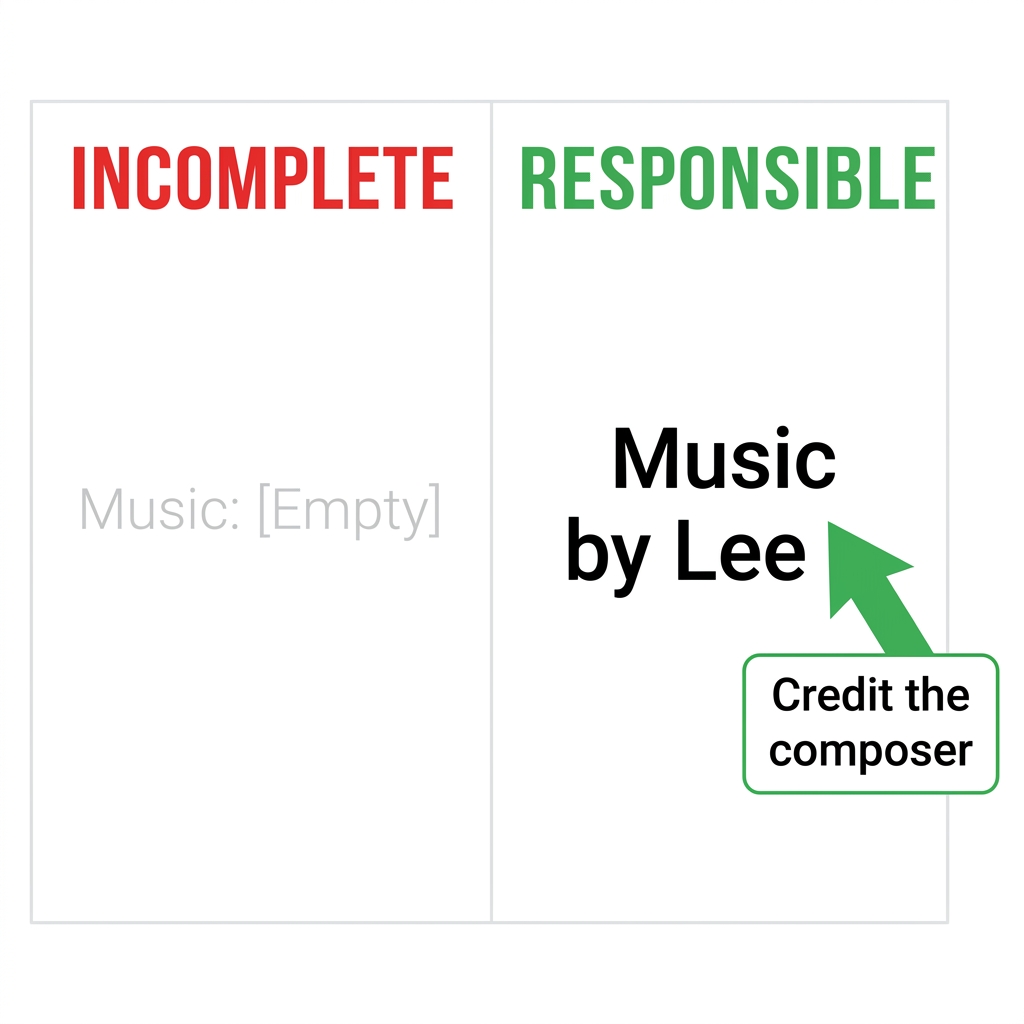
Giving Credit to Creators, Teaches students how to properly attribute work to original creators
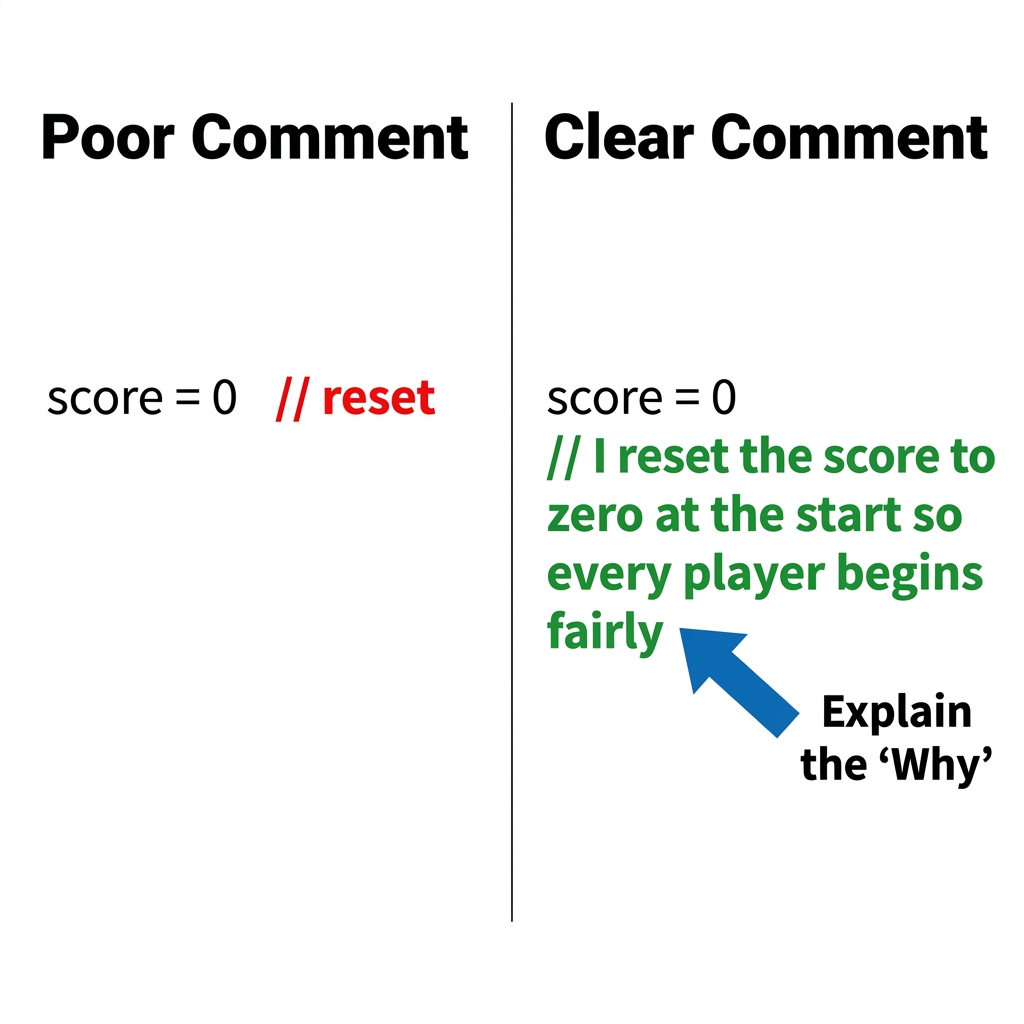
Explaining Your Code Choices, Helps students articulate the logic behind their own programming decisions
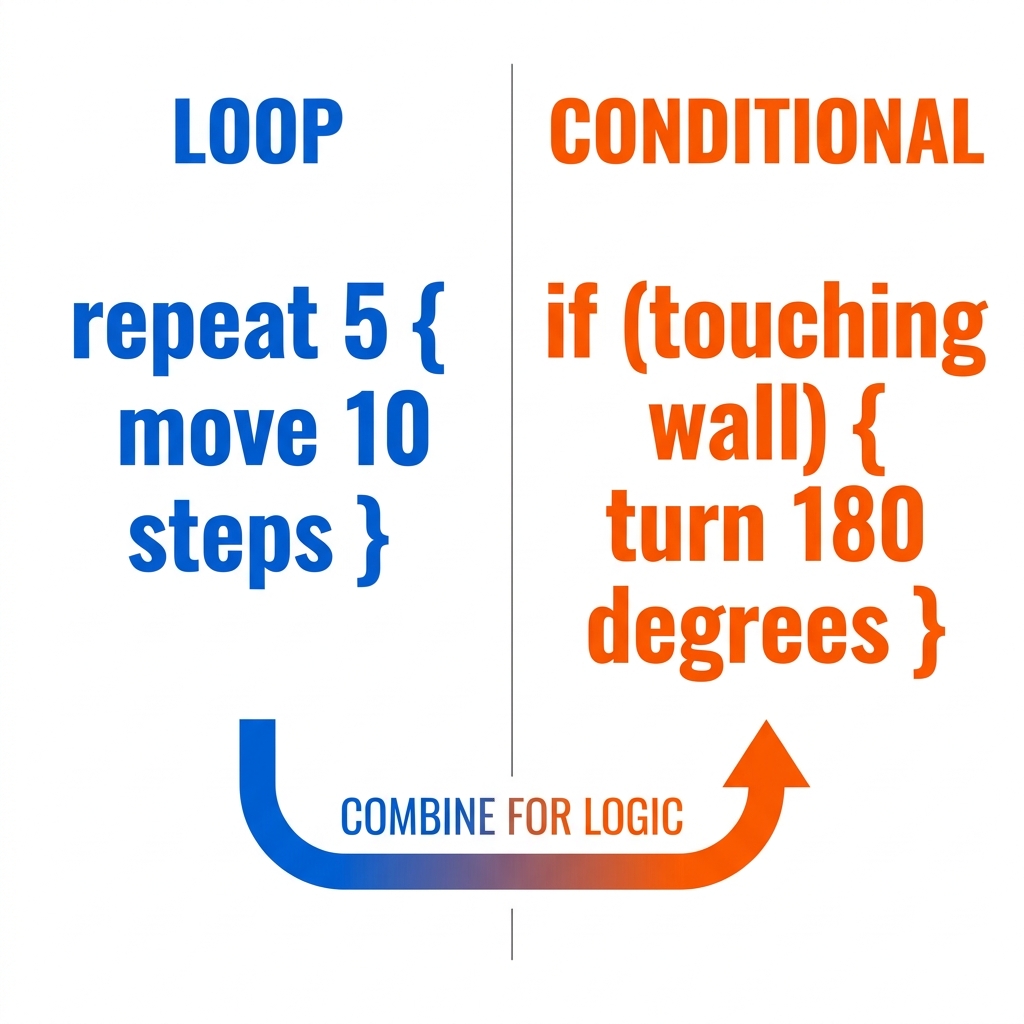
Building Interactive Programs, Focuses on creating programs that respond to user-driven input actions