

When you have an eighth grader who needs to catch up on a specific computing requirement or is working through an independent study packet, finding a lesson that is both self-contained and genuinely useful is a win. Systematic Troubleshooting is a middle school computer science lesson designed to be completed in about 45 minutes, making it a reliable choice for a quick intervention or a targeted catch-up assignment.
This lesson moves students away from guessing when technology fails. Instead, it teaches them to treat a computer as a set of interacting parts, where either the physical hardware or the digital software can be the source of a breakdown. The students start by establishing a clear distinction between the two. Hardware includes the tangible items like cables and keyboards, while software covers the programs and operating systems. The core of the work is the process of isolation, which means testing one specific part of the system at a time while leaving everything else constant to see if that component is the culprit.
What the lesson actually asks students to do
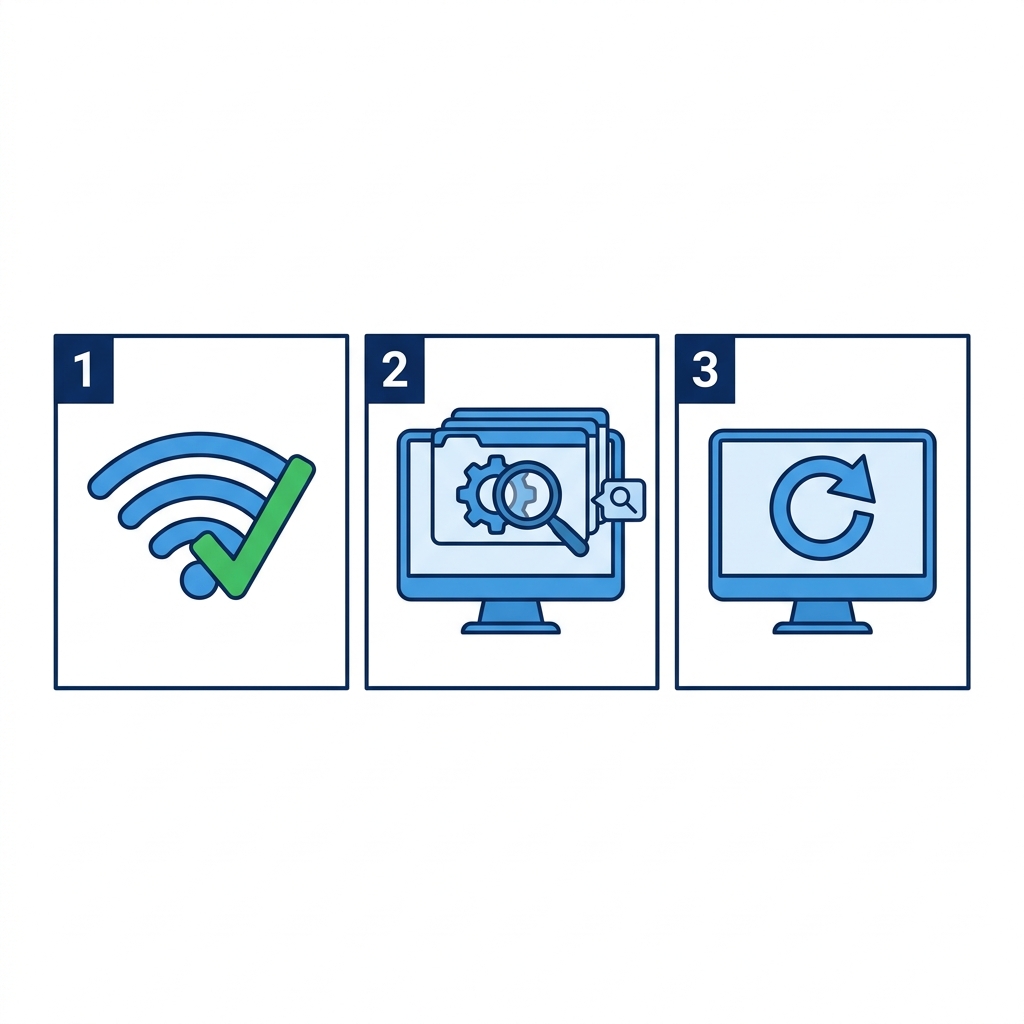
The lesson starts with a basic, relatable premise: when a computer does not turn on, you do not just stare at it. You follow a logical sequence. It moves quickly into a concrete 8th grade computer science troubleshooting lesson that uses a sound-issue scenario as its primary example. If the sound is not working, the students learn to walk through a three-step process: check the software mute settings, verify the physical speaker connection, and finally, test with a known working pair of speakers. This method is the opposite of panicking. It forces them to be methodical.
After the worked example, students move into guided practice. They are tasked with figuring out why a keyboard intermittently stops typing. It is a good exercise because it forces them to weigh whether the issue is a loose connection, which is a hardware problem, or perhaps a driver issue, which is software. The terminology remains grounded, focusing on terms like isolation and the general definition of troubleshooting as a diagnostic process. It is simple, but it is exactly the kind of logic we see applied every day in places like San Jose Unified, Twin Rivers Unified, La Habra City Elementary School District, and Temple City Unified.
Understanding the state standard
The lesson covers CA.CS.6-8.CS.3, which is a California-adopted standard for computing systems. The standard asks students to move beyond surface-level fixes and apply specific, systematic strategies to identify and resolve both hardware and software malfunctions. It expects them to treat the computer like a system that requires a diagnostic approach. It is not just about getting the machine to work; it is about building the habit of a logical, sequential workflow that works just as well in an IT lab as it does on a personal laptop.
The standard expects students to demonstrate that they can apply these methods consistently. While the lesson is short, it highlights why this skill matters: downtime is expensive and frustrating, both at school and in the workforce. Seeing the students connect this logic to their own devices is usually where the lesson clicks for them. It turns tech support from an intimidating guessing game into a structured, manageable checklist.
Where students slip
The biggest hurdle for students is usually the temptation to skip steps or test multiple variables at once. When a student tries to jiggle a cable, restart the app, and check the settings all in one go, they have failed the lesson objective. The goal of isolation is to know exactly what broke the system. If they do three things at once and the device starts working, they still do not know if it was the cable or the setting that caused the problem. They need to slow down and document their steps.
I find this lesson works best when you explicitly tell them that the goal is not to fix the device as fast as possible, but to prove what was broken. It is a subtle shift in mindset, but it is one that makes a big difference when they move on to more complex troubleshooting in later grades. If you have a student who is prone to rushing or throwing up their hands, this lesson provides the perfect scaffolding to slow them down and force a bit of analytical rigor into their work.
Related lessons
Designing Hardware for Better Interaction, Teaches the fundamentals of how users interact with computer hardware
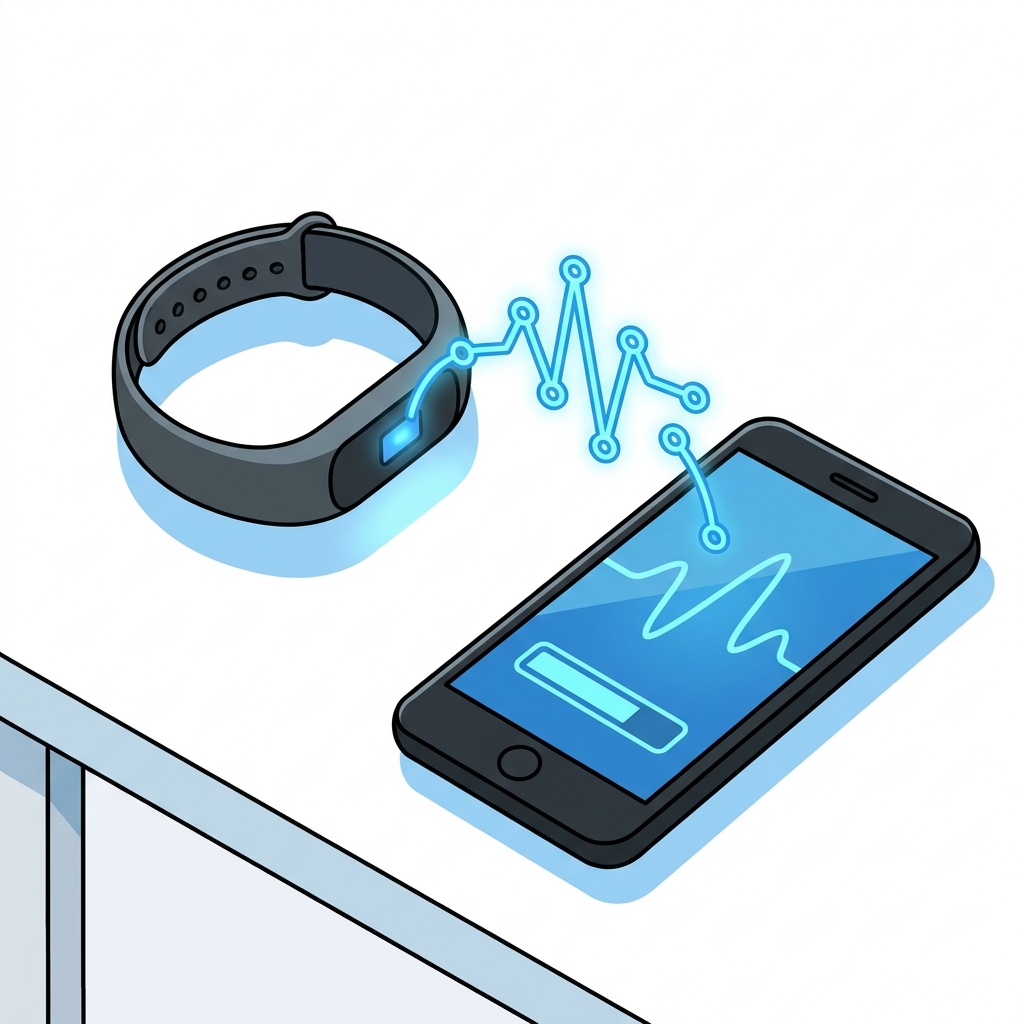
Building Connected Systems, Covers the basic principles of connecting different computing system components