

I usually bring out the Network Architecture and Reliability lesson right after we finish talking about binary data representation. High school computer science students often find the shift from abstract bits to physical hardware somewhat jarring, and this lesson helps ground their understanding. It covers how data moves across a home or corporate network and the hardware responsible for making that transfer happen.
This material specifically targets high school networking lesson objectives by defining the roles of routers, switches, and server infrastructure. It explains that a router functions as the primary gateway connecting a local network to the internet, while a network switch manages the internal connections. You will cover vocabulary terms such as router, switch, topology, scalability, and reliability, providing a clear map for how components communicate. This work aligns directly with CA.CS.9-12S.NI.3, which asks students to examine the scalability and reliability of networks by describing the relationship between routers, switches, servers, topology, and addressing. This is the California-adopted standard, and it is taught consistently across districts like San Bernardino City Unified, Corona-Norco Unified, Hughson Unified, and Lone Pine Unified.
What the lesson covers
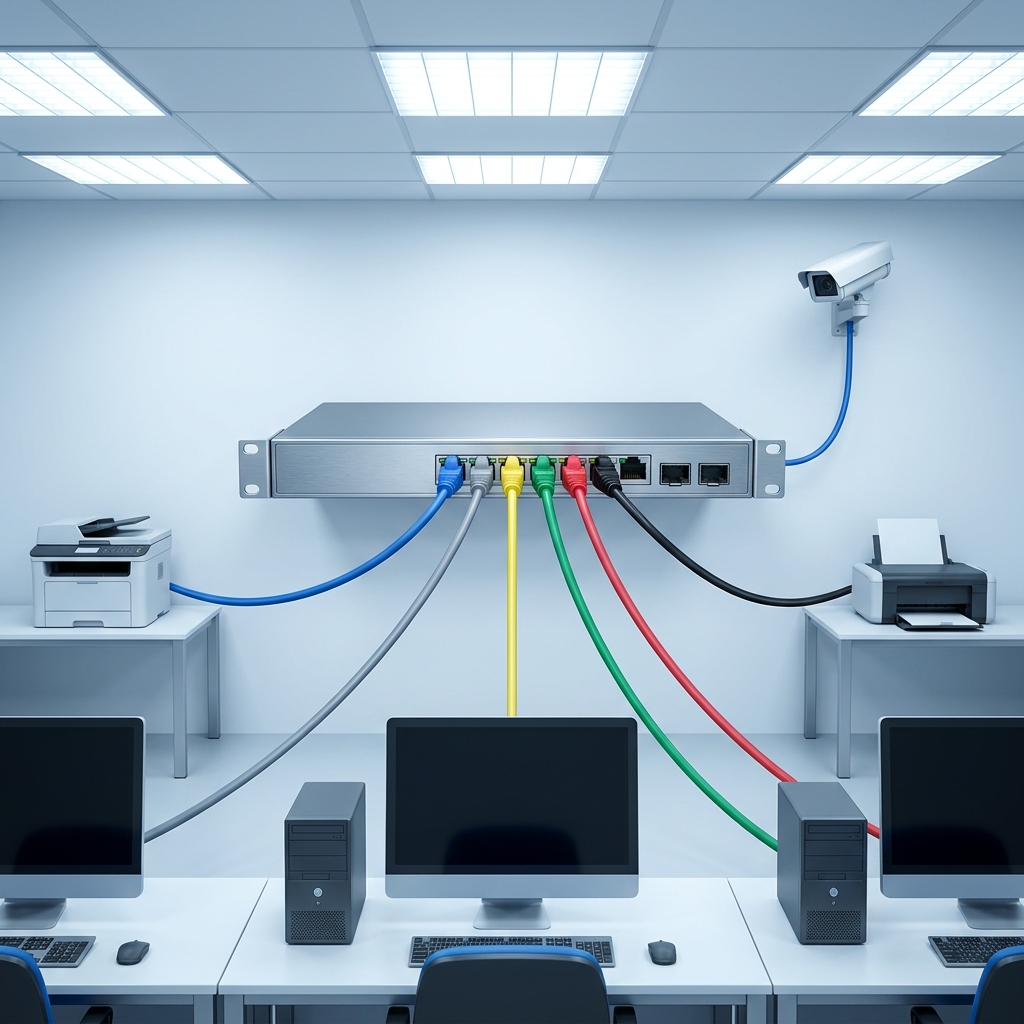
The core of this lesson is a look at how hardware components work together to build reliable networks. A router acts as the traffic controller, moving packets between different networks, while a switch focuses on connecting devices within the same network. The lesson defines topology as the physical or logical layout of these nodes. This is the foundation for understanding how networks handle growth. If students do not grasp how these pieces connect here, they will struggle when we move into more complex protocols later in the term.

The lesson uses a star topology example to show a common office design. In this scenario, all devices connect to one central switch. The text notes that if one cable fails, only that device is disconnected, making it a reliable design for common office needs, though the central switch itself remains a single point of failure. This simple example allows students to see the trade-offs between easy maintenance and the danger of having one central weak spot.
The reality of network failures
I find the guided practice section useful for checking if the class understands the architecture. The lesson asks students to diagnose a corporate office network issue where everyone loses their internet connection simultaneously. This forces them to think about where the failure happened in the topology. If every user is off the network, the failure point likely rests with the central switch or the router gateway, rather than a single cable.
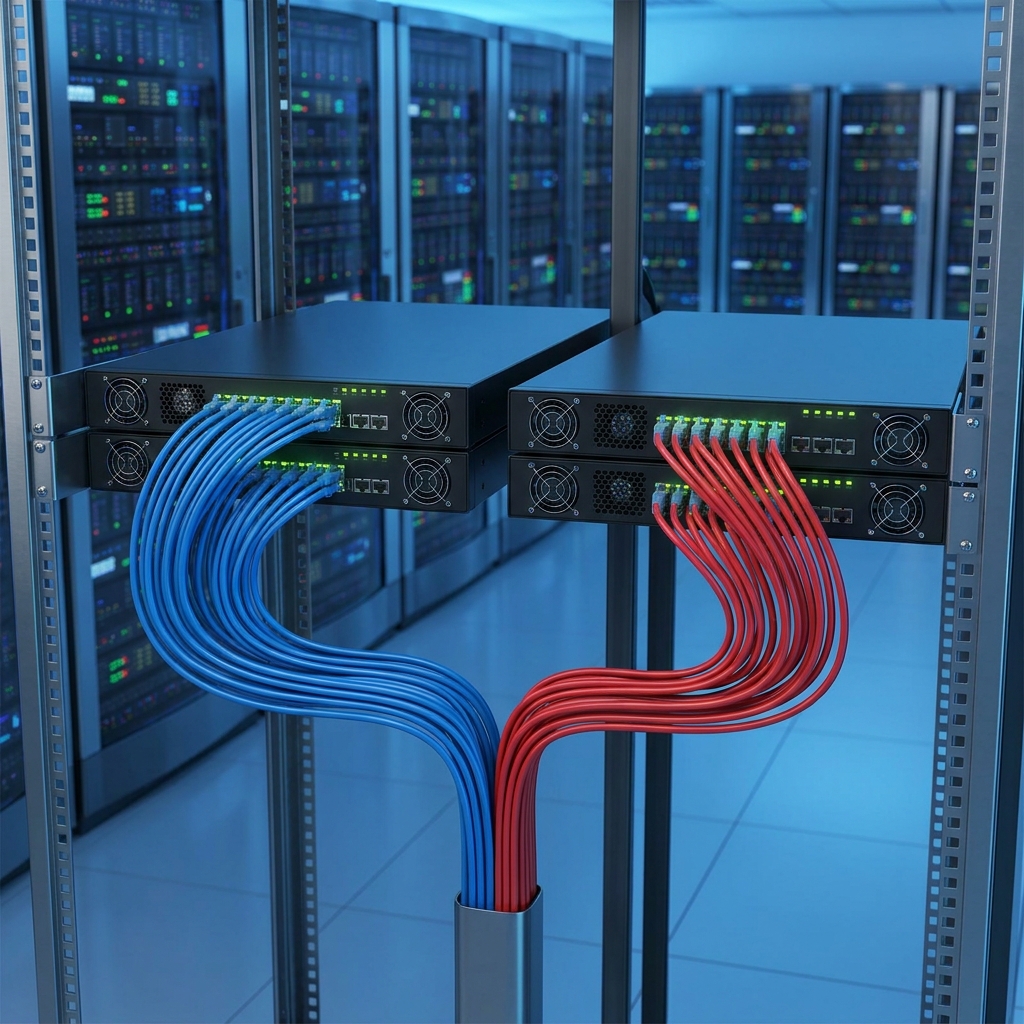
Students often assume the internet is just a magic cloud. This lesson replaces that vague idea with the reality of high-capacity servers and IP addresses. When a student streams a video or checks an app, their data moves through these specific hardware components. The design of the network needs to be scalable, which the lesson defines as the ability of a system to handle an increasing amount of work without breaking. Showing them that redundancy is a standard part of network architecture helps them appreciate why professional systems do not crash as often as their personal devices.
Making the connection to real world usage
The lesson does a good job of showing how reliability serves modern cloud services. It describes a server as a high-capacity computer providing services to other devices. Students learn that routers and switches use IP addresses to direct traffic through a complex, redundant topology. This is the mechanical side of the internet that is hidden from view but present in every digital interaction they have.
You can use this lesson as a whole-class assignment when introducing networking hardware. It works well for a student who missed the week because the material is self-contained and logical. If you have an independent study student, this provides enough context for them to complete the diagnostic scenario without needing a constant lecture. I suggest using this for a substitute day as well, since the definitions and the diagnostic practice are structured clearly enough for a class to handle on their own.
One caveat: the concepts are dry until you start drawing them. I recommend asking students to sketch the star topology described in the lesson as they read. Drawing the connections between the switch, the router, and the individual devices helps them identify where the single point of failure actually exists. It transforms the vocabulary list into a working map of a real network.
Related lessons

Understanding Cryptography for Secure Communication, covers methods for keeping digital data private during transmission

Understanding Cryptographic Keys, teaches the role of keys in data encryption
Network Security Foundations, explains basic concepts for keeping computer networks safe