

Third graders need to see that code is more than just static lines of text on a screen.
When you start teaching Building Interactive Programs in your 3rd grade computer science block, you are moving away from simple sequence commands and toward the logic that makes modern apps and games function. This lesson introduces students to how user input drives software behavior. It is designed to take about 45 minutes, making it a solid choice for a tech-lab day or a wrap-up to your current unit on sequence and logic.
What the lesson actually asks students to do
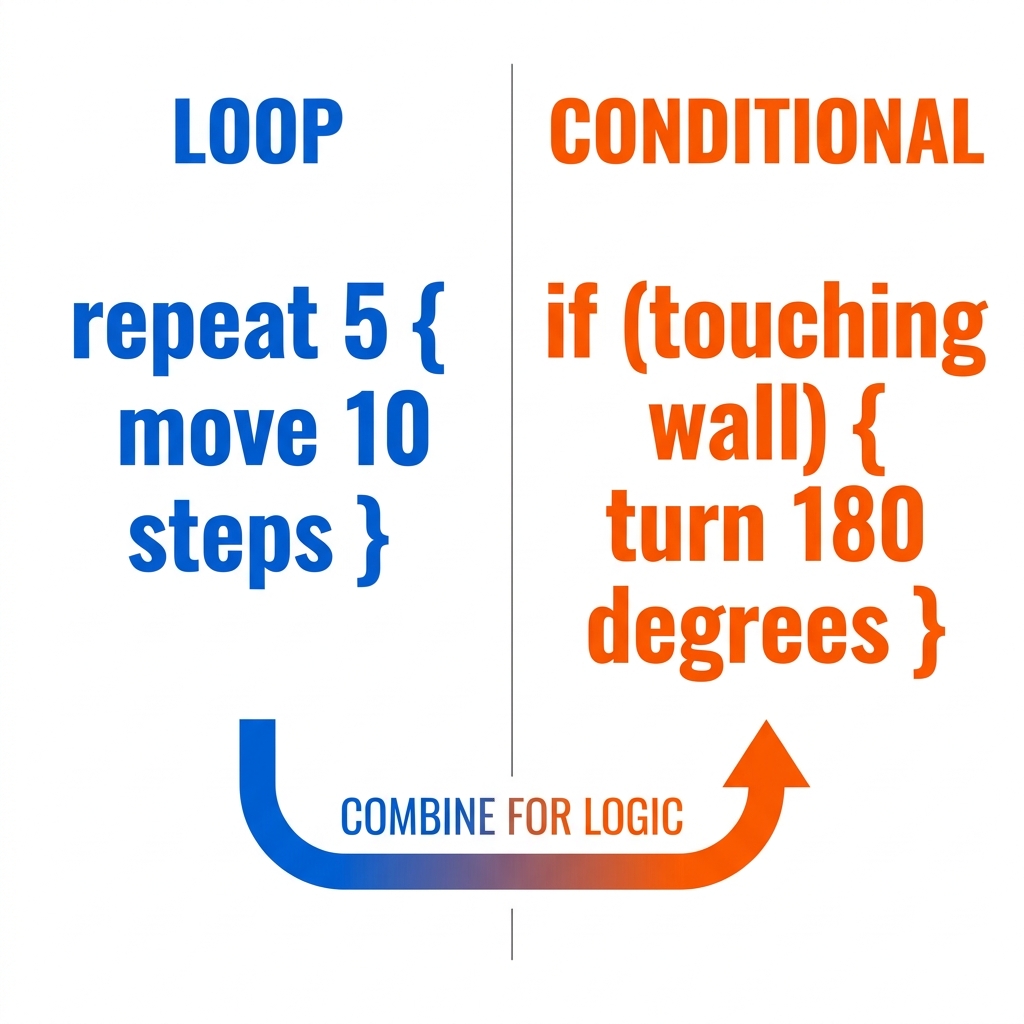
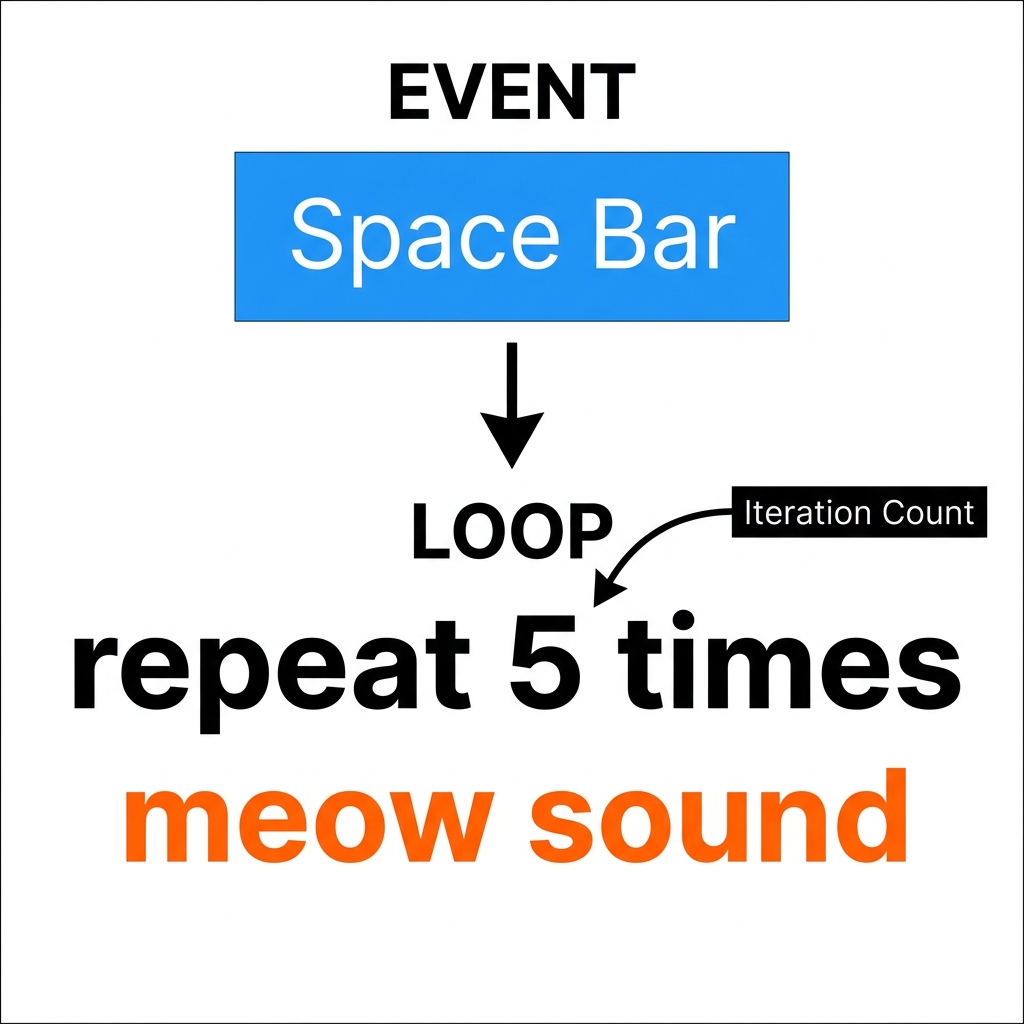
The core objective here is to have students build a mini-program where a character, or sprite, reacts to specific user inputs. Students start by defining an event as a trigger. The lesson uses the example of a mouse click as a common event that might tell a sprite to move ten steps. From there, the material introduces loops and conditionals. A loop is described as a set of instructions that repeat over and over, while a conditional is a rule that only triggers an action if a specific condition is met.
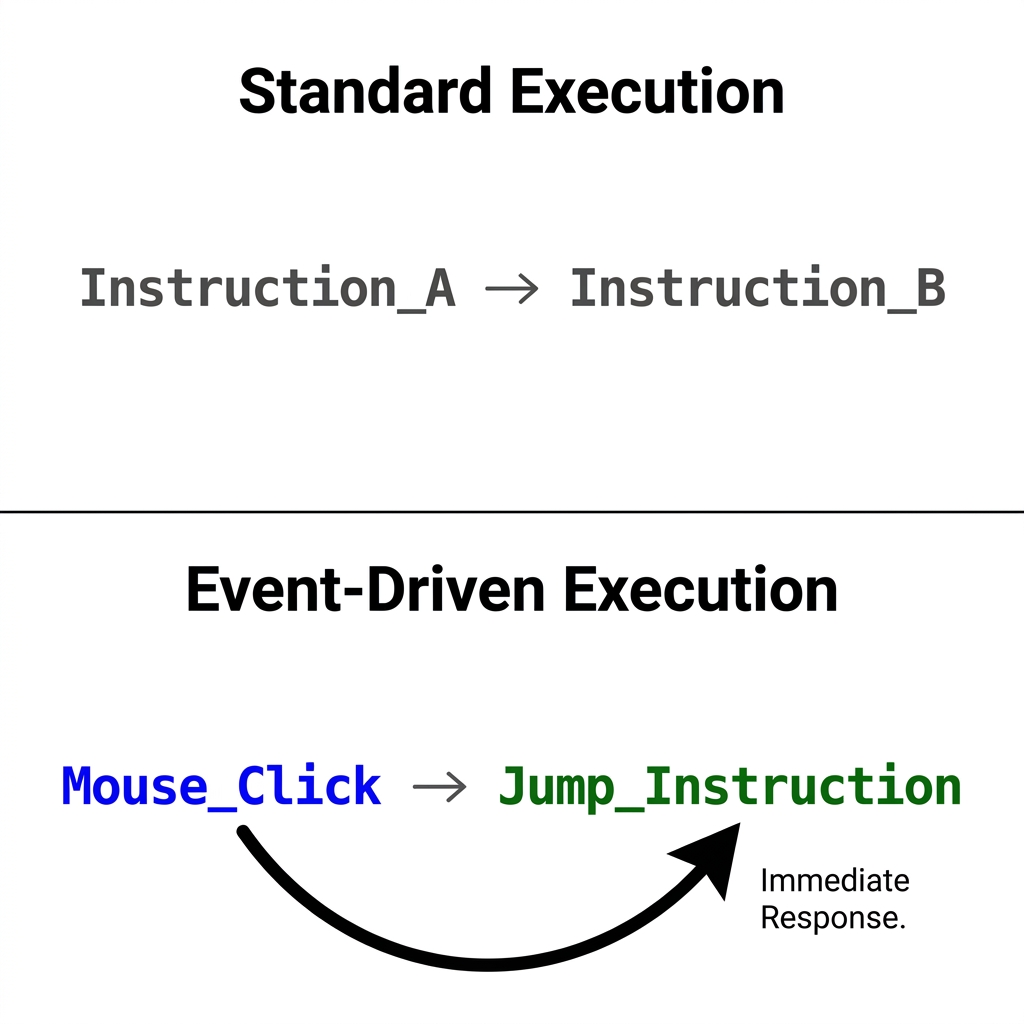
You will ask your students to apply these concepts in a hands-on maze scenario. In this virtual environment, students must program a character to collect coins. This requires them to combine an event to initiate movement with a conditional rule that detects when the character reaches a coin. It is a straightforward task, but it forces students to think about the order of their code and the logic required to make the game responsive. Whether you are in Clovis Unified, San Diego Unified, Monterey Peninsula Unified, or Berkeley Unified, these are the same foundations that govern how all software is built across California classrooms.
Aligning with state requirements
This computer science lesson for third grade maps directly to the California computer science standard CA.CS.3-5.AP.12. This standard acts as a checkpoint for ensuring students understand how to control the flow of a program rather than just giving it a single list of instructions. By mastering these three components, students gain the ability to build software that reacts to user input instead of simply running a pre-determined script.
Where students slip
The place I see most students stumble is with the difference between a loop and a conditional. They often want to use a loop for everything, especially when they see a repetitive action like moving toward a target. Remind them that a loop is for repetition, but a conditional is for decision-making. When they get stuck, ask them: Is the computer doing this because it needs to repeat the action, or is it doing this because a specific thing happened in the game? That simple question usually helps them re-evaluate their logic blocks. Keep an eye on how they set up their conditional rules. Sometimes they write the rule, but forget to tell the program what to do if the condition is false.
Folding this into your week
If you have students who are struggling with basic logic, this is a perfect intervention activity. It provides a visual, game-based way to test their understanding of cause and effect in a way that pencil-and-paper worksheets simply cannot replicate. For students who missed a week of class, this is an excellent catch-up task because it provides immediate feedback on their progress through the maze. I personally like using it for a substitute day if the class has already been introduced to the basics of programming. It is self-contained enough that students can work independently, but it is challenging enough to keep them busy and thinking for the duration of the period. Once they get the hang of linking events to actions, you will start seeing them look at their favorite tablet games a little differently, realizing that every tap they make is just another event triggering a line of code.
Related lessons
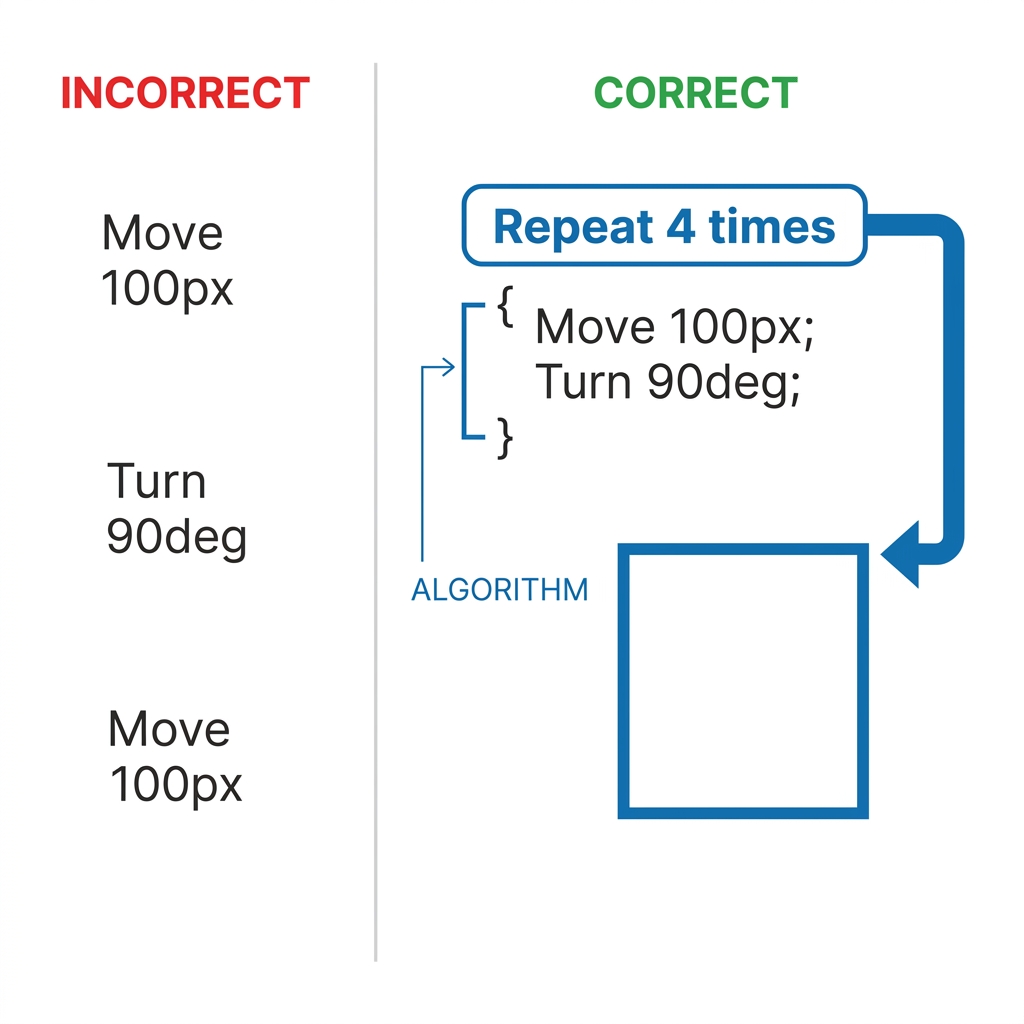
Finding and Fixing Bugs in Your Code, identifying errors in code and testing new logic solutions
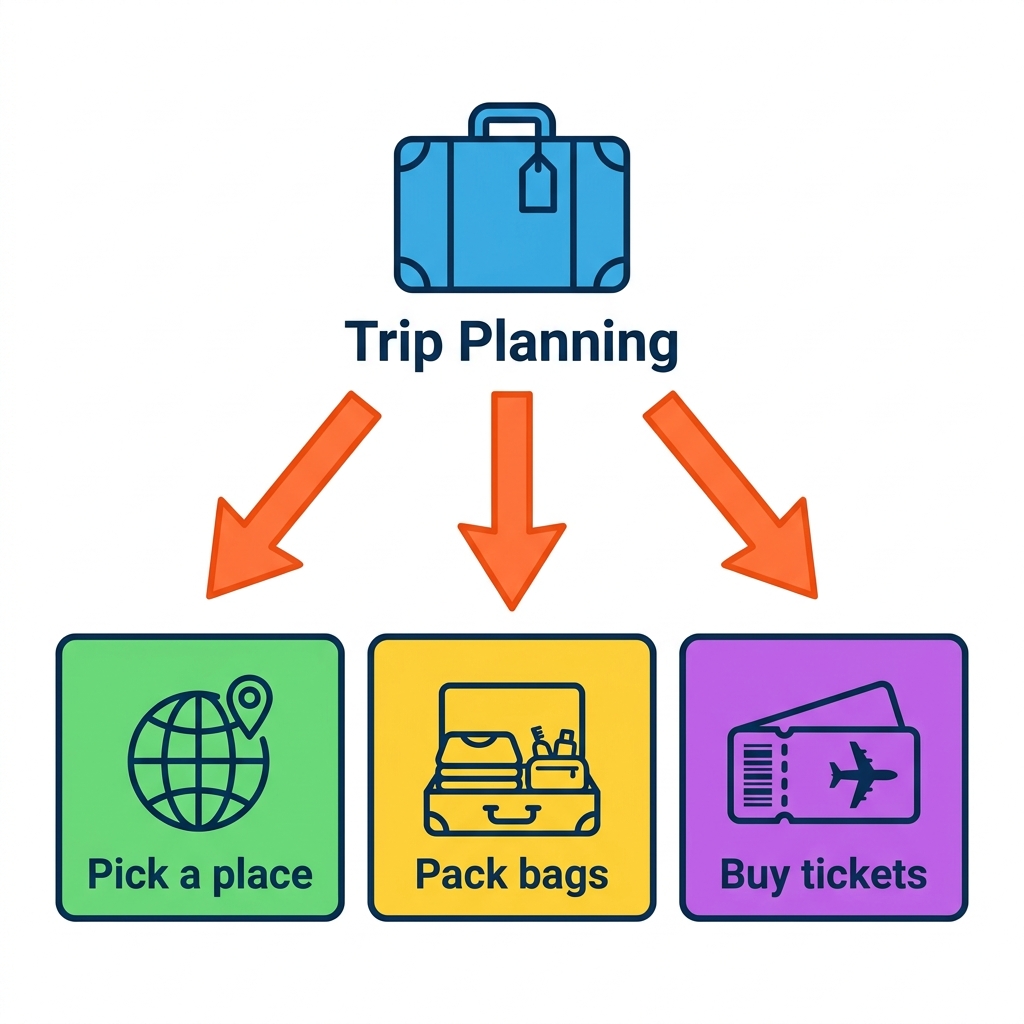
Breaking Down Big Problems, decomposing complex programming tasks into smaller manageable steps
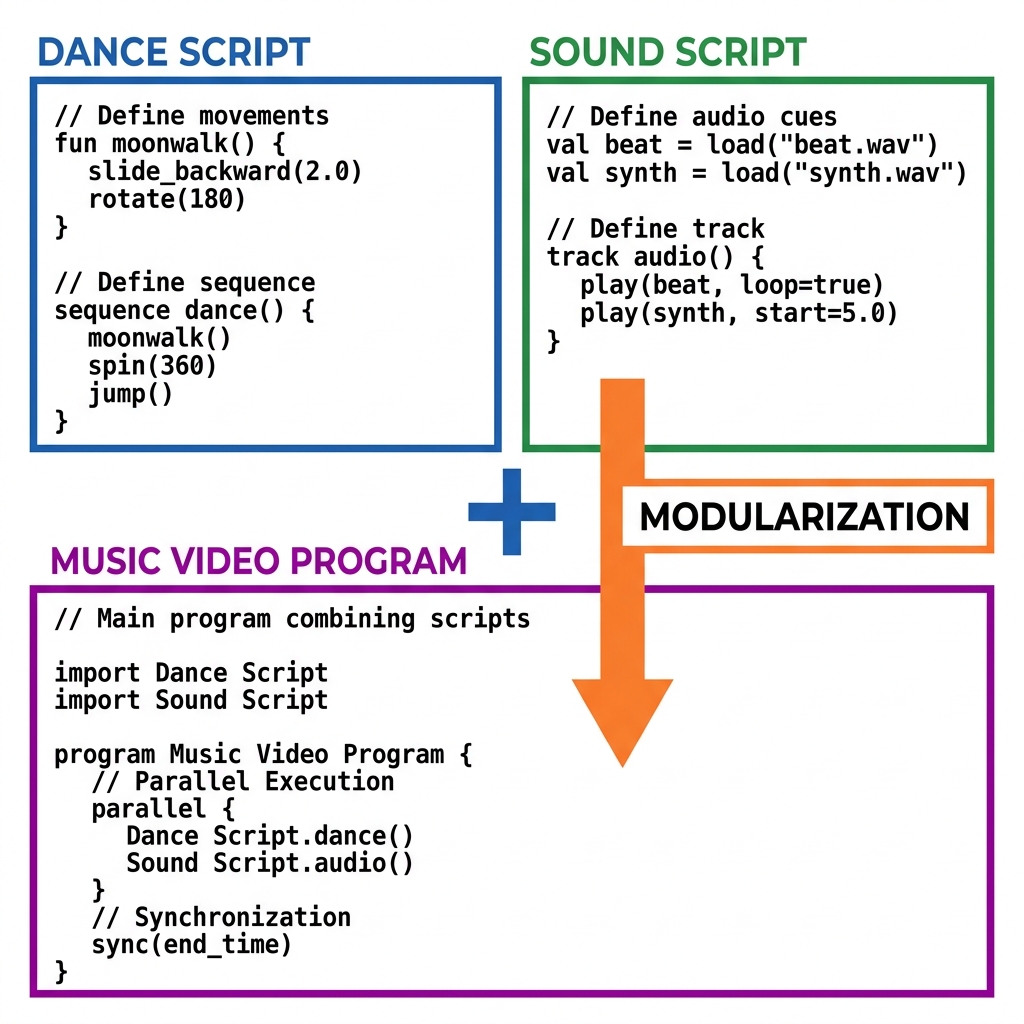
Building Programs with Code Blocks, using drag and drop blocks for basic programming sequences