


The hardest part of this lesson is getting fifth graders to ask for help before they hit publish.
I have been planning with Writing and Publishing with Technology for my fifth grade English language arts block, and I wanted to pass along what I noticed before you put it on your calendar. It runs about 45 minutes. The objective is short and honest: use digital tools to draft, edit, and publish your writing. That sounds like a typing lesson. It is not, really. Most of the weight sits on the editing and the publishing, and on the habit of getting an adult’s eyes on a draft first.
The lesson opens by reminding students that writing is a way to share ideas with the world, and that a word processor lets them type their thoughts and save them to a cloud folder. Plenty of ten-year-olds have done this without ever having words for it, so the vocabulary is worth a slow minute:
- Cloud storage: a service that saves your files on the internet so you can open them from any computer.
- Collaborate: working together with others on the same project or document.
- Word processor: a computer program used for writing, editing, and formatting text.
I would not skip the cloud storage definition even with a tech-comfortable class. The number of students who can type a paragraph but cannot tell you where it went is higher than you would guess.
What the lesson asks of students, and where the 45 minutes go
After the opener and vocabulary, the worked example uses a blog post as the model for publishing online, with the point that a post lets you share ideas with many people at once. It is a good choice. Students recognize the format, and it makes “publish” mean something concrete instead of “turn it in.”
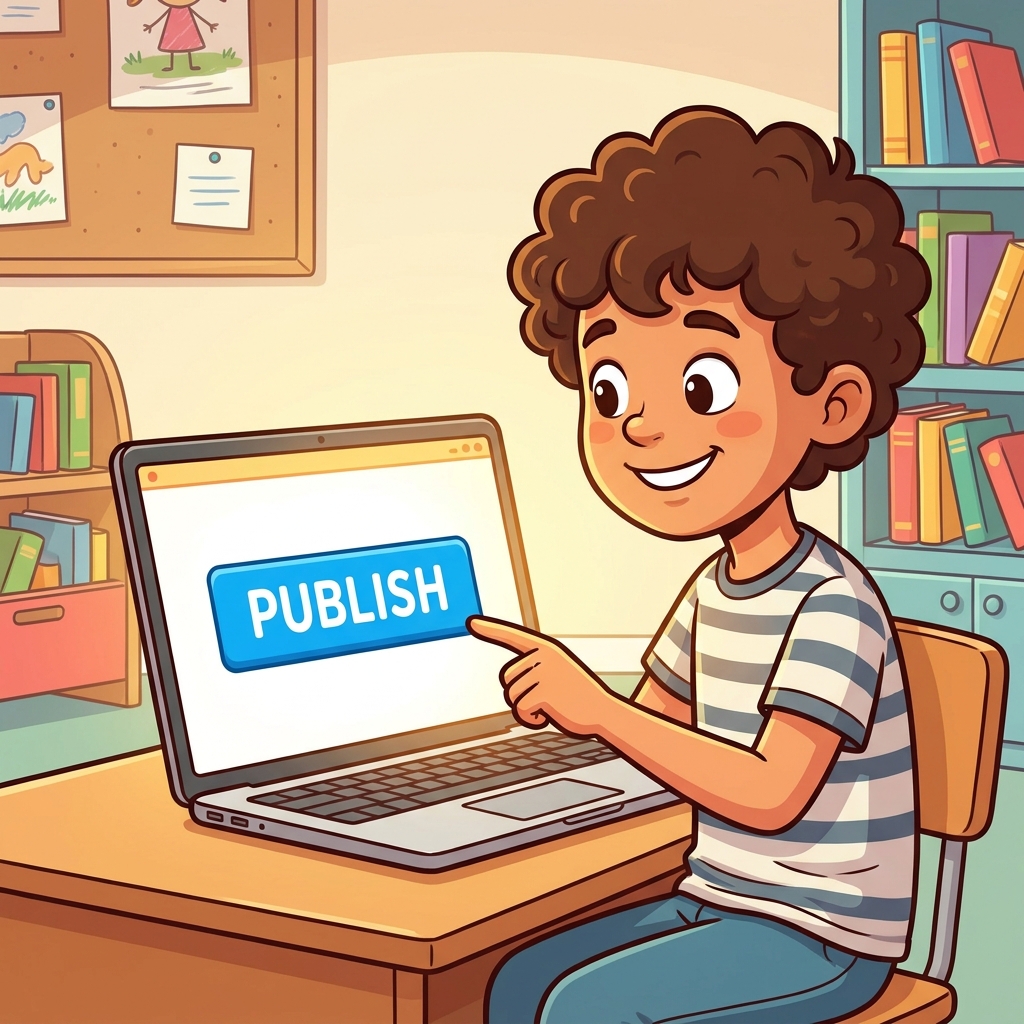
Then comes the guided practice, which is where I would protect the most time. Students imagine they are preparing a research paper for a digital science fair. The setup is explicit that adult guidance is part of the process, and that students should actively seek a teacher’s feedback on their digital draft before publishing. If I were splitting the period, I would keep the opener and vocabulary to around ten minutes, the blog post example to about the same, and give everything left to the science fair scenario. That is my pacing, not the lesson’s, but the guided practice is where the actual standard lives.
The standard is CA.ELA.W.5.6, part of the California Common Core State Standards for English language arts, in the Writing domain under Production and Distribution of Writing. In plain terms, it asks fifth graders, with some guidance and support from adults, to use technology, including the internet, to produce and publish writing and to interact and collaborate with others. It also asks them to show enough keyboarding command to type at least two pages in a single sitting. Students in San Ramon Valley Unified, Mt. Diablo Unified, Belmont-Redwood Shores Elementary School District and Kerman Unified are working toward this exact standard, since it reads the same in every California classroom.
I like that the standard writes adult support right into the text. It treats a fifth grader asking for help as the expected move, not a sign of weakness, and this lesson takes that seriously.
One caveat. The two-page keyboarding piece is a stamina goal, and a single 45-minute lesson focused on drafting, editing and publishing is not going to get a slow typist there. Treat this lesson as the frame for the publishing half of the standard and plan separate, regular typing time across the year for the other half.
What to watch for during guided practice
Watch the feedback step first. The lesson frames it clearly: “Asking an adult to help troubleshoot formatting or clarify ideas is a standard, expected part of professional writing.” Some students will still skip it, because asking feels like admitting the draft is not done. Those are often your strongest writers. I would make the feedback request a required checkpoint on the science fair paper, something students cannot publish without.

Next, watch the formatting rabbit hole. Give a fifth grader a word processor and a paper title, and you can lose fifteen minutes to font choices and heading colors. Formatting is part of publishing, so do not ban it, but a quick check at the halfway mark (“show me your second paragraph”) keeps the writing moving.
Then watch where the files go. If your students save to a shared cloud folder, walk the room once to confirm drafts are actually landing there. A lost draft at minute forty is the fastest way to sour a class on digital writing.
Collaboration is the part of the standard students get least practice with, and the science fair scenario gives you an easy opening. Pairing students to read each other’s drafts in a shared document turns the vocabulary word into something they have done. The lesson’s why-it-matters note points out that journalists, scientists and teachers use these tools daily to share information and work with others, and students tend to believe that more after they have left a comment on a classmate’s paper and gotten one back.
For fit, this works well as a whole-class assignment early in the year, before your first big typed writing project, so the routines for saving, requesting feedback and publishing are in place. It also fits a student who missed the week you set those routines up, since the lesson walks through the steps in order. And it is a reasonable independent study assignment, with one adjustment: decide in advance how that student will get the teacher feedback the lesson requires, whether through comments in a shared document or a short check-in, so the most important step does not quietly disappear.
If you are searching for a fifth grade digital writing and publishing lesson that treats asking for help as part of the work, this is the one I would start with, and I would put the science fair draft checkpoint on the board before students log in.
Related lessons
Writing Strong Opinion Pieces, Writing opinion pieces that state a clear, well-supported position
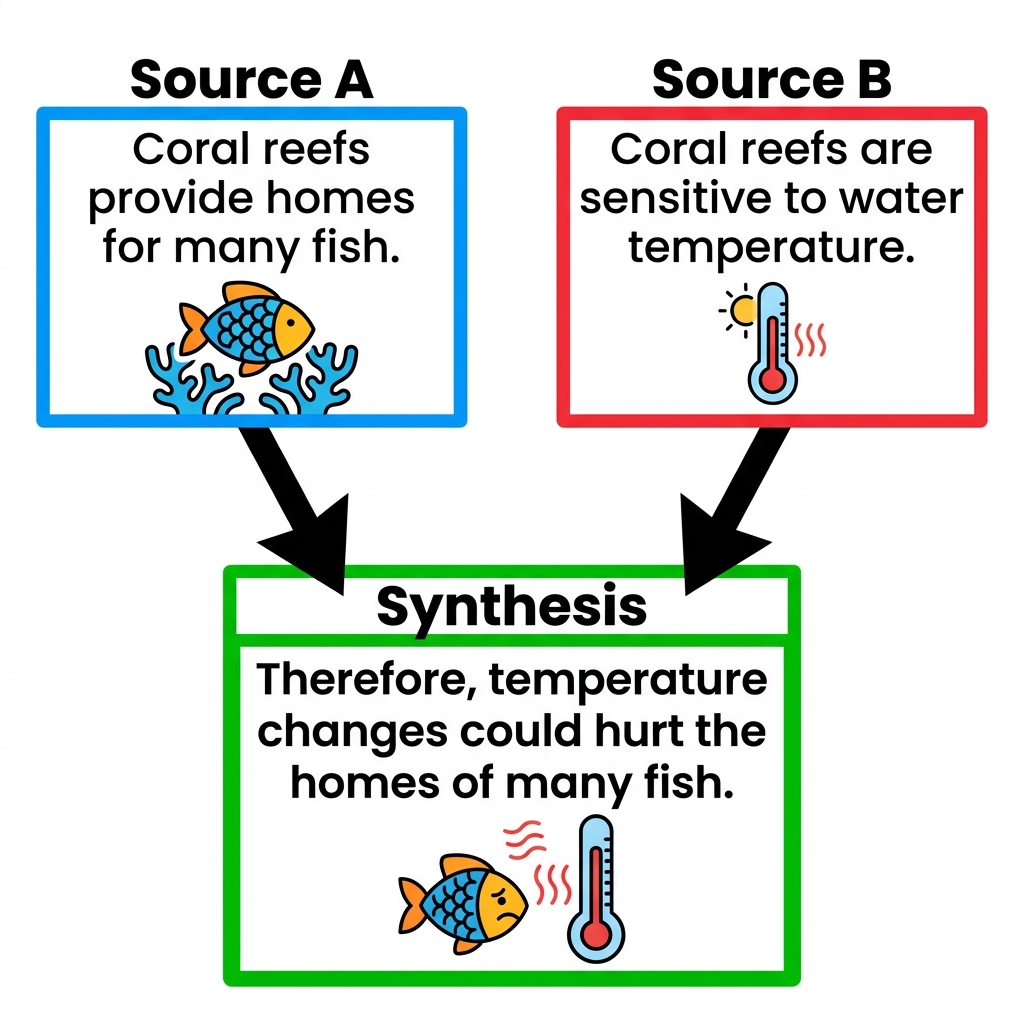
Building Knowledge Through Research, Conducting research to build knowledge about a topic
Using Text Evidence to Support Your Ideas, Supporting ideas in writing with evidence drawn from texts