

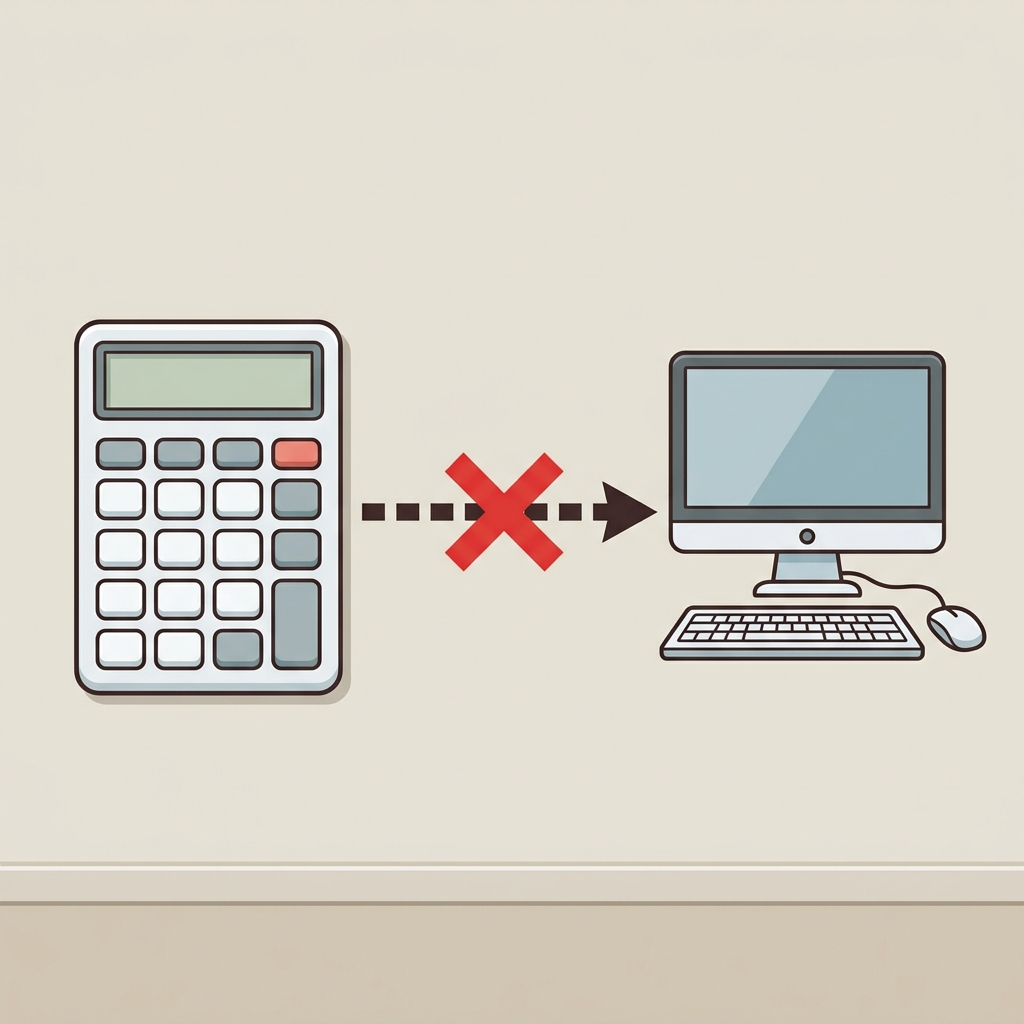
When you start teaching 3rd grade computer science, the most common hurdle is the idea that technology just works by magic. A student plugs in a mouse, clicks a button, and the pointer moves on the screen. It is easy to take that connection for granted, but for a nine-year-old, the physical reality of cables and wireless signals is often a mystery. I have spent enough time in California classrooms to know that by the time we reach the middle of the school year, our pacing guides are usually feeling the pressure. Finding the time to teach hardware connectivity properly is a struggle when you are also trying to hit every other benchmark. This is why I keep resources like Building a Computer System in my rotation for days when I need a focused, self-contained lesson for a student who missed the week or for a sub folder that actually teaches something useful.
This 3rd grade computer science resource handles the basics of computing systems with clear, relatable examples. The lesson starts with something every student recognizes: the desktop mouse. It asks students to consider what happens when you plug a mouse into a port, explaining that a port is just a small opening on a computer where you connect a device. This is the foundation of the lesson. It moves from that simple wired connection to the idea of wireless integration, using a tablet and a wireless speaker as a primary example. The lesson defines a computer system as a group of parts that connect so they can work together as one. When the tablet sends music to the speaker through the air, that is integration in action. The content is straightforward, which is exactly what a 3rd grader needs to move from thinking of a computer as a black box to seeing it as a collection of parts working in concert.
Understanding the technical standard
The standard at play here is CA.CS.3-5.CS.1. This specific California-adopted standard asks students to describe how computing devices connect to other components to form a system. It is a fundamental benchmark that appears in the curriculum for Garden Grove Unified, Poway Unified, Alta Loma Elementary School District, and Porterville Unified, making it a shared requirement across the state. The standard is designed to move students past the user experience and into a basic understanding of hardware architecture. It is not enough for a student to know how to use the device; they need to articulate that the system is a result of specific components talking to one another. I find that when students understand why they need to plug a cable into a specific slot, they are much less likely to panic when a printer or a game controller fails to sync up. They start looking for the connection rather than assuming the hardware is broken.

Using a structured 3rd grade computer science lesson allows a teacher to facilitate this conceptual leap without spending hours creating original slides or handouts. The lesson material uses a guided practice scenario involving a smartboard, which is a perfect anchor because it is likely right there in your room. When students see that the big screen at the front of the class is just another part of a computer system, the abstract concept of integration becomes tangible. It turns a piece of classroom tech into a teaching tool about infrastructure. For a classroom teacher, having a lesson that connects directly to the items already sitting in the room is a time saver. It keeps the students focused on the mechanics of the connection rather than the novelty of the device itself.
Where students slip in system design
The most common place where I see students struggle with this topic is the distinction between the device and the system. They often think the tablet *is* the whole system, forgetting that the speaker or the keyboard are essential additions. They assume that if they can see the screen, the computer is complete. This lesson helps clear up that misconception by emphasizing that a computer system is a group of parts that connect to each other. When a student completes the activity, they should be able to explain that without the connection, the system is incomplete. I have found that explicitly discussing the term integration helps them understand that the parts must be designed to talk to one another for the whole thing to function. It is a small semantic shift, but it changes how they look at the cables and ports they see every day.

This material is particularly effective for intervention or for independent study. If you have a student who consistently skips over the hardware aspects of technology, having them walk through this lesson independently allows them to catch up on the logic behind the gear. It is also a solid choice for a substitute day. It requires minimal preparation, and because the language is accessible to a 3rd grader, you do not need to worry about a substitute teacher having a background in technology to get through the material. It covers the core concept of system integration without getting bogged down in unnecessary jargon or overly complex diagrams that would likely fly over the heads of the class.
I recommend introducing this when you first set up your devices for the year. It provides a vocabulary that you can use for the rest of the term. Whenever a student has trouble with a peripheral, you can ask them to check the port or consider the integration, and they will know exactly what you are talking about. Teaching this standard early makes the rest of your tech-heavy units go much smoother. It builds a shared language between you and the students, which is one of the most effective ways to manage a classroom that relies on digital tools. Keep this lesson in your files; you will be glad to have it when the inevitable hardware connectivity questions start hitting your desk in the middle of a busy afternoon.
Related lessons
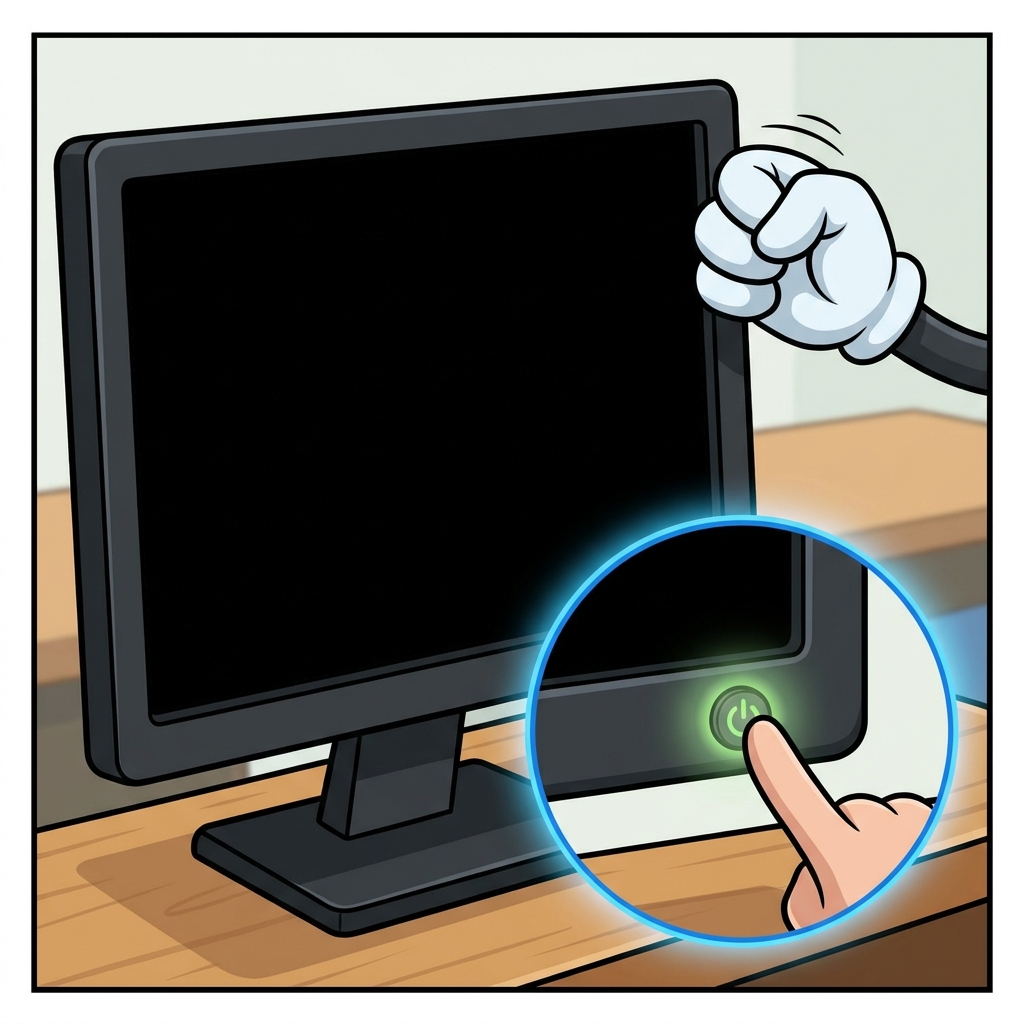
Fixing Computer Problems, Troubleshooting common hardware and software issues with students

How Computers Work Together, Exploring network connections and system communication for kids