

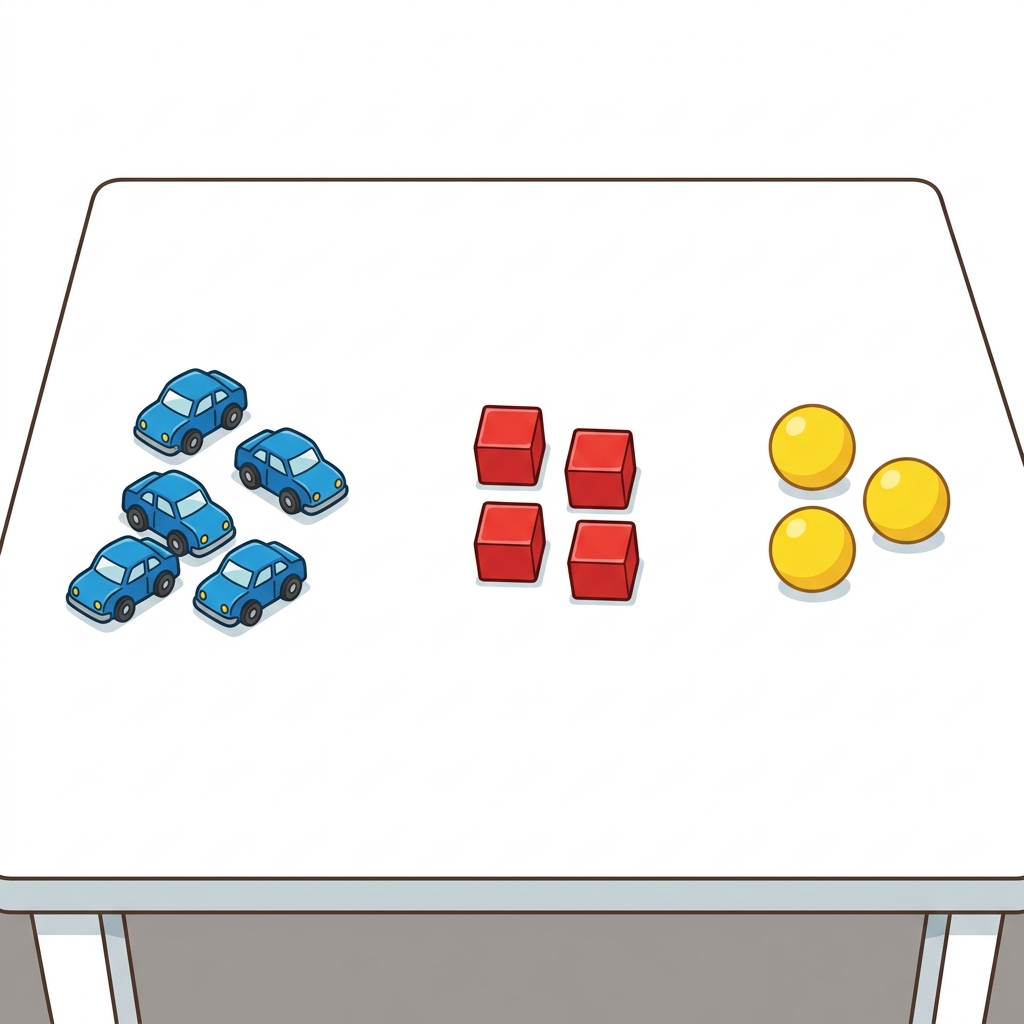
Imagine a student trying to count the different colored crayons on their desk. Before they can make sense of that pile, they need a way to organize what they see. In Picture Data Fun, a 1st grade computer science lesson, students practice turning a messy collection of items into clear, readable information.
This lesson is a perfect fit for a quick whole-class introduction or for a student who needs a gentle introduction to data analysis during independent study. Because it only takes about 15 minutes, it works well when you have a bit of extra time to fill or need an accessible activity for a substitute teacher to lead.
Understanding the data standard
The core objective here is simple: students show information using pictures and charts. This task is rooted in the California-adopted standard CA.CS.K-2.DA.8. When we look at this requirement, it asks for two distinct actions. First, students must collect data. In a primary classroom, this might just mean gathering a group of objects or counting responses to a survey question. Second, they must present that data in various visual formats. Students in Palmdale Elementary School District, Santa Ana Unified, Fallbrook Union Elementary School District, and Tracy Joint Unified are all working toward this same expectation for data and analysis.
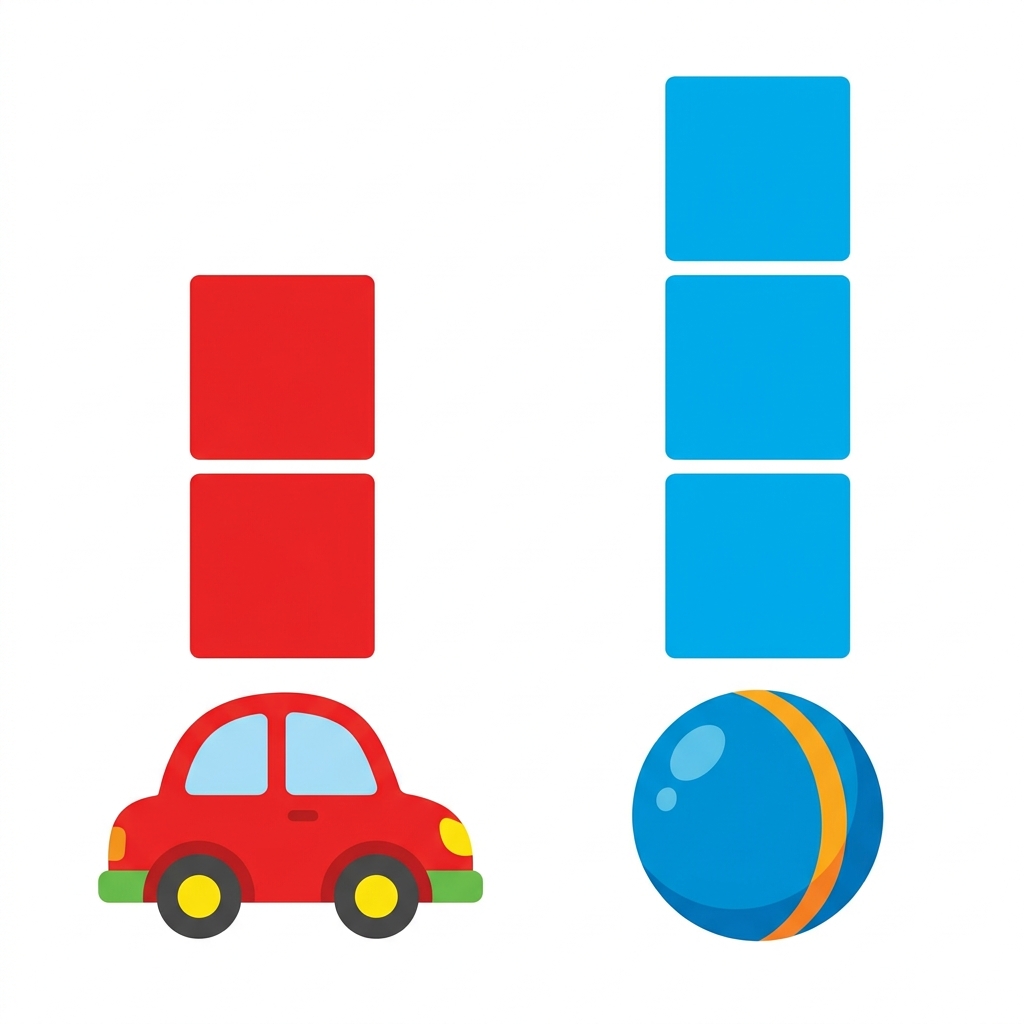
To put it plainly, this standard pushes students past the point of just looking at information. They have to move from observation to representation. It is the beginning of computational thinking, where a student realizes that information can be manipulated to tell a story or answer a question.
Collecting and visualizing
The lesson asks students to build their own systems for organizing data. They use simple tools to categorize their findings. The goal is to make the information visible so that someone else can look at the result and understand what was counted without needing an explanation. I find that when students first see how a simple chart reveals a pattern, their faces light up because they realize they have created something useful.
You might find that some students struggle with the transition from physical objects to a picture representation. If a student is stuck, encourage them to look at the differences between the items they are sorting before they put a mark on the chart. That initial step of identifying attributes is where the real learning happens.
Why this works for your schedule
If you are looking for a straightforward first grade computer science lesson that does not require massive prep, this is it. It teaches kids that data is not just something for scientists in labs; it is a tool for their daily lives. By the time they finish, they have satisfied the requirements for collecting and presenting data, helping them feel more confident about managing numbers and shapes.

The lesson avoids unnecessary jargon, keeping the focus entirely on the core concept: I can show information using pictures and charts. It is refreshing to have a lesson that knows its limits and hits its target without getting bogged down in complex software or abstract logic. You can use it as a standalone piece or as a bridge to more complex work involving graphing later in the year.
Building confidence in data skills
Teaching this topic to six and seven-year-olds can be hit or miss depending on the day. I have found that keeping it grounded in physical items, like classroom supplies or favorite colors, helps them stay focused. The primary standard for this grade level is all about introducing the habit of visualization, and this lesson nails that by keeping the input simple and the output clear.
As you watch them work, notice how they choose to represent the data. Are they lining items up? Are they drawing circles to show quantities? These are the first steps toward building more complex computational representations as they move up in grade levels. Providing them with these building blocks now ensures they are prepared for the more rigorous data requirements they will encounter in the coming years.
Related lessons
Making a Plan, Teaches students how to create a logical sequence of steps

Keeping My Info, Covers how to store information safely and securely online
Fixing My Machine, Introduces basic troubleshooting steps for common computer hardware issues