

By the time late spring arrives, the middle school calendar often feels like it is shrinking faster than we can keep up with.
In 8th grade computer science, the pressure to cover every core concept can lead to those essential units on data being squeezed into a single frantic week. If you are teaching in Fremont Unified, Sweetwater Union High School District, Santa Cruz City High School District, or Lake Tahoe Unified, you know the struggle of keeping the momentum going while students are out for activities or field trips. Representing Data for Insight is one of those self-contained digital lessons that bridges that gap nicely. It works just as well for a whole-class day as it does for a student who missed the week or needs a bit of intervention to catch up on the logic behind data structures.
What the lesson actually covers
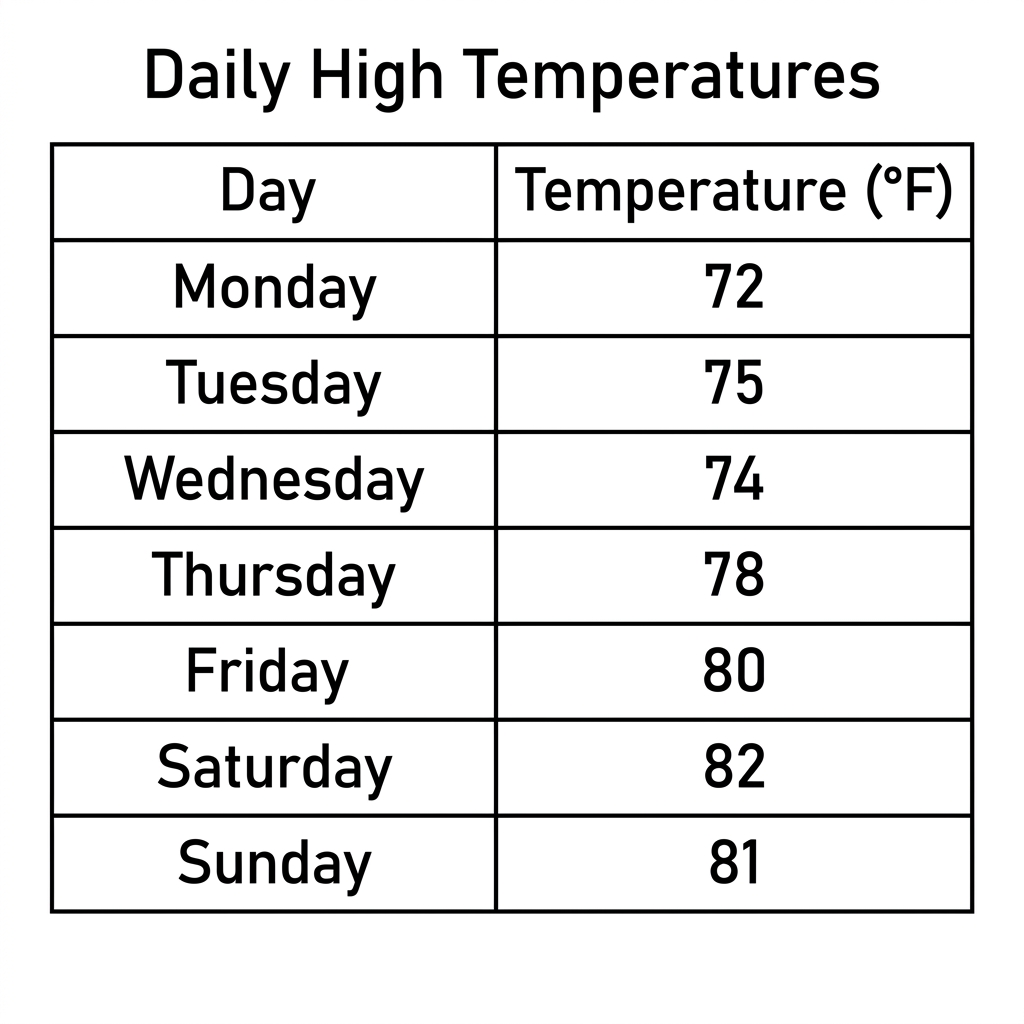
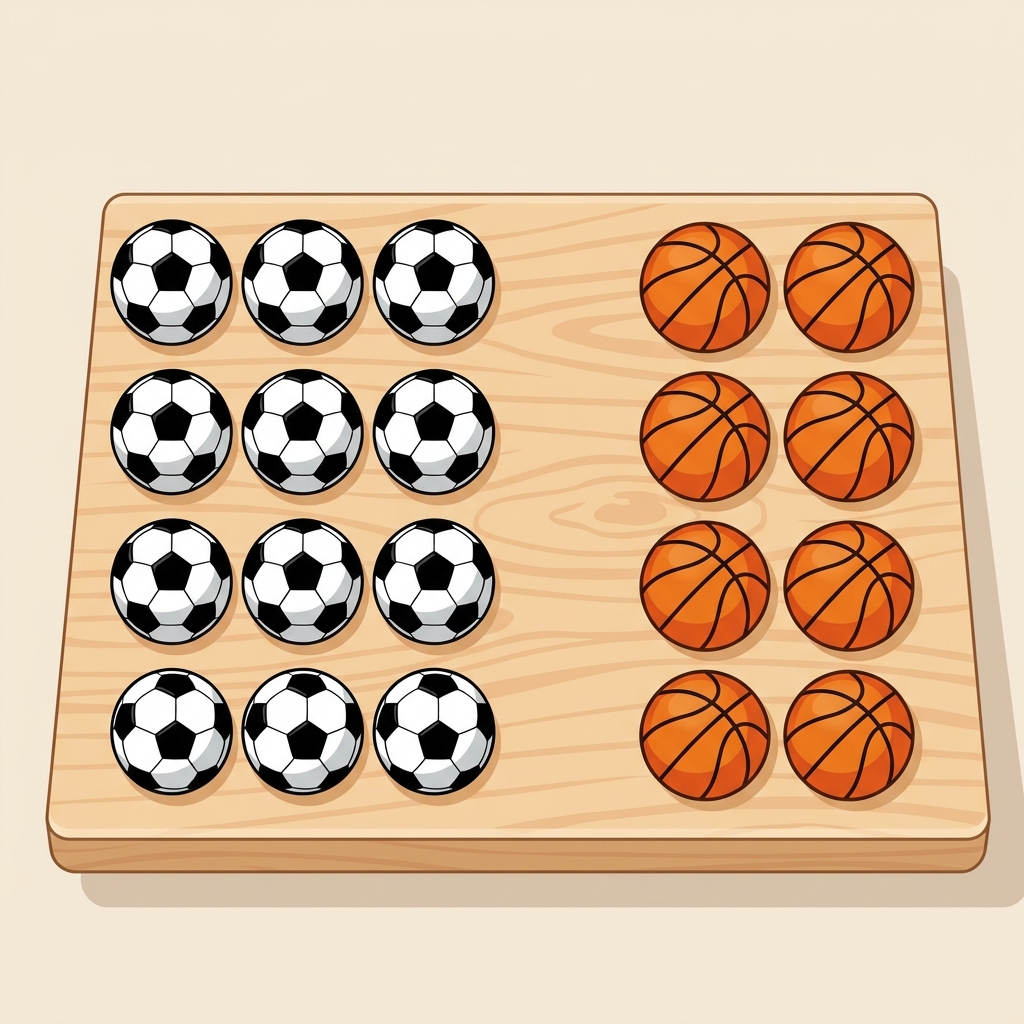
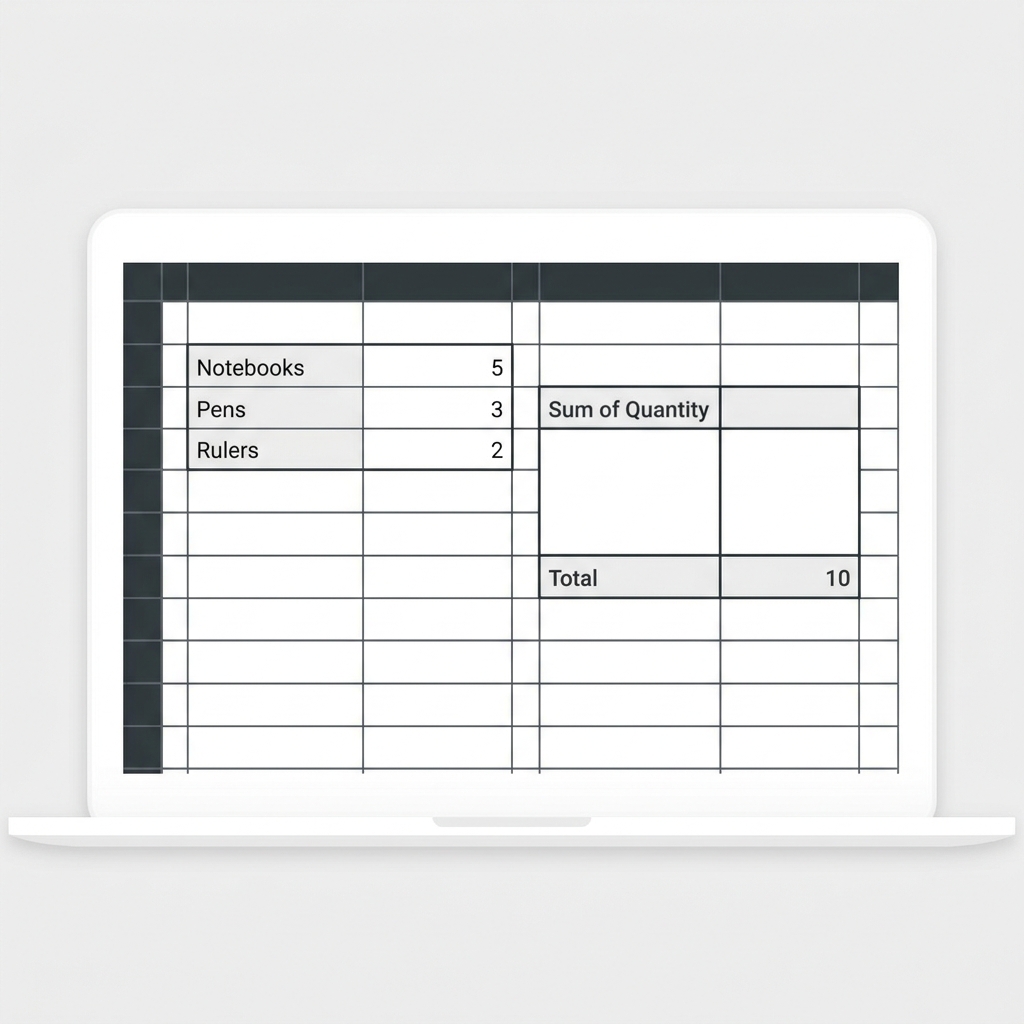
The core objective here is simple: teaching students that how we format information dictates how easily we can interpret it. The lesson introduces the idea that we often start with basic lists or tally charts to track simple counts, like student preferences for soccer or basketball. From there, it moves into more sophisticated methods. It defines Tabular Data as information organized into rows and columns, which is a foundational skill for inventory or keeping detailed records. Students also learn about Data Visualization, which it describes as a graphical representation of information and data that helps people see trends and patterns. The lesson provides a clear worked example, noting that “A heat map uses colors to represent temperature changes across a region.”, which is an excellent way to show how colors replace complex tables to reveal immediate insights.
Applying the computer science standard
This lesson is built to meet CA.CS.6-8.DA.7. This California-adopted standard asks that students represent data in multiple ways to reveal patterns. It is not just about making a chart look pretty; it is about choosing the right format for the right audience. Whether it is using a heat map for weather patterns or a bar chart for library circulation, students are learning to think like analysts. You can search for a data visualization middle school lesson to find this material when you need a reliable way to hit this requirement without spending hours building your own datasets and guided practice prompts.
Why scientific communication matters
I appreciate that the lesson takes time to explain the role of a Descriptive Summary. It frames this as a written explanation that highlights the most important findings from a set of data. This connects the coding work back to real-world scientific inquiry. When researchers look at complex climate data, they are not just looking at a screen; they are writing testable predictions, known as hypotheses, and then making their findings accessible to the broader community. It gives students a reason to care about the accuracy of their tables. If the data is messy, the summary will be weak, and the hypothesis remains untested. It is a good reminder for 8th graders that software tools exist to support communication, not just to generate colorful outputs.
Where students slip
The most common hurdle I see with this material is the transition from raw tally lists to structured visualizations. Students often want to skip the row-and-column organization and jump straight to making a chart. They have to understand that the table is the engine and the visualization is the interface. If the table is not structured correctly, the visualization will never show the pattern they are looking for. Encouraging them to practice writing a descriptive summary after their data representation helps solidify this. It forces them to verbalize what the graph is actually telling them. If they cannot explain it in a sentence, they likely have not represented the data correctly in the first place.
Related lessons

Testing Models with Variables, Covers variable use for testing models in digital environments
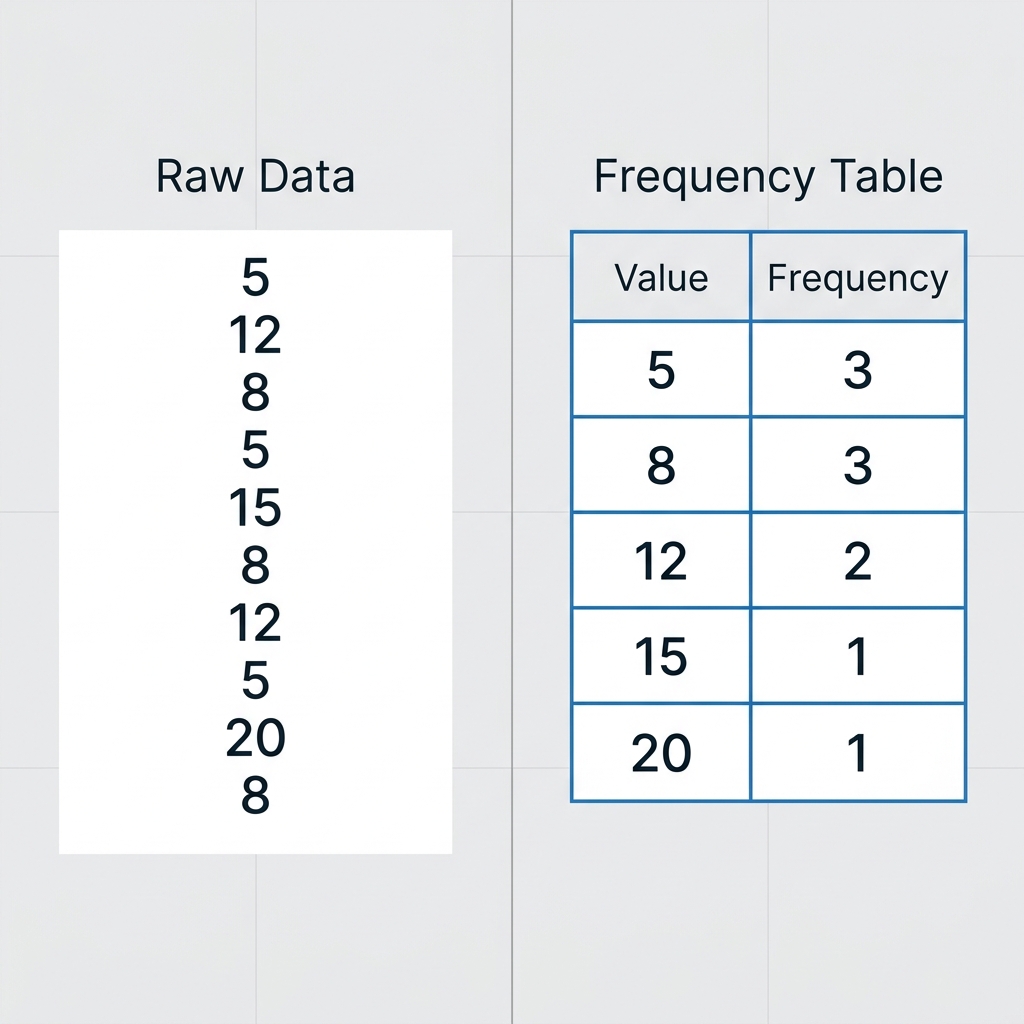
Transforming Data into Insights, Explains how to turn raw information into useful analysis