

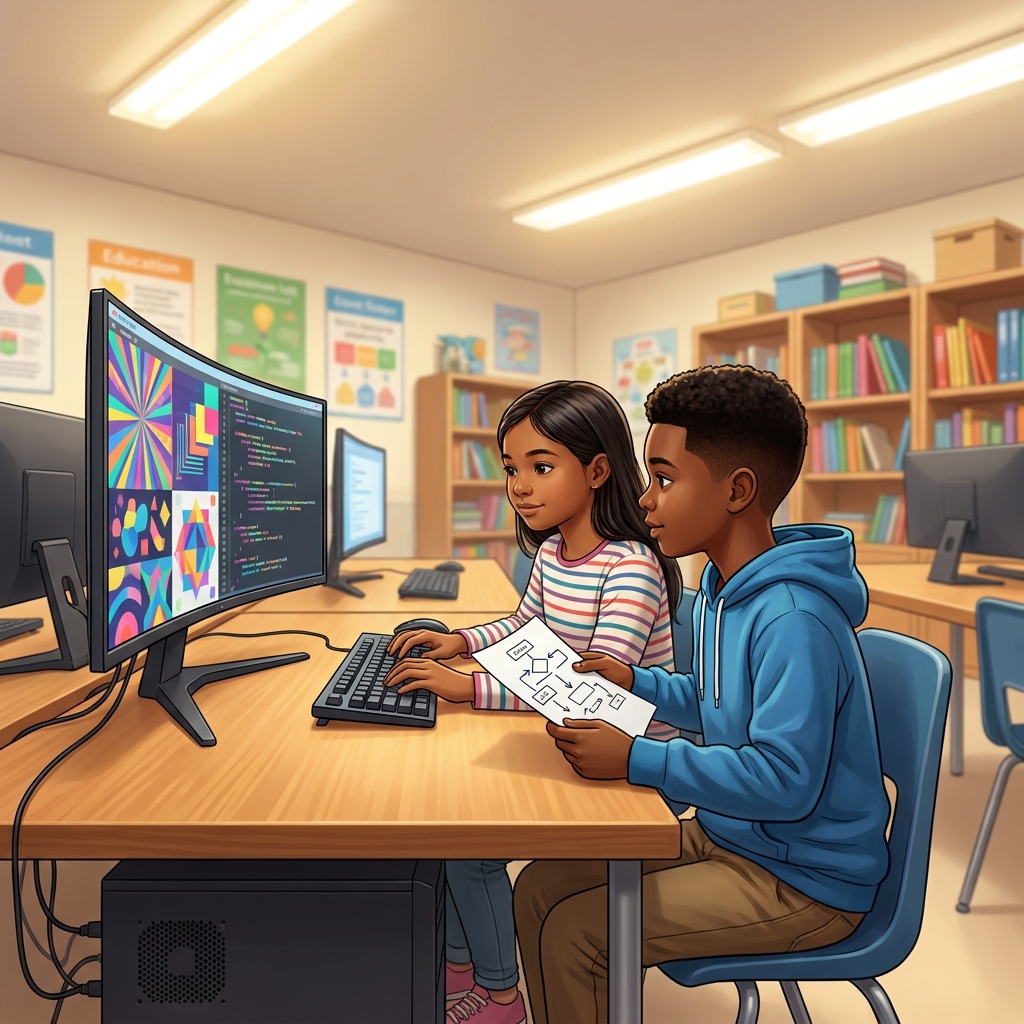
A parent once asked me if learning to code meant my students would just sit in front of screens in total silence. I laughed because it is actually the opposite. In our 5th grade computer science curriculum, students learn that coding is a social activity. When they use Working Together on Code, they start to see that a successful digital project relies more on communication than it does on typing speed.
This lesson introduces the core concept of collaboration by teaching students how to split responsibilities. It provides a clear framework for teamwork, using a driver and navigator pair as a concrete example of how two students can focus on different aspects of one task. By breaking down projects into the design, implementation, and review stages, students learn how to manage complexity without getting overwhelmed.
Understanding roles in program development
This 5th grade computer science unit is designed to teach students the specific vocabulary of software engineering. The definitions are straightforward: the design stage is about planning the look and function, the implementation stage is where the actual code gets written, and the review stage involves checking for bugs and fixing errors. If students do not grasp how to complete these three stages together, their projects often end up messy or incomplete. Getting them to practice these roles now is essential because when they reach more advanced projects, the lack of a structured workflow will cause their code to break down quickly.
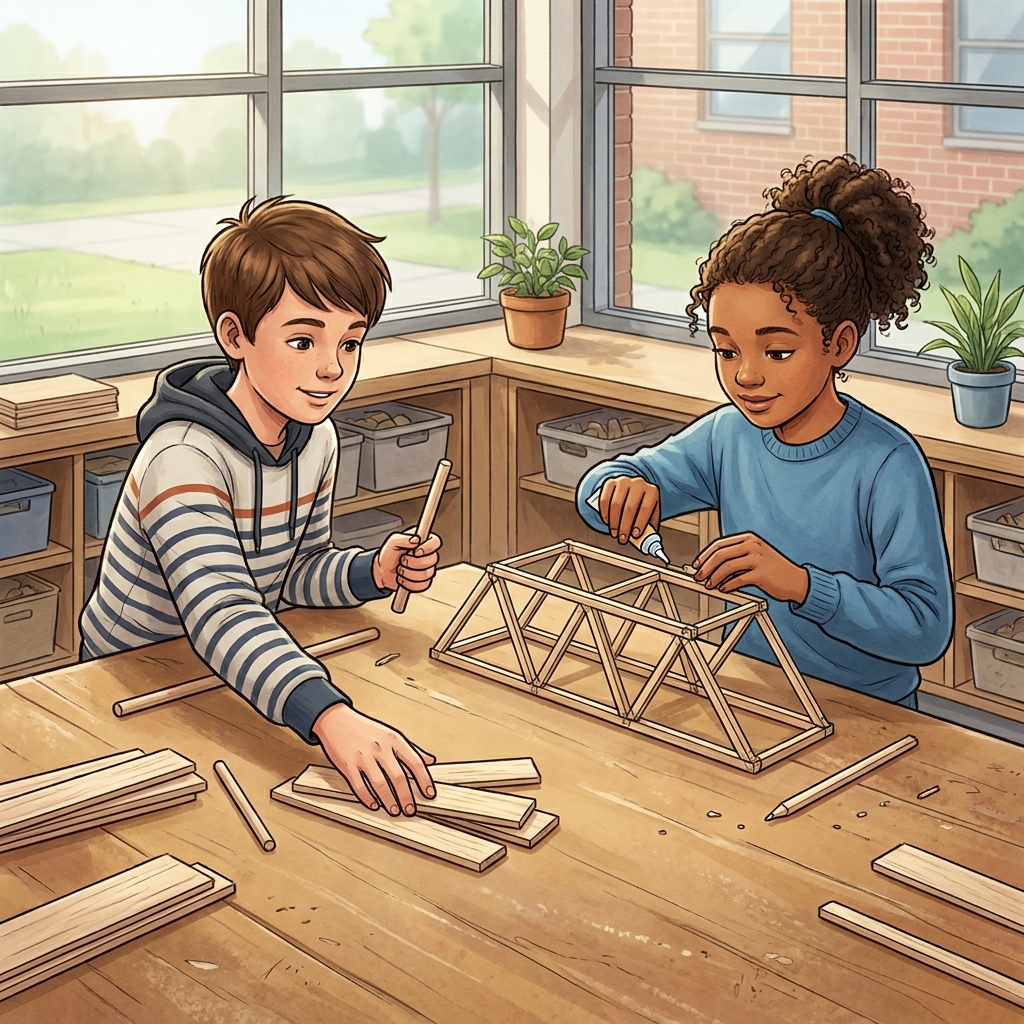
The lesson covers CA.CS.3-5.AP.18, which requires students to perform different roles when collaborating with peers during the design, implementation, and review stages of program development. This is a vital California-adopted standard. Teachers in the Ontario-Montclair School District, Fremont Unified, Pajaro Valley Unified, and San Mateo-Foster City School District all use this same standard to ensure their students are prepared for the reality of modern software engineering. It is not just about writing a script; it is about knowing how to hold your spot on a team.
Why collaboration matters in software
The lesson makes a great point about why we bother with this in a school setting. Professional software engineering teams use these exact collaboration methods to build everything from complex games to social media apps. They divide the work so they can finish faster and catch bugs early. I find that when students hear that, they stop seeing teamwork as just another teacher rule and start seeing it as a professional strategy. For a student who has never coded before, this lesson is the perfect entry point, but it also provides a great refresher for a student who missed the week of foundational programming. You can easily use this for a whole-class assignment, independent study, or a substitute day where you want students to stay productive without needing constant oversight.
Structuring the classroom experience
The guided practice moves students away from just talking about roles and into doing them. They are asked to imagine a team building a digital storybook where they need to animate characters. It puts the theory into a specific scenario that 5th graders can visualize. I have found that students often struggle with the review stage because they get attached to their code and ignore errors. This lesson forces them to step back and play the role of the reviewer, which is a muscle they need to build before they move on to more difficult technical challenges.
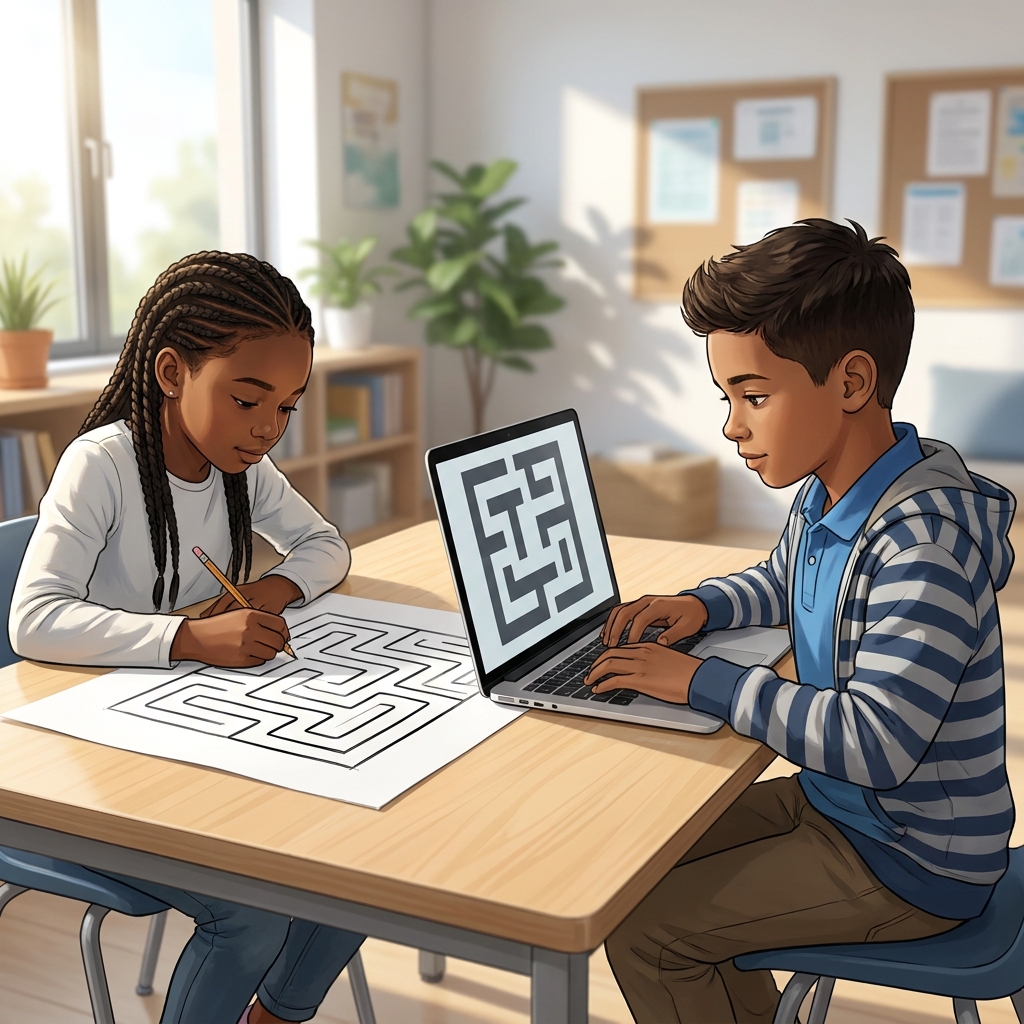
One caveat: you will need to keep a close eye on your pairings. Some groups will try to have one person do all the work while the other just watches. You have to be specific about what the driver does versus the navigator. Keep them accountable for their specific roles by checking in on their progress during the design and implementation phases rather than just waiting for the final result. When you see them effectively dividing the labor, you know they have truly learned the material.
Related lessons
Breaking Down Big Problems, Teaches strategies for decomposing complex coding tasks into smaller parts
Building Programs with Modular Blocks, Introduces logic using modular blocks for digital program development
Building Interactive Programs, Focuses on creating user-driven interactivity within digital software projects