

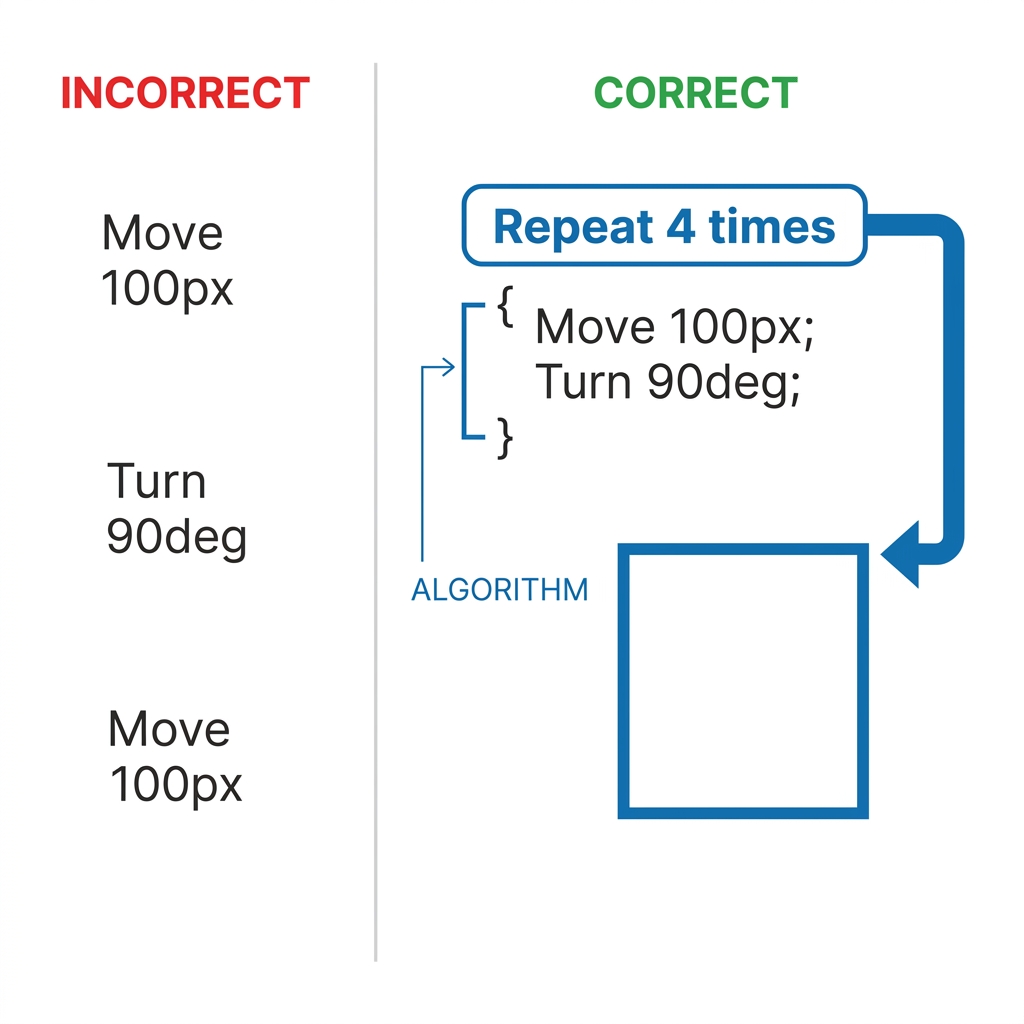
It is common for third grade computer science students to hit a wall when their code refuses to run as intended.
In 3rd grade computer science, we spend a lot of time helping kids move past that initial frustration of a program failing to work. The Finding and Fixing Bugs in Your Code lesson helps students grasp why things break and how to fix them. It acts as a bridge between the excitement of writing instructions for a computer and the reality that computers only do exactly what we tell them, not what we mean for them to do. This lesson is useful for a whole-class introduction to logic or as an intervention for a student who needs more structure in their thinking.
This material fulfills CA.CS.3-5.AP.17. This California-adopted standard asks that students test and debug a program or algorithm to ensure it accomplishes the intended task. It is the same standard used in classrooms across San Juan Unified, Fresno Unified, Paso Robles Joint Unified, and Menifee Union School District. When students work on this standard, they are moving from simply writing code to evaluating the quality of their own logic. They have to consider their work as a set of instructions that a computer follows, like a recipe, and recognize that if the output is wrong, the instructions themselves are likely the culprit.
What the lesson actually asks students to do
The lesson starts by setting up the vocabulary for the day. Students learn that an algorithm is a set of step-by-step instructions to complete a task. A bug is a mistake in a program that prevents it from working as expected. Finally, debugging is the process of finding and fixing these mistakes. I appreciate that the lesson frames a computer program as a recipe, because it makes the abstract concept of coding concrete and relatable for 8 year olds. If you leave out an ingredient in a recipe, the dish fails; if you leave out a step in an algorithm, the computer fails.
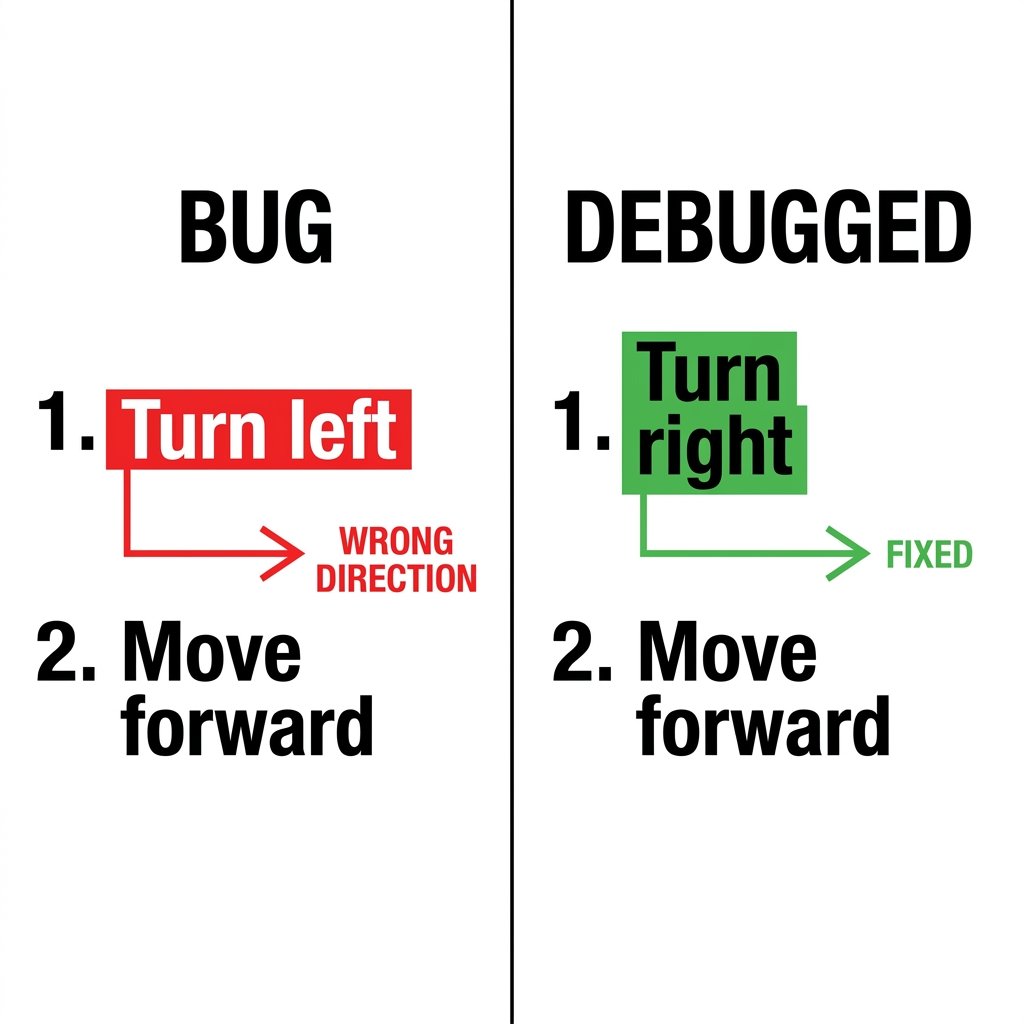
The worked example is helpful for showing how logic fails. It uses a program designed to draw a square. The correct algorithm uses a loop to repeat moving and turning four times. If a student forgets the turn, or turns the wrong way, the shape fails to close. By watching the sprite in the program, students see that the algorithm was followed, but the goal was not met. This is a great way to show that a mistake does not mean the student is failing, but that the algorithm simply needs an adjustment. It keeps the pressure off the individual and places the focus on the machine instructions.
I recommend using this 3rd grade debug code lesson when you notice your class getting frustrated with their own projects. It serves well as a substitute day plan because the logic is so clearly laid out. Students will follow the instructions, find the bug, and see that even software engineers deal with these errors every single day. The lesson even notes that software engineers use it every day to fix glitches in video games and apps. It is refreshing for a student to know that their struggles are shared by people who make the games they play on the weekend.
Where students slip
The guided practice uses a specific scenario where a sprite needs to jump over a hurdle that is two blocks high. This is where most of my students tend to get stuck. They often write the code to jump, but they do not account for the height of the hurdle or the number of steps required to reach it. When the sprite hits the hurdle instead of clearing it, the student has to stop and look at the steps again. This is where the magic of the lesson happens.

You will want to watch for students who try to just restart the whole program instead of reading their lines of code to find the specific point of failure. It is a natural impulse to wipe the slate clean, but the goal of the lesson is to practice the patience of debugging. Ask your students to point to the line of code that happened right before the sprite hit the hurdle. Often, they discover they had the sprite move forward one time too many or not enough. This granular approach is exactly what the standard requires. If you have students in an independent study or a student who missed the week of computer science, this activity provides a perfect chance to catch up while reinforcing the logic behind loops and sequences.
The language used in the lesson is clear and professional without being overwhelming. You can give this to a group of third graders, and they can walk through the steps on their own. However, I have found that it is best if I circulate and ask them where they think the bug is located. If they say, I do not know, I tell them to run the code again and watch it slowly. Seeing the error in real time is the fastest way to get them to see the difference between what the computer did and what the computer should have done.
Because the lesson takes about 45 minutes, it fits nicely into a typical computer science block. If you have extra time, you can have them draw their own hurdle program on paper first, then switch with a friend who intentionally introduces a bug into their paper code for them to find. It is a fun, low-tech way to cement the high-tech skills they are developing.
Related lessons

Breaking Down Big Problems, Teaches students how to split large tasks into manageable parts

Building Better Apps Together, Focuses on collaborative coding and peer feedback for mobile apps
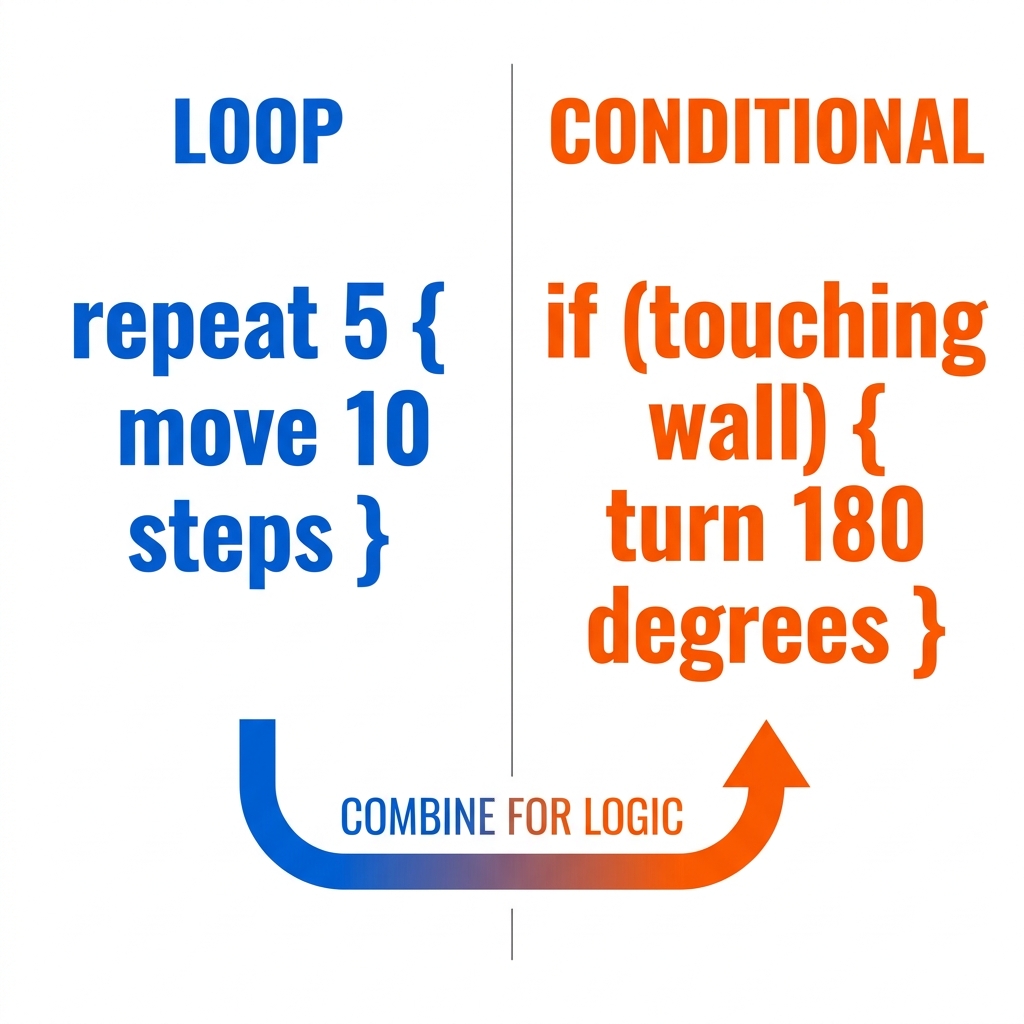
Building Interactive Programs, Covers basics of creating programs that respond to user input