

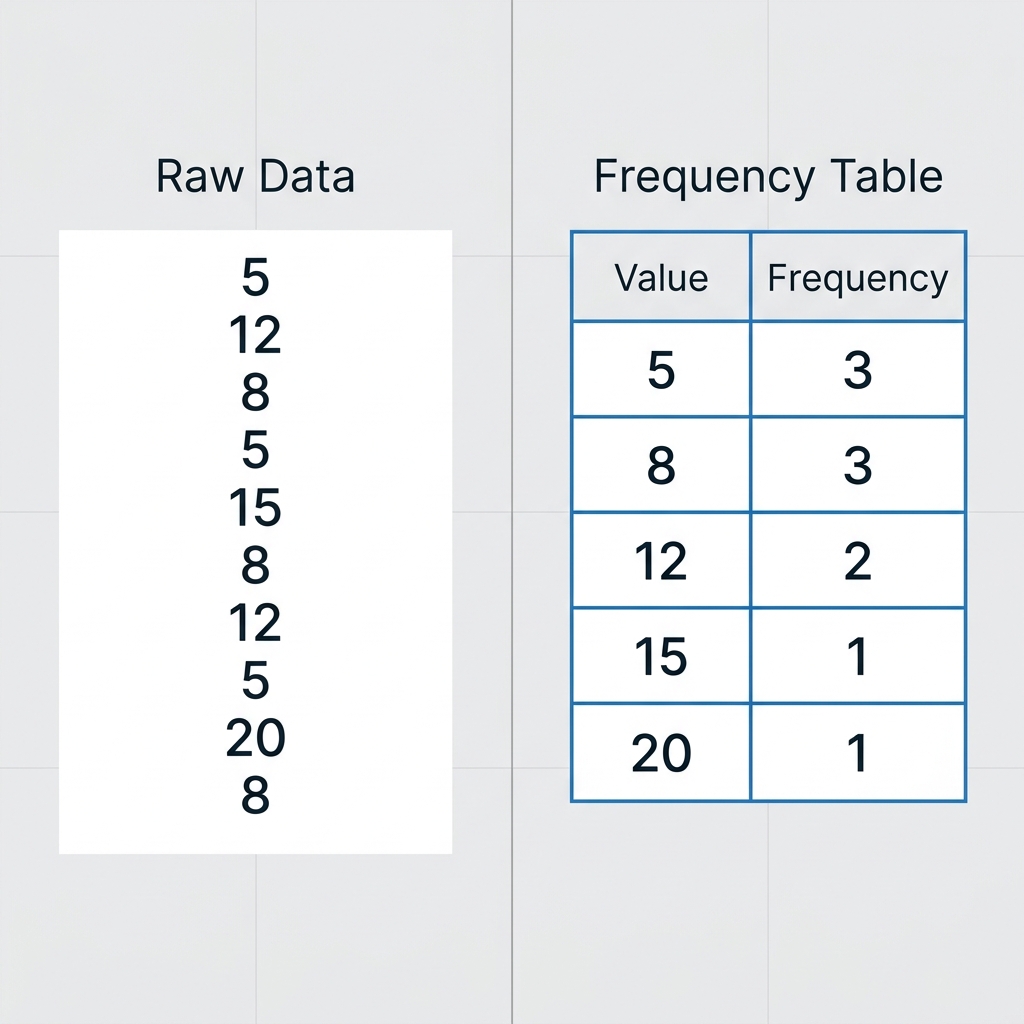
Eighth grade computer science students often encounter raw data as a messy, intimidating wall of numbers or text.
In the Transforming Data into Insights lesson, the focus is squarely on teaching students that data is not useful until it is organized, cleaned, and processed. It is a necessary shift for students who are used to simply looking at information rather than actively shaping it for a specific purpose.
Understanding the core standard
The lesson centers on the California-adopted standard CA.CS.6-8.DA.8. This standard asks students to do two distinct things: first, gather data using computational tools and, second, manipulate that data so it becomes more useful for a task. Teachers in Pajaro Valley Unified, San Bernardino City Unified, Antelope Elementary School District, and Simi Valley Unified all use this same standard to build fundamental computer science literacy.
I appreciate how this standard recognizes that collection and transformation are not identical skills. You can have all the data in the world, but if you do not know how to format or calculate that information, you cannot answer the questions your analysis is supposed to address. It is one thing to have a pile of raw facts and quite another to have an actionable, computed result. By teaching this distinction, we are helping students move from being passive consumers of information to becoming active, analytical thinkers who understand the mechanics of digital research. Students must learn that data is a raw material that needs refinement, much like gold ore needs processing before it can be used in jewelry or electronics.
How the lesson applies the concept
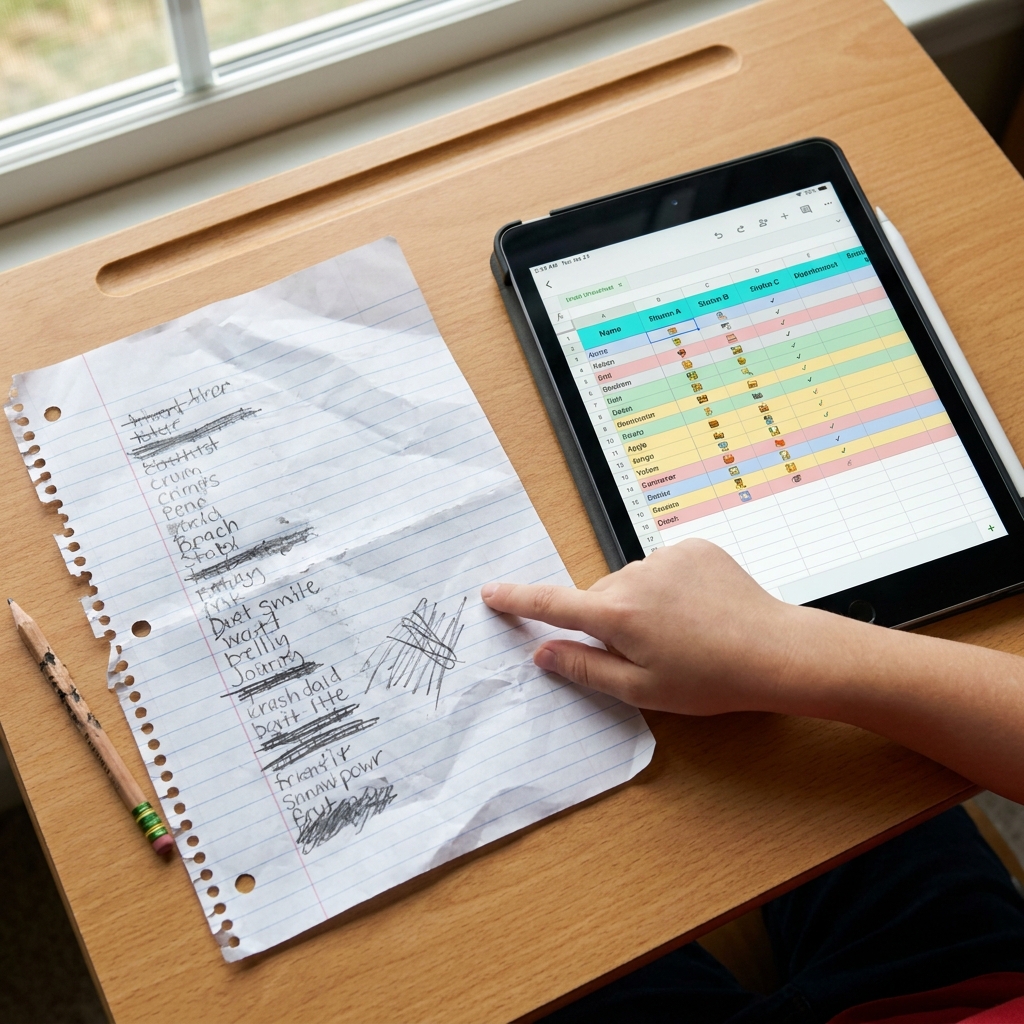
The material begins by grounding students in the simple concept of a paper tally sheet for 12 classroom library books. It is a smart way to start because students already understand the manual labor involved in inventory. From there, the lesson moves to a scenario about a temperature sensor that logs hourly data. It is here that students see the real power of computational tools: taking a long, unreadable list of individual hourly temperatures and using a spreadsheet to calculate a single average value. This transformation turns a chaotic list into a single, useful number that scientists can actually track over time. Without that transformation, the data remains a wall of noise that obscures the actual patterns we are trying to observe.
For guided practice, the material shifts to a mobile app scenario where students record bird sightings in a park. This forces them to think about how they are structuring their observations so the app can output clean, usable data. The instruction states: “Data transformation matters because it helps us solve real-world problems.” This is the hook for students who might otherwise struggle to care about spreadsheet functions or data structures. When they realize that this same process helps organizations track everything from homework completion to global climate trends, the utility becomes clear. Students begin to connect these abstract technical tasks to concrete outcomes in their daily lives, which dramatically increases engagement and retention. They stop asking why they need to format a cell correctly and start asking how that formatting helps them find the answer they need.
The importance of iteration
What I find particularly valuable is how the lesson encourages iterative thinking. Students rarely get the transformation right on the first try. They might realize they have filtered the data too aggressively, losing critical context, or perhaps they have mislabeled a column, making their final calculation nonsensical. This is not a failure; it is a critical part of the data science workflow. The lesson provides space for students to step back, examine their output, and adjust their formulas. In doing so, they are building resilience and developing a troubleshooting mindset that serves them well beyond the computer lab. They learn that coding and data work are largely about debugging and refining, rather than getting everything perfectly correct on the first attempt.
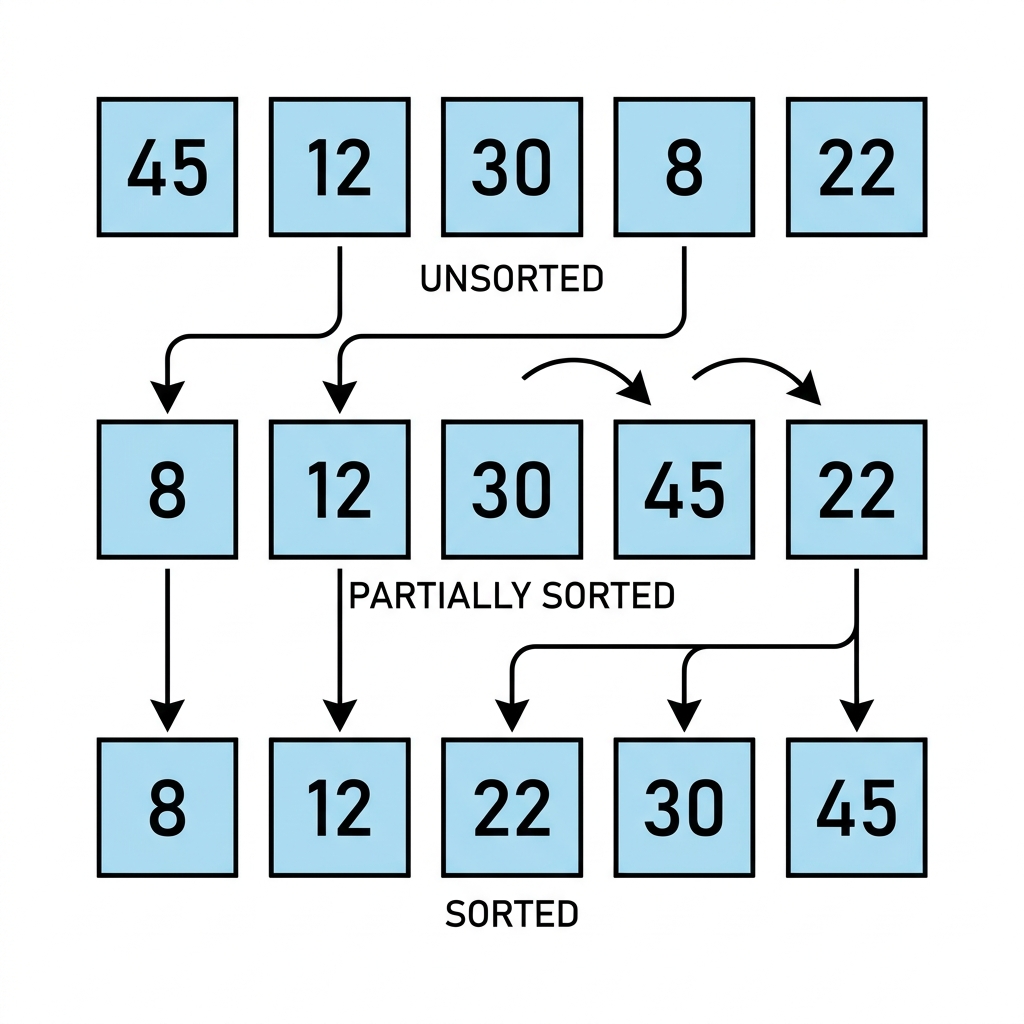
This lesson works well as an independent study assignment for a student who missed the week or as a standalone activity for a substitute day. It is direct and requires students to apply logic to data rather than just recording observations. I find that the most common mistake students make is trying to analyze the data without cleaning it first, which this lesson helps mitigate by emphasizing the transformation step as a requirement for analysis.
If you are searching for a solid middle school computer science data analysis module, this is a strong choice. It keeps the focus on the mechanics of data manipulation without overwhelming the class with unnecessary software complexity.
Related lessons

Testing Models with Variables, Testing how changing specific variables affects computational model outcomes
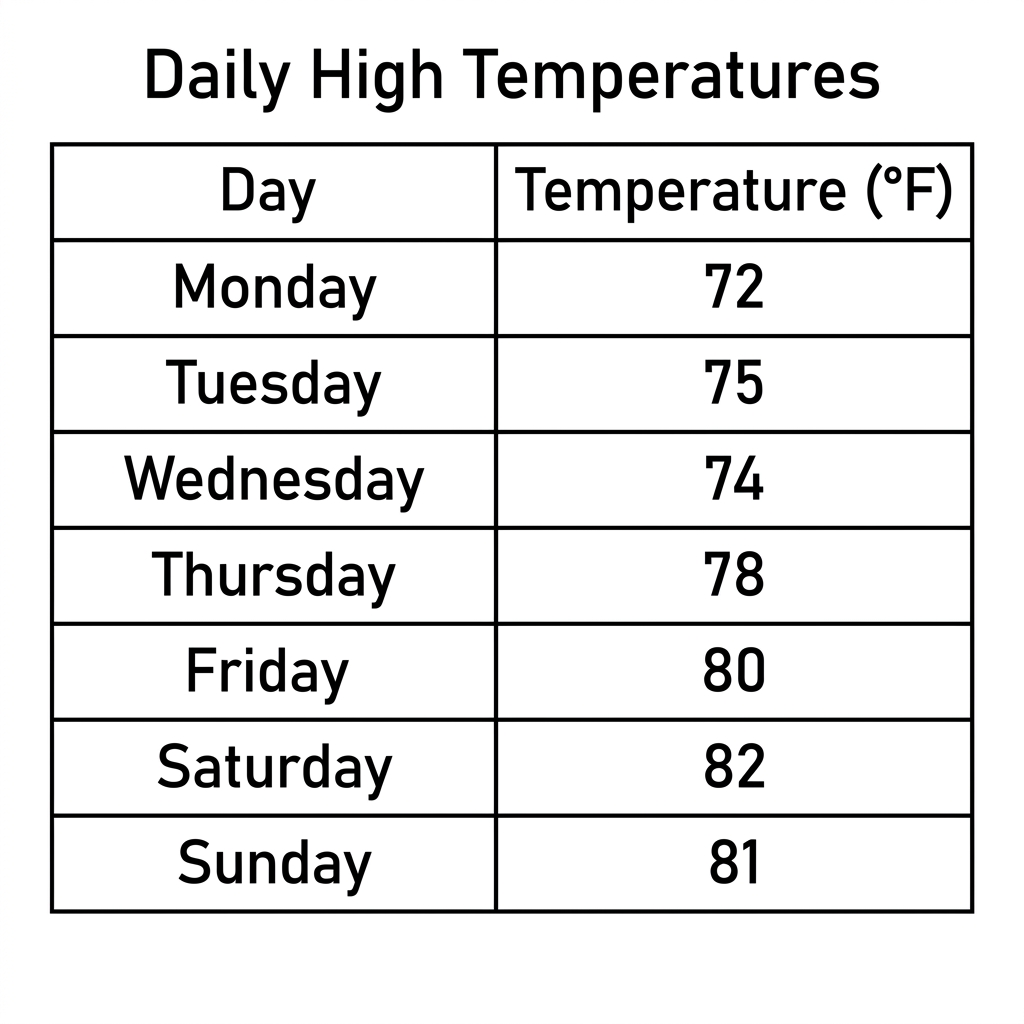
Representing Data for Insight, Communicating findings through appropriate data visualization and graphical methods