

A parent once asked me at a fall conference why her second grader kept talking about fixing programs when the class hadn’t built anything complicated yet. Fair question. My answer was that fixing is most of programming, and seven-year-olds already do it on paper all day long. They just don’t have a name for it.
That idea sits at the center of Making Programs Better, a second grade computer science lesson about iteration. It runs about 45 minutes, and the objective is short enough to write on the board as is: students improve a program by repeating steps to plan, test, and fix it. Here is how I would plan around it if you’re putting it on next week’s calendar.
What the lesson asks of students
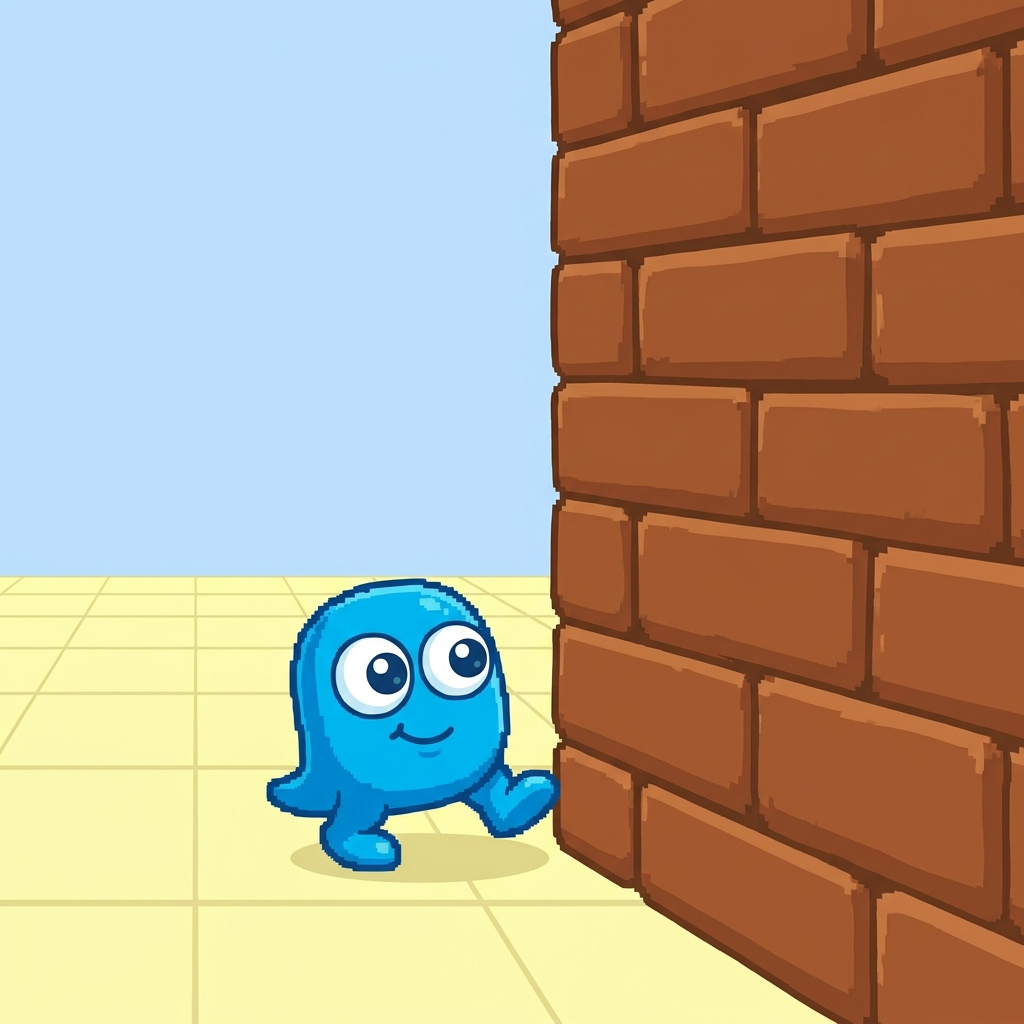
The lesson opens with something every second grader has done. A student draws a path on paper, sees that it runs straight into a wall, erases the line, and draws a new one to reach the goal. No screen needed. That opener works because the kids already own the experience, and the lesson simply points at it and says: that was iteration.

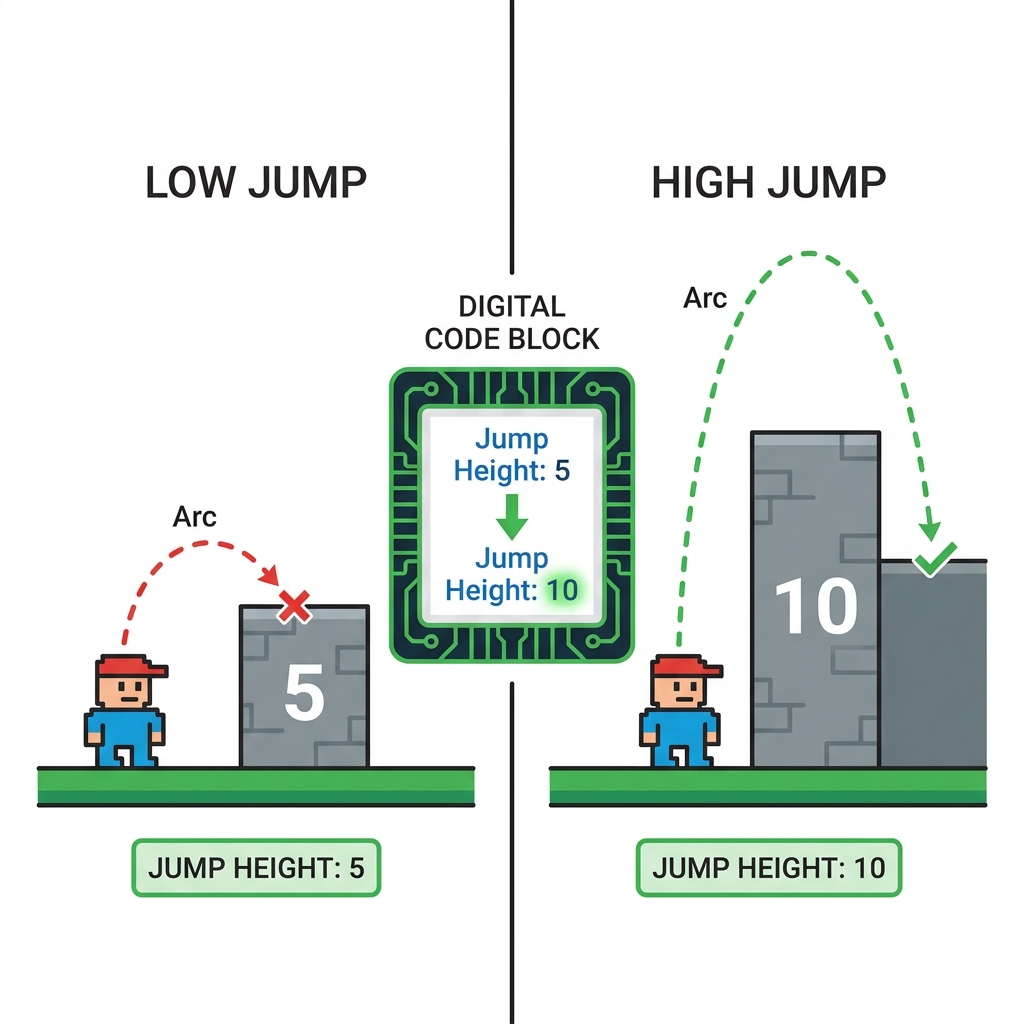
Then the worked example moves into a game. A character jumps too low to clear a wall. The programmer changes the jump height number from 5 to 10, and now the character makes it over. One problem, one change, one test, one result.
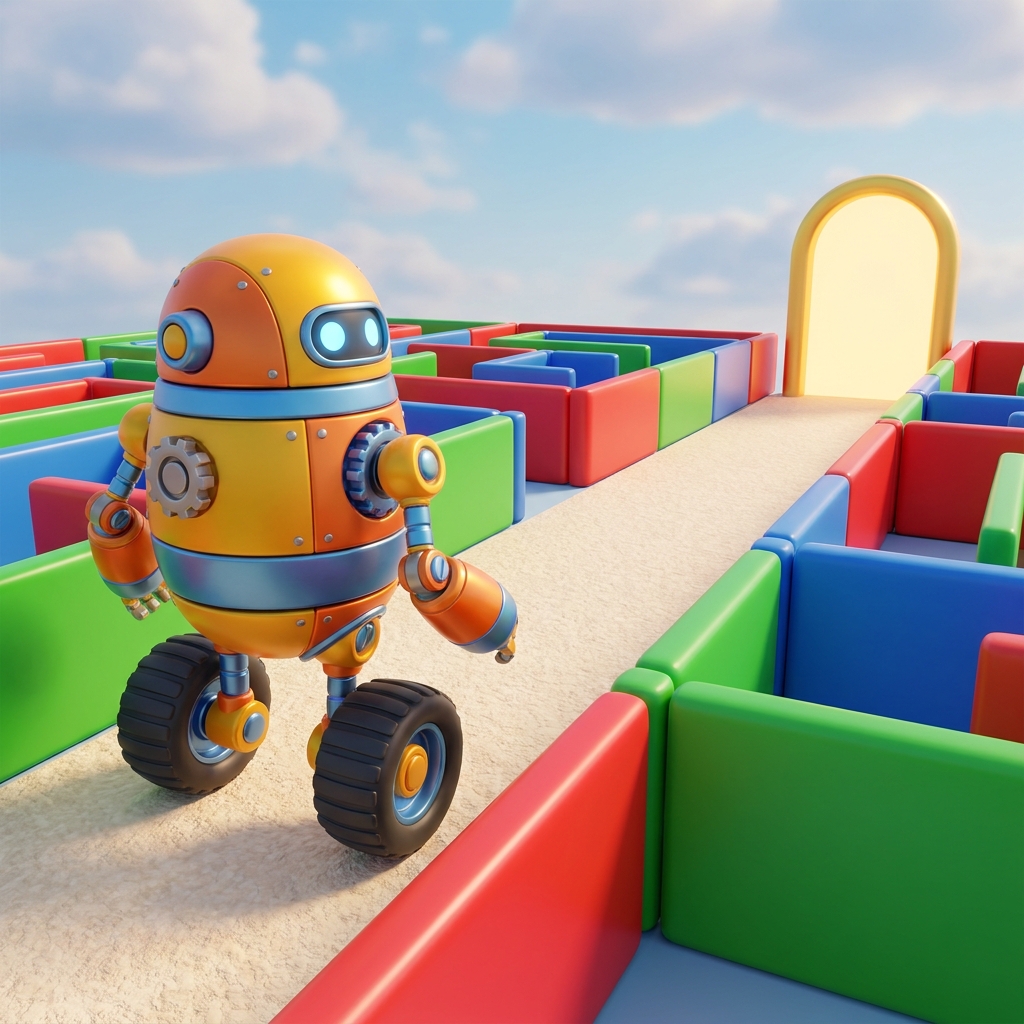
Guided practice hands the problem to the students. The setup is a maze game where the player gets stuck in a corner, and students have to figure out what to change so the player gets out.
Two vocabulary words carry the whole lesson:
- Iteration: the process of repeating steps to plan, test, and fix your work until it is just right.
- Program: a set of instructions that tells a computer what to do.
I like that the definition of iteration ends with “until it is just right.” That phrase quietly gives kids permission to be wrong the first time, which is the part some of my most careful students struggle with most.
The standard behind it
The lesson is built on CA.CS.K-2.AP.17, from the California computer science standards, in the Algorithms and Programming domain under Program Development. The standard asks students to describe the steps they took and the choices they made while they repeatedly worked on a program.
Notice the verb. Describe. Fixing the maze isn’t enough by itself; the standard wants a student to be able to say what they changed and why. In my experience this is the half teachers skip when time runs short, and it’s the half that shows you whether a kid understood or just got lucky.
Second graders in Visalia Unified, Twin Rivers Unified, Lemoore Union Elementary School District, and Lancaster Elementary School District are working toward this same standard, since it reads the same everywhere in California.
Where the 45 minutes go
Here’s the split I’d plan. Keep the paper-path opener to about five or eight minutes; it only needs to land one idea. The jump-height example takes around ten, mostly because you’ll want students to predict what happens before and after the number changes. Give guided practice the biggest block, roughly twenty minutes. Save the last five for students to say out loud what they changed in the maze and what happened when they tested it.
The lesson also includes a short note that professional game developers test their games over and over to make sure they’re fun and free of bugs. Don’t rush past that. Kids are genuinely surprised that the grown-ups who make games get things wrong too, and it takes some of the sting out of a failed first try.
What to watch for during guided practice
The maze problem is more open-ended than the jump example. The worked example gives students a single number to change; the maze just says the player is stuck in a corner. Some students will love that. Others will freeze.
Watch for two habits. The first is the eraser instinct from the opener: a student decides the whole program is broken and wants to start over. Steer them toward changing one thing, then testing. The second is the opposite: a student changes something and moves on without testing at all. Both are worth catching in the moment, because the plan, test, fix cycle is the actual content here.
One honest caveat. The 5-to-10 jump height is abstract for some second graders, who may not have any sense of what a 5 means inside a game. If a few kids look lost, have them hop low and then hop high. It’s silly and it works.
The lesson fits a whole-class assignment, and because the opener is paper-based and the example is self-contained, it holds up well on a substitute day. It’s also a reasonable catch-up piece for a student who missed the week and needs the idea of iteration before the next programming lesson. If you’re looking for a second grade iteration lesson for computer science, open it up and try the maze yourself first, so you know which corner your students will get stuck in.
Related lessons
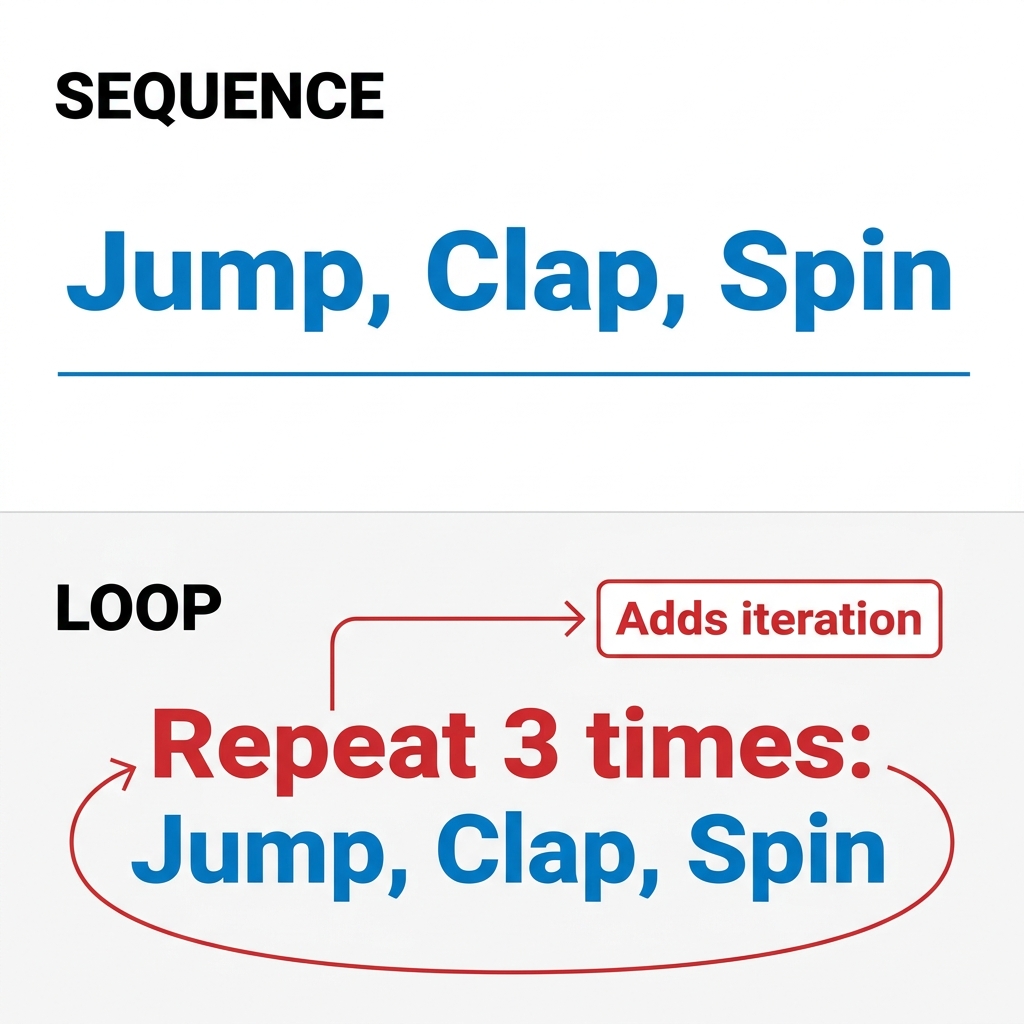
Building Programs with Steps and Loops, Building programs using ordered steps and loops that repeat instructions
Making a Plan for Your Program, Planning out a program before starting to build it
Giving Credit for Code, Giving proper credit when using code that someone else wrote