

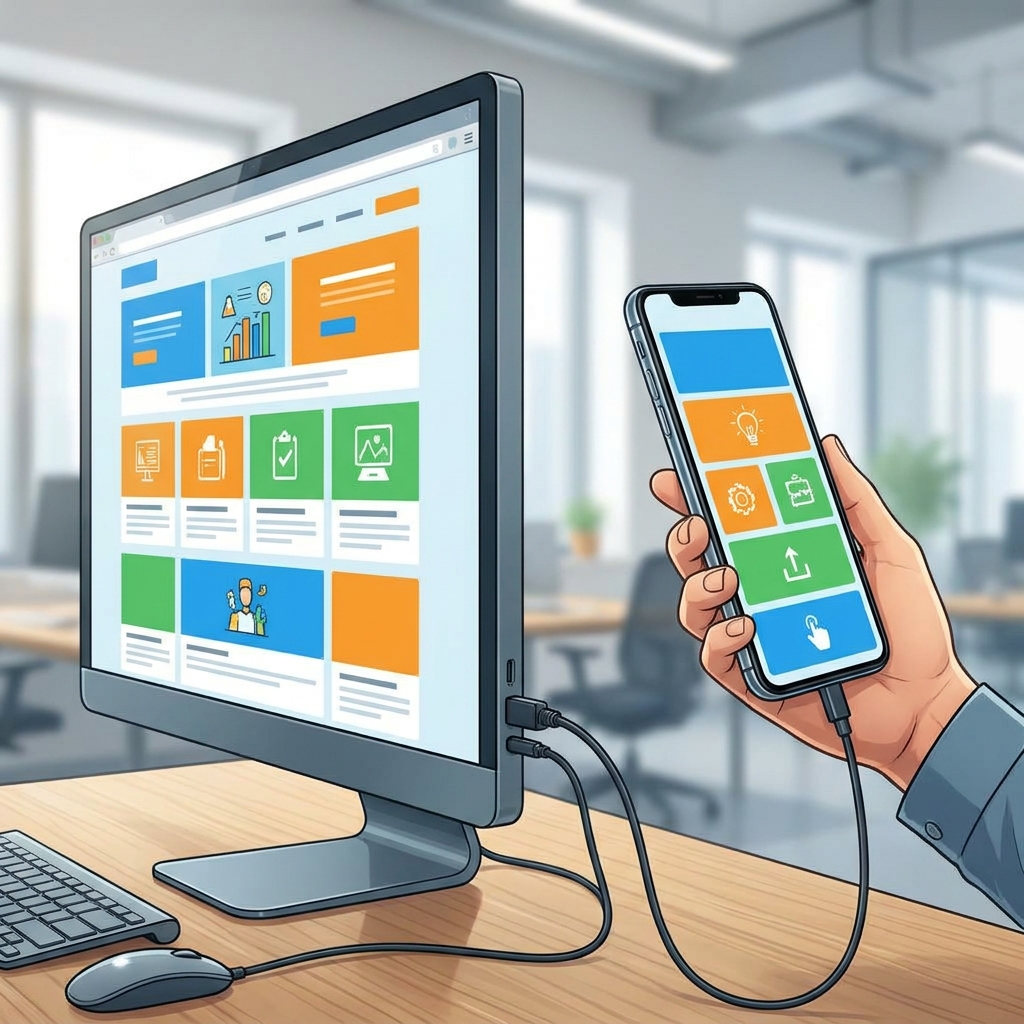
When a high school student finally finishes their first calculator program, they often have a moment of frustration. They look at their computer monitor, see the script running perfectly in a terminal, and then try to run it on their mobile phone only to find a broken interface or a total crash. This is the exact moment when the Building Apps for Every Device lesson becomes essential. It takes the student beyond the basic logic of a single program and forces them to confront the realities of modern hardware variations and the need for adaptable code.
This high school computer science module is designed to bridge the gap between running code in a simple desktop console and deploying software that actually functions in the real world. Educators in districts like Garden Grove Unified, Manteca Unified, Antioch Unified, and Centinela Valley Union High School District rely on similar curriculum to ensure students grasp these fundamental engineering concepts. The lesson runs about 45 minutes, making it a manageable addition for an independent study module or as a remedial assignment for a student who missed the initial unit on system architecture.
Understanding the technical requirements for multi-device deployment
The core objective here is to have students develop software programs that work correctly across different computing environments like laptops, web browsers, and phones. The material uses a straightforward comparison to set the stage. A desktop environment relies on a physical keyboard and a window manager, while a phone needs a touch-responsive interface. To manage these differences, students learn three specific terms. Cross-platform describes software that can be deployed and executed on multiple different types of computing systems or hardware. The runtime environment is the specific hardware and software conditions, such as a browser or an operating system, where a program is executed. Finally, an abstraction layer is a piece of code that hides the complex details of different hardware or systems so the program can use a single, consistent set of instructions.

I find that students often struggle with the idea that code is not universal. They assume that if it works on their laptop, it should work everywhere. This lesson dismantles that assumption by showing them a concrete scenario. The provided material examines a button that works perfectly on a web browser but crashes on a desktop console, illustrating why developers cannot rely on rigid, platform-specific commands. It is a necessary reality check for any high schooler moving into actual software design.
Aligning with state standards
The lesson specifically addresses CA.CS.9-12S.AP.20, which requires students to develop programs for multiple computing platforms. This is part of the California-adopted standards for computer science, specifically within the Algorithms and Programming domain and the Program Development cluster. The standard is not just about writing code; it is about writing code that acknowledges the environment it runs in. By completing this, students demonstrate that they can move beyond hard-coded values that only work on one machine.
When you assign this as a cross-platform development lesson, you are giving your students a framework for professional development. The material includes a worked example on responsive layouts. Instead of defining a layout element by a fixed pixel count, students learn to use flexible design, such as setting a width to 50 percent of the screen. This single shift in thinking, moving from absolute values to relative percentages, is what allows an interface to look correct on a giant monitor and a small mobile device. It is a simple concept, but until they see it practiced, most beginners will continue to build inflexible, static interfaces.
Practical uses for the classroom
This resource is particularly useful for an independent study or as a backup plan for a substitute day. Because the lesson provides its own vocabulary and clear, step-by-step logic, a student can work through the module with minimal direct instruction. If you are managing an intervention program, this is a great way to help a student who is ready to move on from basic syntax and needs to start thinking about the bigger picture of software deployment. It does not require a complex lab setup, which makes it easy to assign to a student regardless of the hardware they are using at the moment.

The lesson does not try to teach every programming language, but rather teaches the logic that governs all of them. It is honest about the fact that cross-platform development matters because it saves time and reaches more people. When you build once for many devices, you make your app available to a global market of phone and computer users. This is a pragmatic, outcome-oriented approach that appeals to students who are curious about how the software they use every day actually gets built. It gets them out of the mindset of making things that only work on their own machines and puts them on the path to writing code for everyone.
Related lessons

Choosing the Right Programming Language, Comparing language features and syntax for various application types

Solving Complex Problems with Decomposition, Breaking large programming tasks into smaller manageable components

Securing Your Code: Identifying and Fixing Vulnerabilities, Protecting software programs against common security threats and flaws