


Many high school students view digital writing as a task that ends the moment they save a document. Teachers can shift this perspective by introducing strategies that turn solitary drafts into dynamic, collaborative projects, ensuring that students treat writing as an evolving process rather than a final product.
Breaking the one-and-done draft cycle
High school students often treat their digital drafts as finished products the moment they hit the save button. As an English teacher, you know this mentality stops progress before it truly begins. If a student thinks their first attempt is their only attempt, they miss out on the most meaningful parts of the writing process. In Collaborative Writing and Digital Iteration, your students work through a process where they see their writing as a living, breathing document that requires constant attention.
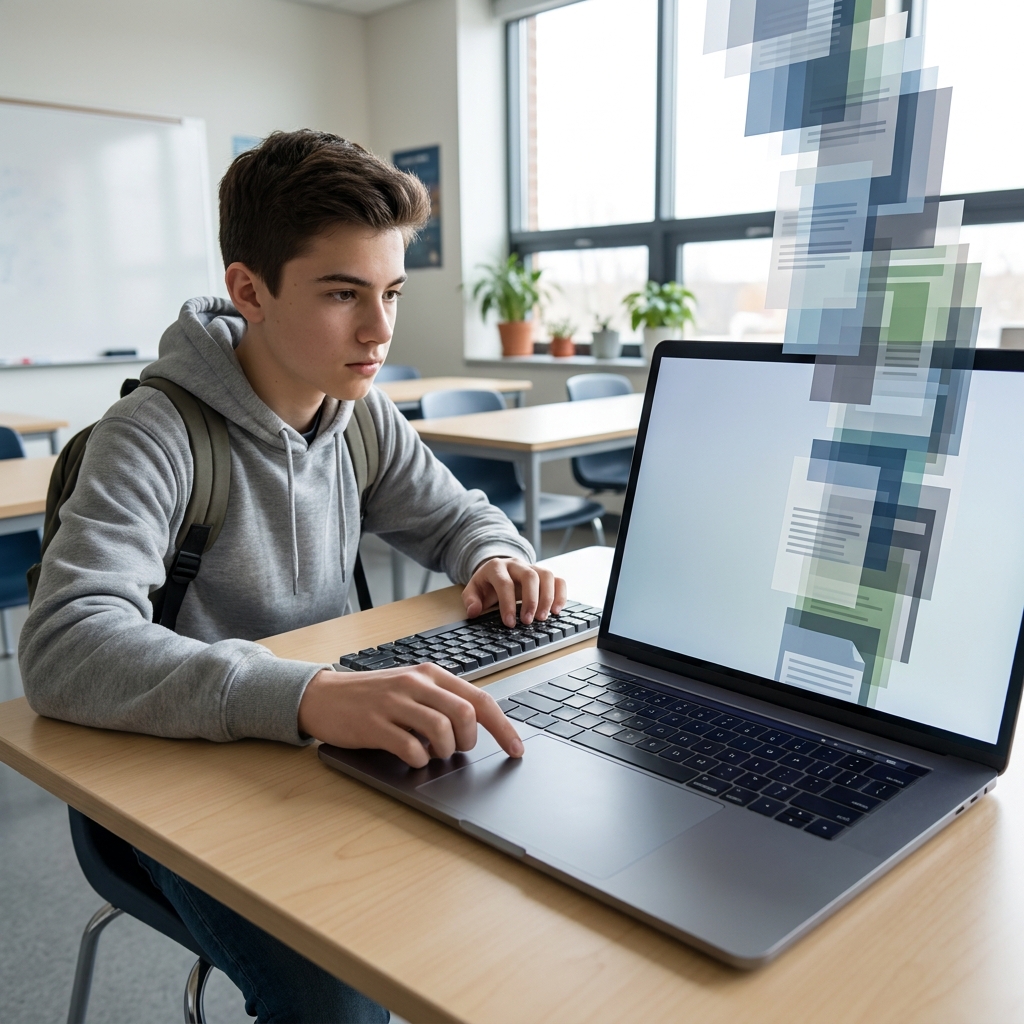
This lesson is designed for an English 11 classroom where the focus shifts toward more professional, mature writing habits. It teaches the specific skills needed to turn a solitary draft into a polished piece of work through feedback and technical tools. Students learn terms like iterative writing, which is a process where you create, receive feedback, and revise your work multiple times to improve its quality. They also get familiar with version history as a digital tool that tracks changes made to a document and allows you to view or restore previous versions, and collaborative document, which is an online file that multiple people can read, edit, and comment on at the same time.
Understanding the technical standard
The lesson focuses on the requirements set out in CA.ELA.W.11-12.6. This is the California-adopted standard for the production and distribution of writing, which also encompasses CCSS.ELA-LITERACY.W.11-12.6. When you look at the language of this standard, it breaks down into a few distinct demands on your students. First, it asks them to use technology to produce and publish writing. This is not just about typing words into a window, but about managing a digital space.
The standard also requires students to update their work in response to ongoing feedback, including new arguments or information. This is a tall order because it requires students to let go of their ego and acknowledge that their initial ideas might need an overhaul. Whether it is a teacher leaving a comment or a peer suggesting a different perspective, the student must decide how to integrate that feedback. Teachers in the Salinas Union High School District, Porterville Unified, Pasadena Unified, and Sanger Unified all follow this same standard to ensure students are ready for the professional demands of writing outside the classroom.
Real-world applications for students
One of the strengths of this lesson is how it makes the abstract nature of writing feel concrete. It uses a clear guided practice setup where students imagine they are working on a collaborative report about space travel. This prevents the lesson from becoming a dull lecture on software functions. Instead, it places the tools within a context that makes sense. It highlights why this skill matters by showing that iterative publishing is vital in professional fields. Journalists publish stories online and update them as news develops, and software engineers release versions of code that are constantly improved based on user reports.

When I taught this in my own classroom, I found that the version history feature was the most effective part for student growth. When a student can see their own progress from the first draft to the final submission, they realize that good writing is usually the result of multiple rounds of editing. It removes the fear of making a mistake in the first draft because the technology provides a safety net. This is a solid high school collaborative writing lesson for a whole-class assignment, especially when you are introducing a long-term research paper. It also works very well for students who missed the week of instruction or for an independent study module where they need to show they can handle feedback without direct teacher supervision.
Where students often slip
The biggest hurdle for students is usually the transition from receiving feedback to actually applying it to the text. Many students read a comment and think it is just a mark for a grade. This lesson forces them to see comments as actionable steps. They have to decide if the new information changes their argument or if it just strengthens their existing points. If they do not engage with the feedback, the entire digital workflow becomes useless. You might find that some students are hesitant to work in a shared space because they feel exposed, but once they see their peers doing the same thing, that tension usually dissipates. It is a productive way to teach them that writing is a social activity rather than an isolated task.
This lesson provides the infrastructure to make those changes visible. By the time they finish the 45-minute activity, they should be able to operate the tools and, more importantly, understand the purpose behind using them. You can use this as a quick bridge to your next essay unit or as a way to refresh expectations for how you want your class to use digital tools throughout the year. It provides a simple framework that keeps them moving forward even when their writing gets stuck.
Related lessons

Mastering Rhetorical Flexibility in Writing, Teaches students how to adjust their writing for different audiences

Professional Writing: Adapting for Task, Purpose, and Audience, Focuses on writing styles suitable for specific professional environments
Constructing Cohesive Arguments with Integrated Evidence, Helps students build logical claims backed by solid academic evidence