


Software development in the professional world requires far more than individual coding skills; it demands the ability to work effectively with remote teams and manage complex digital interactions. Educators can prepare students for this reality by introducing structured lessons on digital collaboration early in the semester, ensuring they are ready to contribute to global projects.
Setting the stage for digital teamwork
As we get further into the semester, the initial excitement about coding syntax often hits a wall where students realize that actual software development is rarely a solitary endeavor. This high school computer science lesson, Collaborating Across Cultures and Careers, lands perfectly in the curriculum when students have moved past basic functions and are ready to think about the human side of computing. It bridges the gap between writing a clean loop and participating in a global ecosystem.
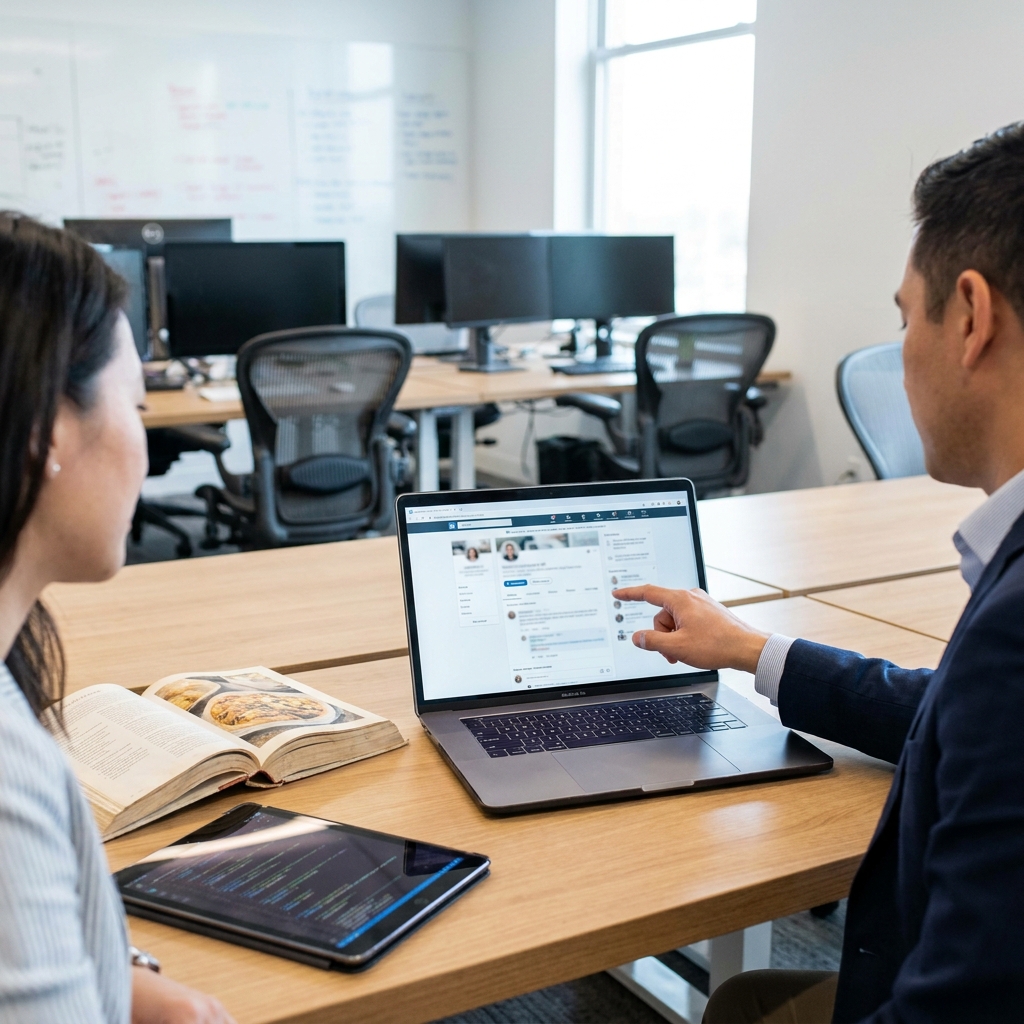
Students start by recognizing that sharing information online is not just for social media; it is a foundational professional skill. The lesson introduces the idea of using cloud-based documents for co-authoring projects, which is the most common way to keep teams on the same page. If a student does not understand how to handle asynchronous communication or manage shared version control now, they will struggle when the projects become large-scale and team-dependent later in the year.
What the lesson actually asks students to do
The lesson asks students to understand how digital tools build connections across different professional fields and cultures. By reviewing a scenario involving a virtual hackathon, students see how contributors use systems like Git to push code changes to a central location at different times. This approach allows a team to merge their work into a single, cohesive project even when contributors are scattered across different regions. This lesson is an excellent resource for a high school digital collaboration lesson that moves beyond simple email.
Vocabulary here focuses on the mechanics of working together. Students learn about asynchronous communication, which is defined as a method of collaborating where team members send and receive messages or files at different times instead of interacting in real time. They also examine cross-cultural connectivity, which is the ability to build relationships and work effectively with people from different regions and cultural perspectives using technology. The lesson explains that this is standard practice in fields ranging from climate change research to building global applications. Scientists often use shared data platforms to track environmental changes across borders, solving global problems faster by working in tandem.
Aligning with state standards
This material specifically serves CA.CS.9-12.IC.27, the California-adopted standard which asks students to use collaboration tools and methods to increase connectivity with people of different cultures and careers. This is a critical piece of the Impacts of Computing domain, falling under the Social Interactions cluster. The standard requires that students look at technology as a medium for human connection rather than just a technical interface. You will find that this standard is taught the same way across the state, from the Kern High School District and Chaffey Joint Union High School District to Pomona Unified and Tulare Joint Union High School District.
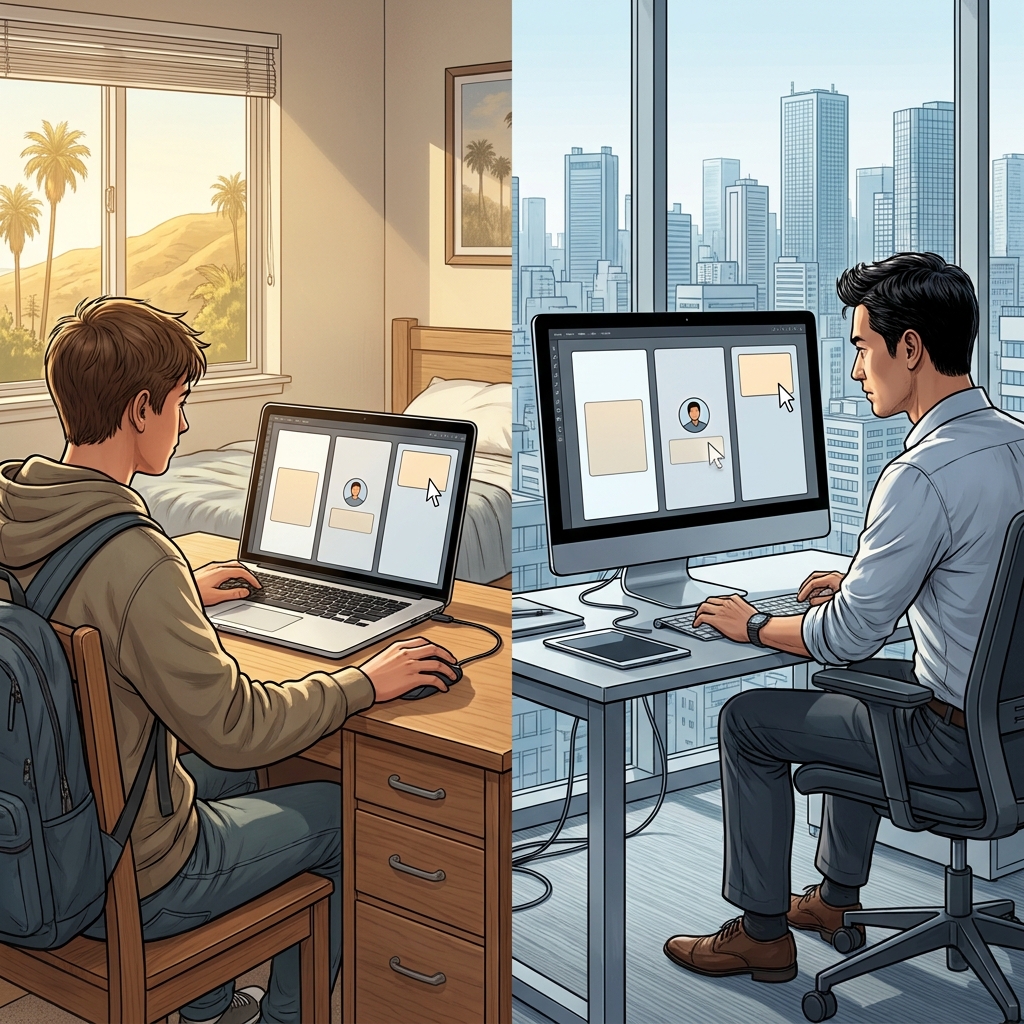
The guided practice is quite specific. Students are asked to coordinate a virtual science exhibit with a peer in another country. It forces them to consider the logistics of time zones, communication styles, and the necessity of documentation. I find that my students often underestimate the friction involved in working with someone from a different background, so this exercise is a great reality check before they attempt a larger, graded group project.
Where students slip and how to use this
The biggest hurdle for students is the concept of working asynchronously. We are all so used to instant messaging that the discipline of waiting for a repository update or a document edit can feel unnatural. Some students will try to force synchronous meetings for everything, missing the point that global teams rely on tools that respect the fact that it might be 3:00 AM for a collaborator in another country. If they do not grasp this now, their future group projects will likely be plagued by scheduling conflicts.
I recommend this lesson for a few specific classroom scenarios. It works well as a whole-class assignment to introduce a collaborative unit. It is also perfect for a student who missed the week, as it is self-contained and requires minimal external setup. If you have a substitute teacher scheduled for a day, this is one of the most reliable activities you can leave because it requires students to think critically about their own digital footprint and professional habits. The objective is practical, and the scenario-based learning keeps them from feeling like they are just reading a lecture.
Related lessons
Algorithms in Action, Practical application of algorithmic logic and sequence design in computing
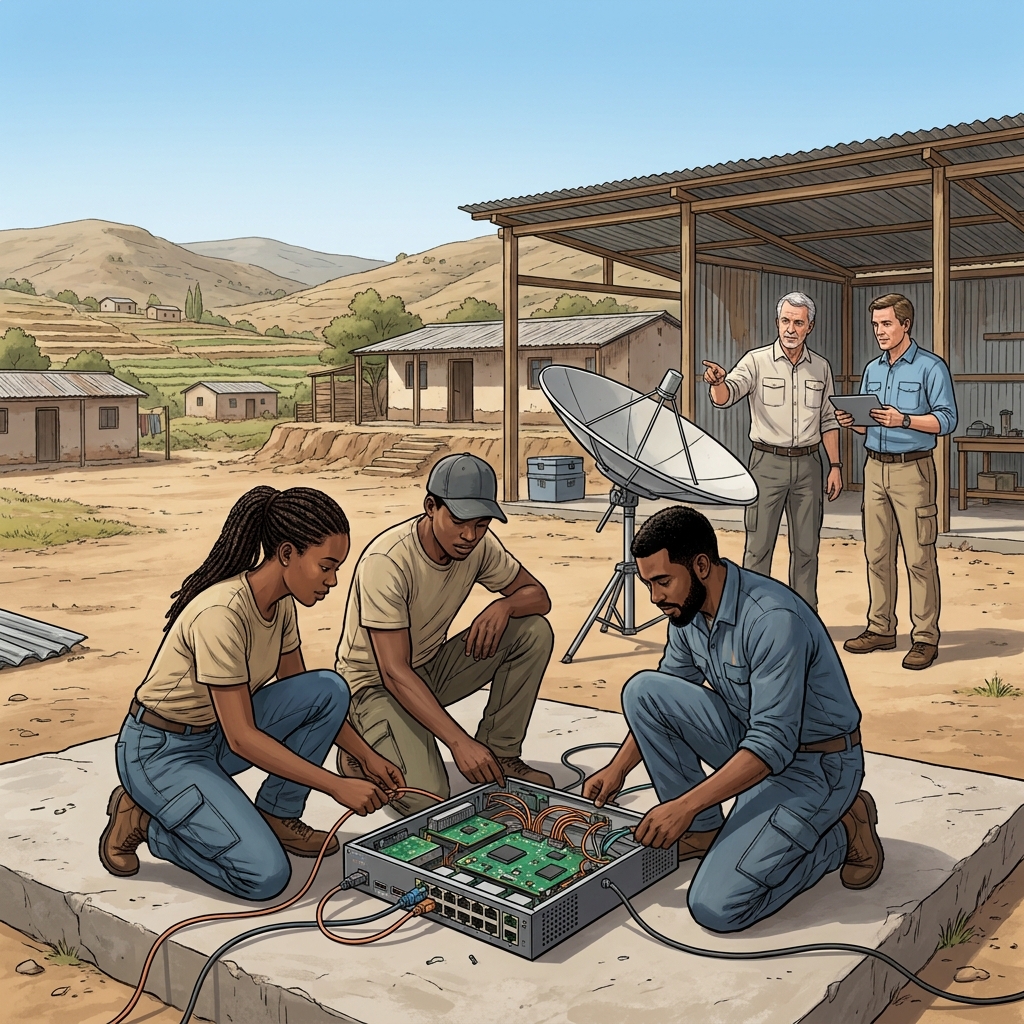
Global Access and Computing Equity, Discussing the digital divide and equitable access to computing resources
Impacts of Emerging Technologies, Evaluating how new technological advancements shape modern social and professional interactions