

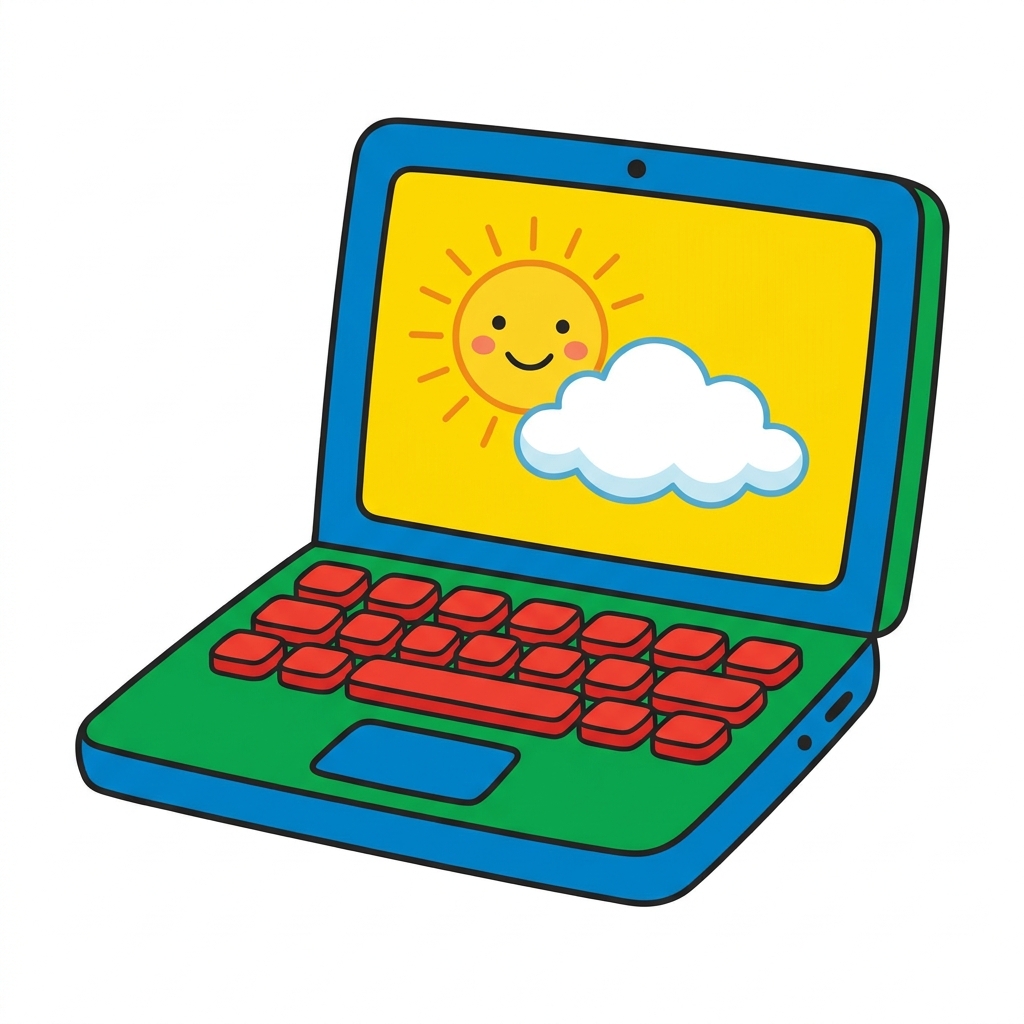
This lesson does not try to teach complex programming or hardware architecture. It does not expect a student to explain the inner workings of a processor or why a particular OS is installed on a device. Instead, Using Your Computer focuses on a much more practical, immediate concern for a room full of six-year-olds: knowing how to choose the right tool for a specific job.
As you plan your first grade computer science curriculum, it is easy to assume that young students already know which device is best for a given classroom task. We often find that is not the case. This specific first grade computing devices lesson guides students through identifying and operating the technology they have at their desks. The central objective is simple but foundational: I can pick the right tool for my work. By grounding the lesson in this objective, students learn that a computer is not just a screen that plays things, but a workstation for accomplishing goals.
The standard at play here is CA.CS.K-2.CS.1, which is part of the California-adopted standards for Computer Science. This standard asks that students select and operate computing devices that perform a variety of tasks accurately and quickly based on user needs and preferences. It is about building agency through technical fluency. Whether a student is in Oakland Unified, Folsom-Cordova Unified, San Gabriel Unified, or Enterprise Elementary School District, they are all working toward the same standard of operational awareness in their computing systems. The standard helps you move students away from accidental clicking and toward intentional selection.
What students actually do
In this fifteen-minute lesson, students move through scenarios that contrast different computing needs. You are asking them to identify the function of their available hardware. If a task requires word processing, for example, they are taught to consider which tool handles the keyboard input most effectively. If the task is about recording sound or capturing a digital image, they evaluate the device features that make that process quick and accurate. It is an exercise in matching a need to a specific function of a machine. By presenting these choices as a logical process, you help them internalize that machines exist to help them create things, not just consume them.
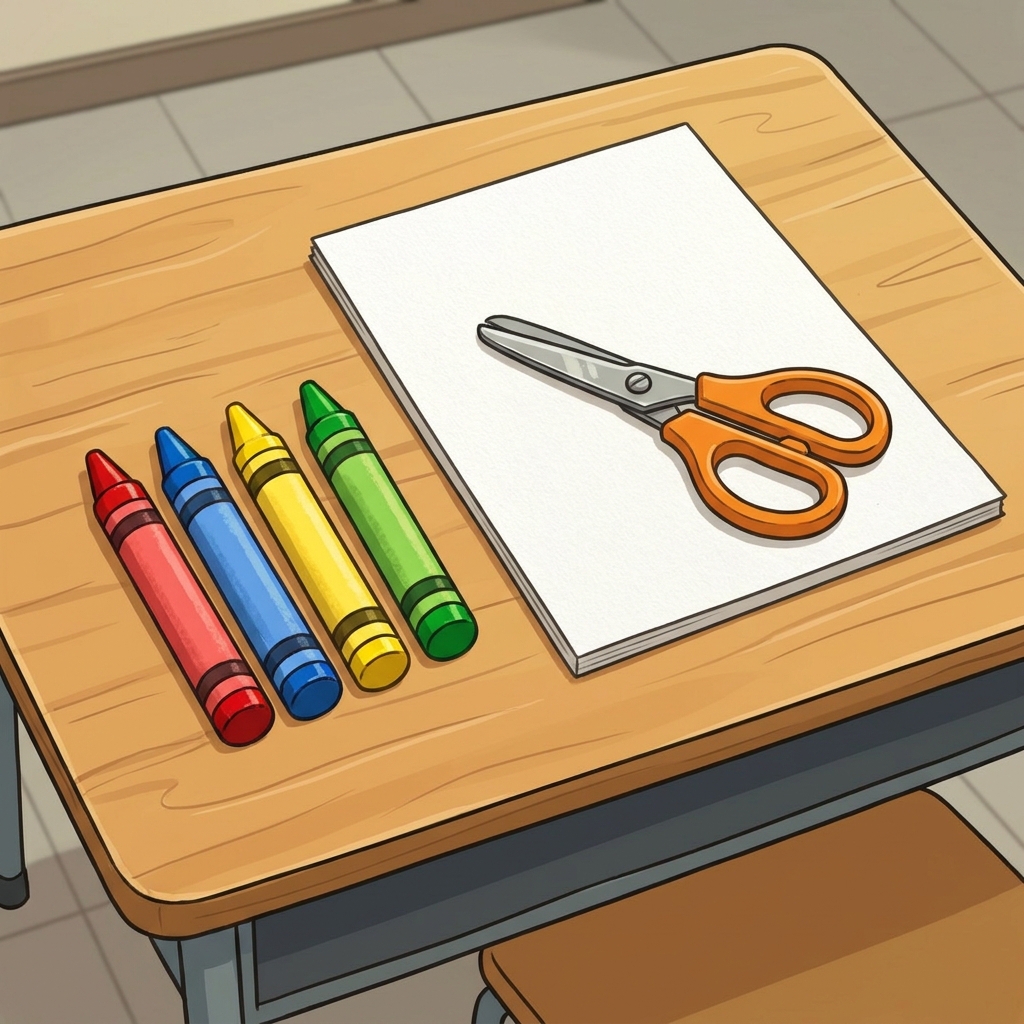
You will want to watch for how they define a task. First graders often see everything on a screen as one large activity. Your role here is to help them pause and ask what the end product is before they touch the device. Are they writing a sentence? Are they drawing a picture? By identifying the goal first, the choice of tool becomes logical. When students describe their choice, listen for them referencing the specific interface features that support their decision.
Where students slip
The most common hurdle is the tendency to pick the device they enjoy using the most, rather than the one that best suits the task. A student might try to use a drawing tablet for typing just because the stylus is fun, or they might try to use a laptop for a task that is better served by a handheld device. You should encourage them to justify their tool choice with a reason tied to the task itself, such as the need for speed or the need for a specific input method. It is a subtle shift, but it prepares them for higher-level work where hardware limitations actually matter.
Another area where they slip involves the concept of speed. Students often confuse the time it takes them to learn a new tool with the time it takes the device to perform a task. If they get frustrated by a login screen or a loading icon, they might conclude the tool is wrong for the task. Use this as a moment to explain that the device is still the right tool, but the human user needs to practice the operational steps. Patience with the device is just as much a part of this standard as selecting the device in the first place.
Why this skill matters
When you build a foundation where students view technology as a collection of tools with specific purposes, you change their relationship with the devices in your room. They stop seeing the computer as a static object and start seeing it as a machine that responds to their specific needs. This transition is essential for any future computer science work they might do in the later grades. When they understand that they are the ones making the decisions about which tool to operate, they become much more confident in trying out new software or hardware when you introduce it later in the year.
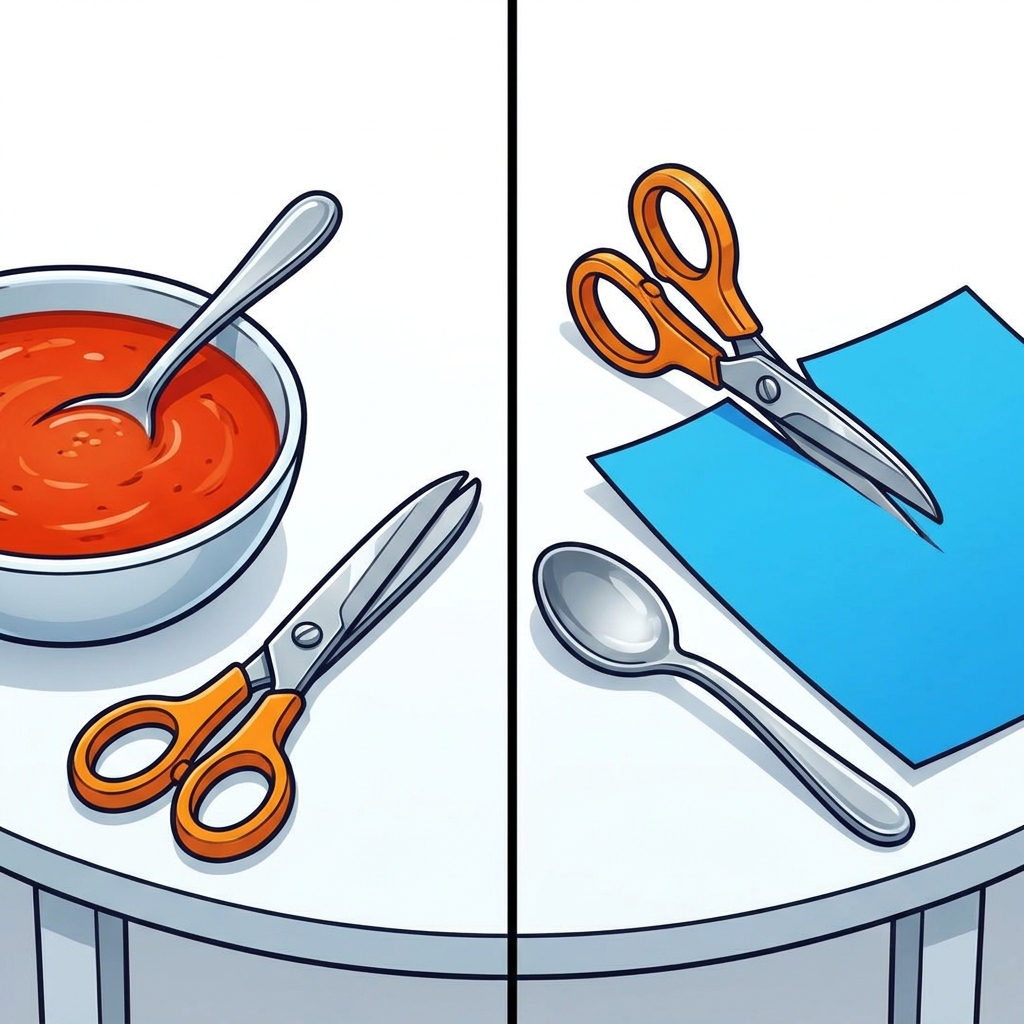
The simplicity of the lesson is its greatest asset. It does not overwhelm them with jargon, and it does not require a complex classroom setup. It treats the classroom technology as something that is meant to be managed by the student, rather than something they are just allowed to use. By normalizing this kind of reflection, you make your daily transitions much smoother.
Practical classroom uses
This lesson fits well as a whole-class assignment when you are first introducing a new set of devices to the room. It also works as a perfect refresher for a student who missed the week when you were teaching proper device handling or for an independent study module where you want to gauge their readiness to use digital tools without immediate guidance. If you find your class is struggling with technical transitions, using this lesson to restart that conversation can be very effective. It gives everyone a shared vocabulary for how to speak about the tech in their hands.
If you have a substitute day coming up, this is also a high-value, low-risk lesson to leave for them. It requires very little preparation from an outside adult and keeps the students focused on the standards. You will find that after doing this activity, your students will be much more prepared to handle their own equipment when you are back in the room to facilitate larger projects. Keep the language simple and emphasize the connection between their goal and their tool. When you make that link explicit, the technology stops being a distraction and starts being the useful tool it was designed to be.
Related lessons
Making a Robot Dance, Students learn to sequence movements for a robotic performer
Giving Credit, Students explore basic ideas of ownership and digital attribution
Making a Toy Robot, Students build an understanding of mechanical design and function