


A parent once asked me why we bother teaching children about variables when they are just starting to learn basic logic. I told them that variables are the memory of the digital world. Without them, a computer cannot remember a score or a player status, and that makes for a very boring experience. In our 3rd grade computer science curriculum, students begin to see how these containers work as they explore Storing and Changing Data with Variables. This lesson offers a clear look at how small pieces of data can drive an entire simulation.
This 3rd grade computer science lesson focuses on the core concept of variables. The material defines a variable as a named container in a computer program used to store and change data. Students are asked to think about games they enjoy and how those games keep track of numbers that change. For instance, the lesson uses a platformer game scenario to show how you might use a variable named lives to track how many chances the player has left. By initializing the variable with a starting value like 3, the program can track the state of the game from the very beginning. Students learn that to initialize means to give a variable its first starting value, which is a logic step they must master before they can manipulate any data later on.
Using variables to build digital logic

When you start teaching this 3rd grade computer science variables lesson, your students will move from simple storage to active manipulation. The lesson introduces the concept of an update, which is defined as the act of changing the value stored inside a variable. During the guided practice portion, students work through a virtual pet simulation. They use a variable named hunger to track the pet. The program logic dictates that if the pet gets hungry over time, the hunger value should increase. This is where the standard CA.CS.3-5.AP.11 comes into play. This California-adopted standard requires that students create programs that use variables to store and modify data. Whether a student is in Santa Ana Unified, West Contra Costa Unified, Temecula Valley Unified, or River Delta Joint Unified, they are working toward the same objective of understanding how computer programs remember progress and high scores. The standard is designed to ensure that all students grasp that without variables, computers would not be able to remember anything that changes during the runtime of an application.
Where students slip
I have observed that 3rd graders often struggle with the distinction between setting a value initially and the act of updating it. They might try to reset the score back to the starting value every time the player earns a point, rather than adding to the current value. It takes time for them to realize that the variable acts as a persistent memory space. I recommend keeping the focus on the container analogy. A variable is just a box with a label. If the label says score, the computer looks inside that box to see what number is there before it adds anything new. When students see it this way, they understand why initializing is a separate step from updating. If a student misses this lesson, it is an excellent resource for a substitute day or for a student who needs to catch up after an absence.
Meeting the California standard

The goal of CA.CS.3-5.AP.11 is to ensure students see the relationship between programming steps and output. By the end of the lesson, a student should be able to explain that a variable allows the code to track dynamic information. This is a foundational skill that shows up in every app, game, or web tool they will use in the future. I often use this lesson as an independent study assignment for students who are ready to move a bit faster than the rest of the class. It is specific enough that they can work through the virtual pet logic on their own, and the vocabulary is straightforward enough that they do not get lost in jargon. It is a solid way to bridge the gap between simple sequence programming and true interactive design.
Related lessons
Working Together on Computer Projects, Strategies for students to collaborate effectively on computer programming tasks
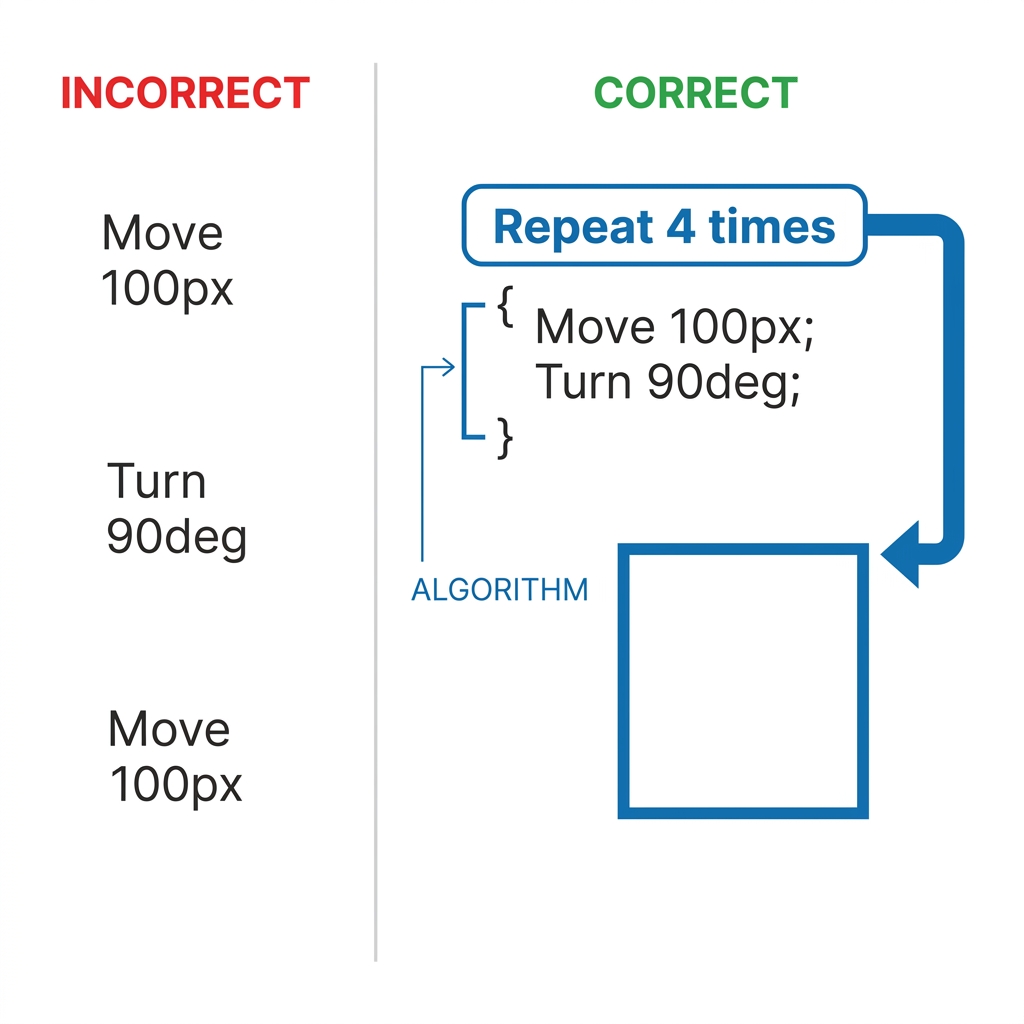
Finding and Fixing Bugs in Your Code, Methods for identifying and correcting errors within student written code
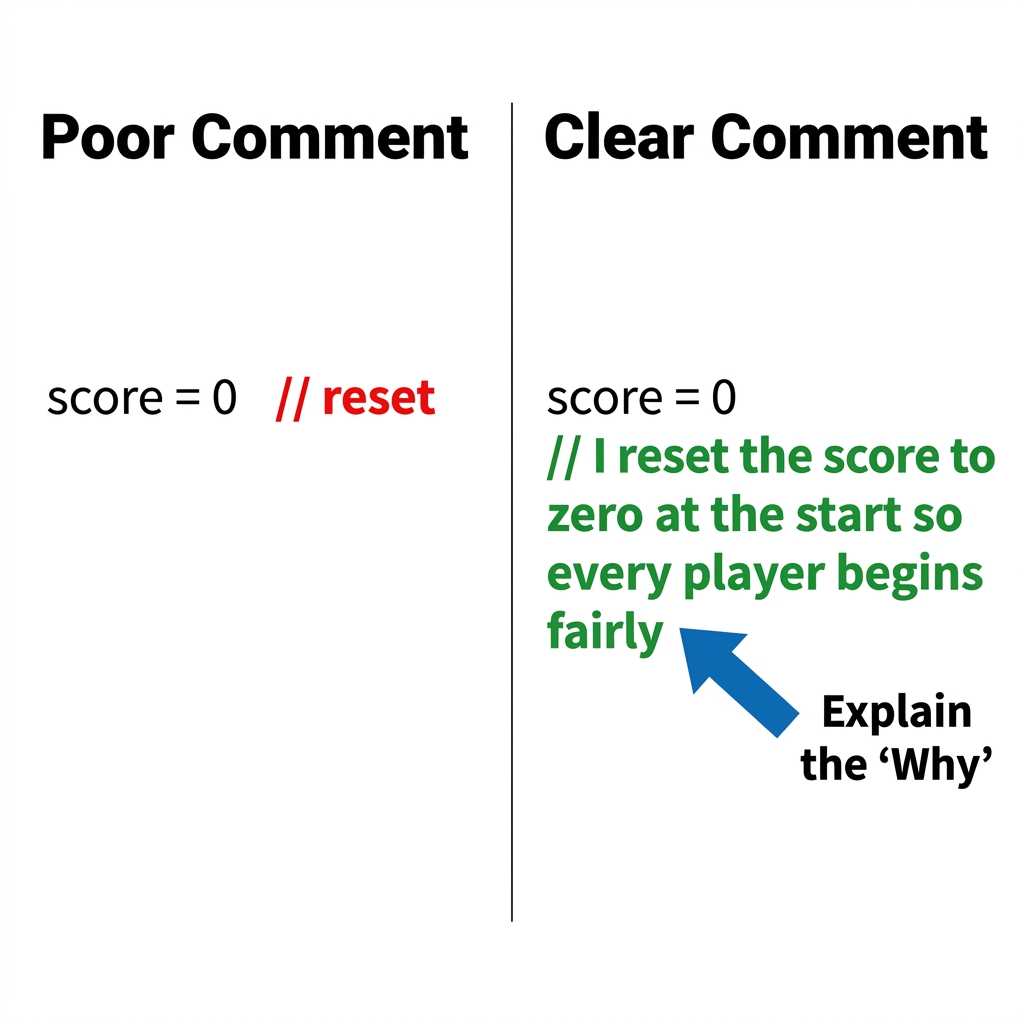
Explaining Your Code Choices, Articulating the logic behind specific decisions in computer program code