

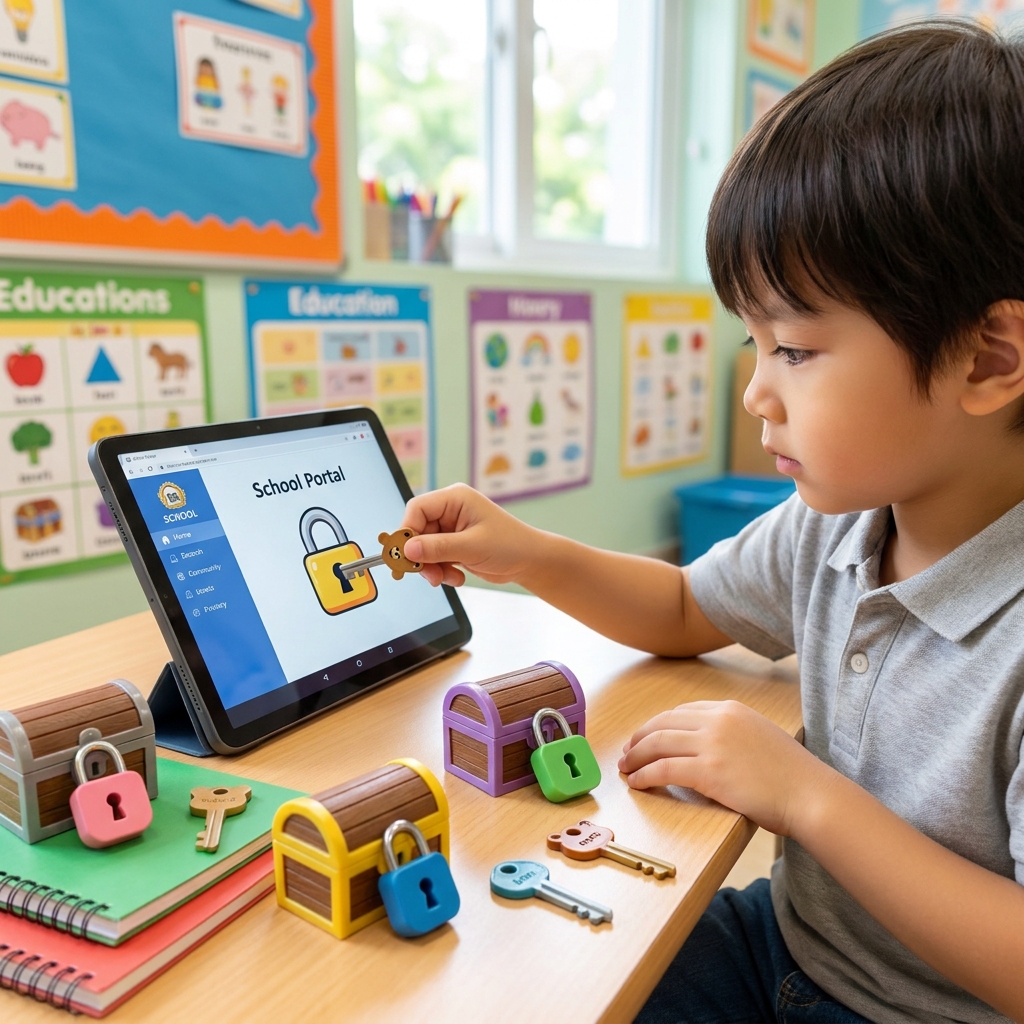
Keeping student login information secure is a priority for every second grade computer science lesson. Students often do not realize the risks associated with sharing their access credentials with friends. Establishing these habits early helps build a strong foundation for safe technology use throughout the school year.
Addressing the password sharing problem
Second graders have a natural tendency to share everything, including the secret codes they use for school computers. You have likely seen a student offer their password to a friend to help them get into a game or a shared portal. It comes from a place of kindness, but it is a massive security hole. The Keeping Your Digital Identity Safe lesson tackles this head-on by teaching students that their login information, which is the secret username and password they use to prove who they are, must remain private.

This is a foundational piece of a second grade computer science lesson. It moves beyond just telling kids to keep secrets and explains the rationales behind it. Students work through a scenario involving a sticky note hidden under a keyboard to illustrate that keeping a record in a private place is different from broadcasting a password to the whole class.
The standard and the district connection
This lesson is designed to meet the requirements of CA.CS.K-2.IC.20. This California-adopted standard asks students to describe the approaches and reasons for keeping login information private and for signing out of devices properly. It falls under the Impacts of Computing domain, focusing on the Safety, Law, and Ethics cluster. Educators teaching this standard across the state in districts like Saddleback Valley Unified, Folsom-Cordova Unified, Lucia Mar Unified, and Wasco Union Elementary School District are focusing on these same core concepts.
The standard asks students to move from passive users to active participants in their own security. By discussing why we sign out, which the lesson defines as the action of clicking a button to tell the computer you are finished using your account so no one else can see your information, students learn that technology use has responsibilities attached to it. It is not just about using the machine; it is about protecting what you have done on the machine.
Where the lesson succeeds
The lesson uses a specific worked example that I find particularly effective for this age group. It explains that if you use the same password for everything, and someone guesses it, they can get into all your accounts. Using different passwords for different places keeps your information much safer. Seeing this laid out clearly helps students understand that their online presence is not just one account, but a network of portals that they need to guard.

The guided practice setup is where the rubber meets the road. Students imagine a classmate asks to borrow their login to play a game. You have to guide them to realize that sharing the password is not safe for anyone. It is a simple situation, but it perfectly mimics the social pressure they feel in a computer lab or a 1:1 classroom setting. I usually find that my second graders need extra time to role-play this refusal, as it feels socially awkward for them to tell a peer no.
Fitting this into your schedule
You can fit this 45-minute block into your schedule as a whole-class assignment or as a catch-up session for a student who missed the week. It is also excellent for a substitute day because the content is self-contained and easy for a guest teacher to monitor without needing advanced technical knowledge. If you have students in independent study, this is a clean, manageable module that teaches them a skill they will actually use every single day they are in front of a screen.
The lesson notes that protecting your digital identity is very important because people use computers for everything from banking to playing games. If a student does not keep their information private, someone could steal their identity. That phrasing might sound a bit heavy for seven-year-olds, but in my experience, they grasp the concept of someone stealing their digital progress or their private notes immediately. Keeping that focus on the consequences makes the abstract idea of a digital identity feel very real to them.
Related lessons
Living and Working with Technology, Discusses how technology is used in our daily lives
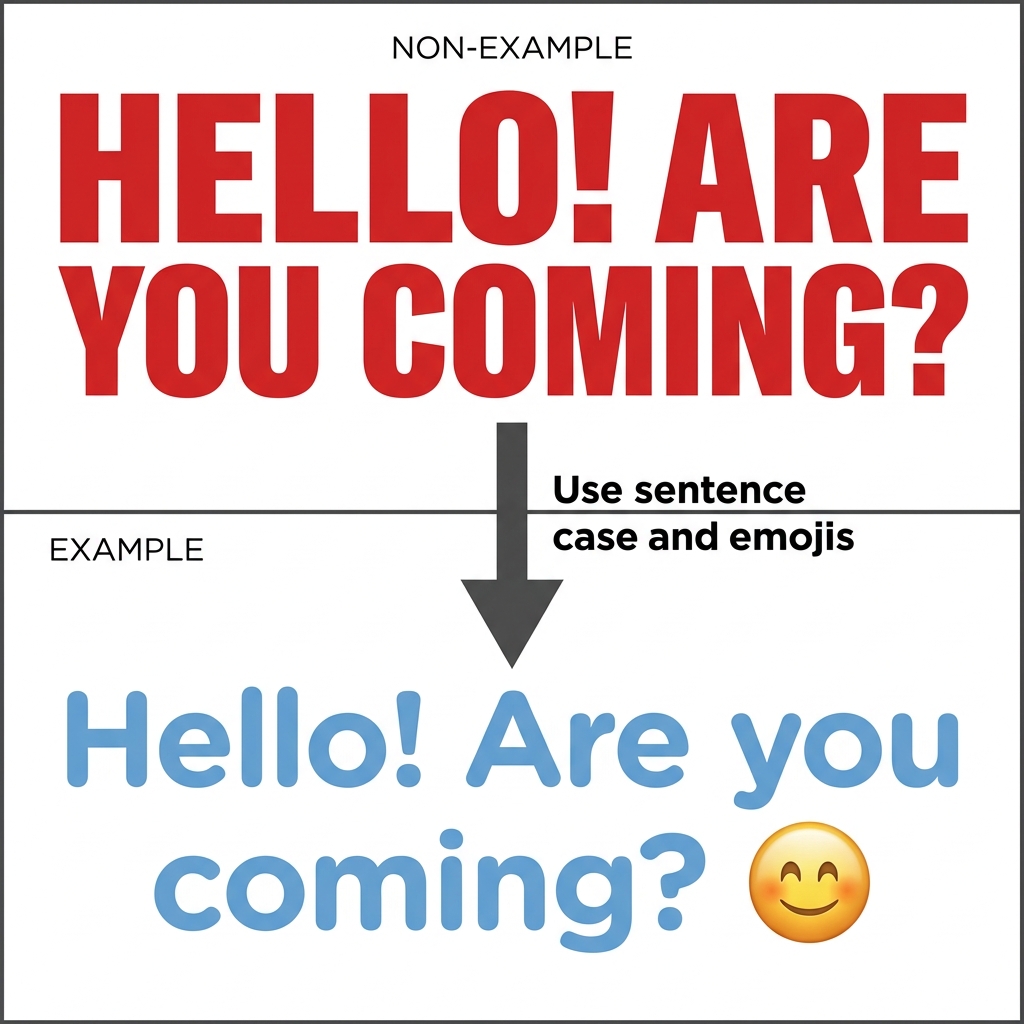
Being a Kind Digital Citizen, Focuses on positive and safe online social interactions