

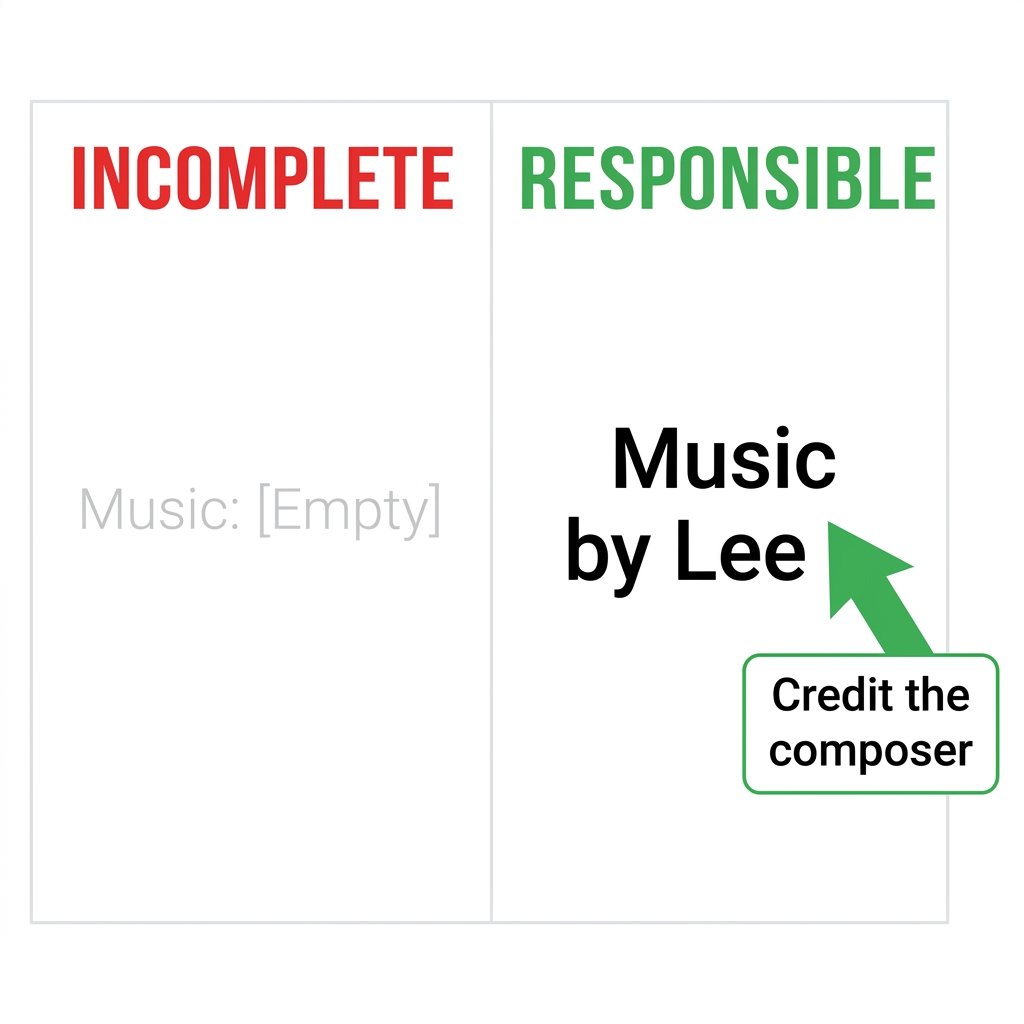
When you watch third graders work on their first few programming projects, you notice a distinct pattern. They find a sprite or a block of code, drag it into their own workspace, and assume it belongs to them because they are the ones using it now. It is not that they are trying to be dishonest. They simply have not yet learned that code, much like a story or a drawing, has an author who deserves acknowledgment. This is the exact moment where the third grade computer science lesson Giving Credit to Creators provides the most value for your classroom.
This lesson is designed for a 45-minute block. It introduces the idea that software is not just a free-for-all resource, but a collection of contributions from various people. The lesson is useful as a whole-class assignment, an independent study module, or even a catch-up day for a student who missed the earlier programming units. If you are a teacher in the Bakersfield City School District, Riverside Unified, Val Verde Unified, or Newark Unified, you will find that this material supports your core requirements exactly as it does across the state of California.
Building habits for digital ownership
The core concept here is attribution. The lesson defines this clearly for students: it is the act of naming the person who created a piece of work, such as a drawing, song, or code, so that people know who really made it. The lesson breaks the process into three manageable steps. First, the student identifies the creator. Second, they write the creator’s name down. Third, they share that information within their project description. This structured approach helps move students away from the habit of taking code without thinking.

When you use this third grade computer science attribution lesson, you are covering the California-adopted standard CA.CS.3-5.AP.16. This standard asks that students observe intellectual property rights and provide appropriate credit when they create, remix, or combine programs. It is a clear expectation that students understand that their code exists within a larger professional community. The lesson provides a simple worked example: if a student uses a sprite created by someone named Jo, they write Sprite by Jo in their project notes. It is simple, effective, and teaches students to be specific about their sources.
Applying attribution to creative projects
The guided practice in this lesson moves into a scenario that appeals to the gaming interests of most eight and nine-year-olds. It asks them to imagine finding a complex jump script online that they want to include in their own platformer game. This is where the term remix comes into play. The lesson defines remixing as taking someone else’s work and changing it or adding to it to create something new. The lesson highlights that combining programs involves taking different parts from various projects to build a larger, more complex creation, and that the attribution must follow the code everywhere it goes.

I have found that students often struggle with the idea that giving credit does not diminish their own accomplishment. They worry that saying they used someone else’s script makes their work seem less original. This lesson helps frame attribution as a professional practice rather than a sign of weakness. It explains that professional software developers use code that others have written and always make sure to say where it came from. Showing them that this is how real-world adults work helps change the conversation from one about following rules to one about participating in a community of builders.
The material also defines a creator as the person who first made or wrote something, such as a piece of art or a computer program. When you introduce these three terms, attribution, creator, and remix, you give your students the language they need to talk about their projects accurately. The lesson works well because it treats the students like young professionals. It assumes they are capable of understanding that when they build something in a coding environment, they have a responsibility to the person who helped them get there. By spending a class period on this, you save yourself hours of having to explain why copy-pasting is not the same as writing code from scratch.
The structure of the lesson is straightforward. It begins by grounding the concept in a familiar analogy of a school poster, then moves into the digital space where the stakes of code sharing become clear. For a third grader, this distinction between physical work and digital work is the hardest part to grasp. Keeping the focus on clear documentation of sources helps them build a mental map of what intellectual property looks like in their own projects. If you find your students rushing through projects without noting where they found their resources, this lesson is the right place to pause and regroup.
Related lessons

Working Together on Computer Projects, Teaches students how to collaborate effectively on shared digital coding projects

Building Better Apps Together, Covers strategies for team programming and improving existing software application designs
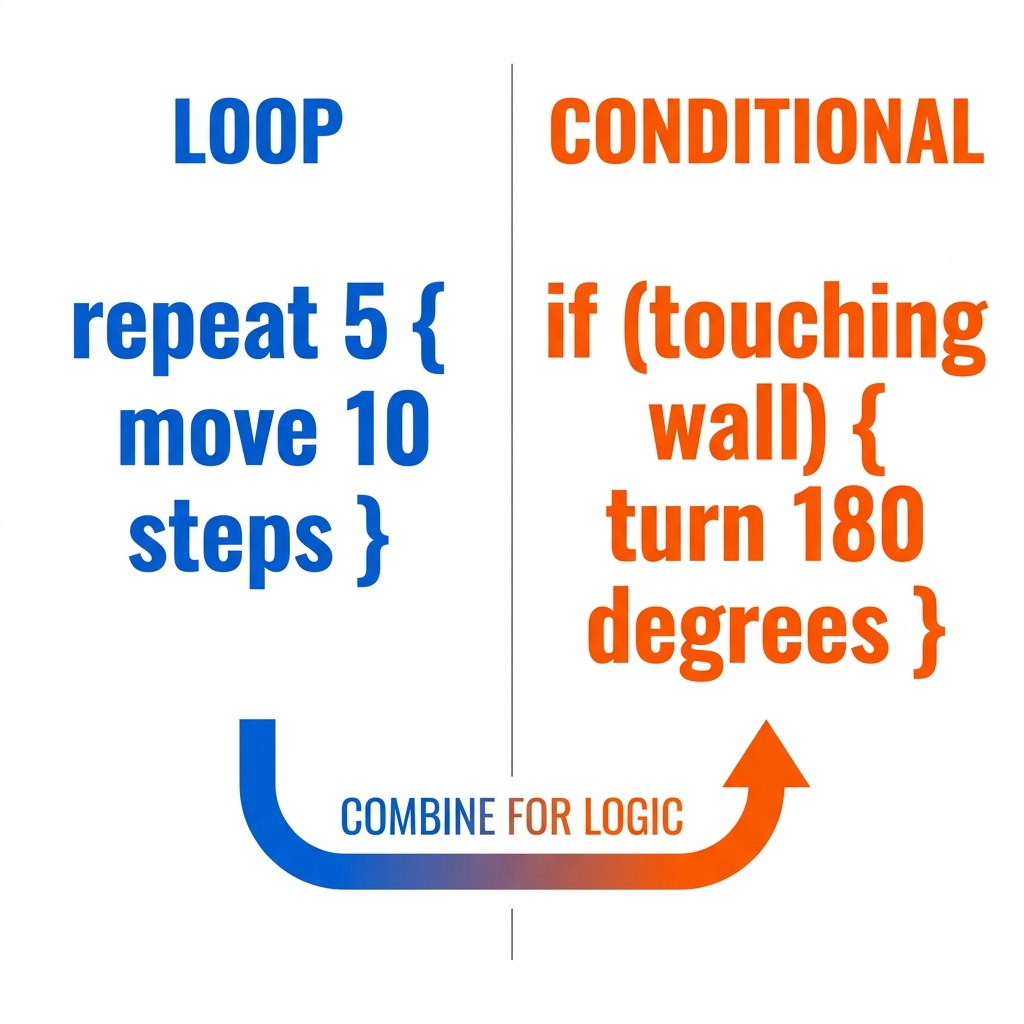
Building Interactive Programs, Guides students through creating engaging programs with user input and responses