

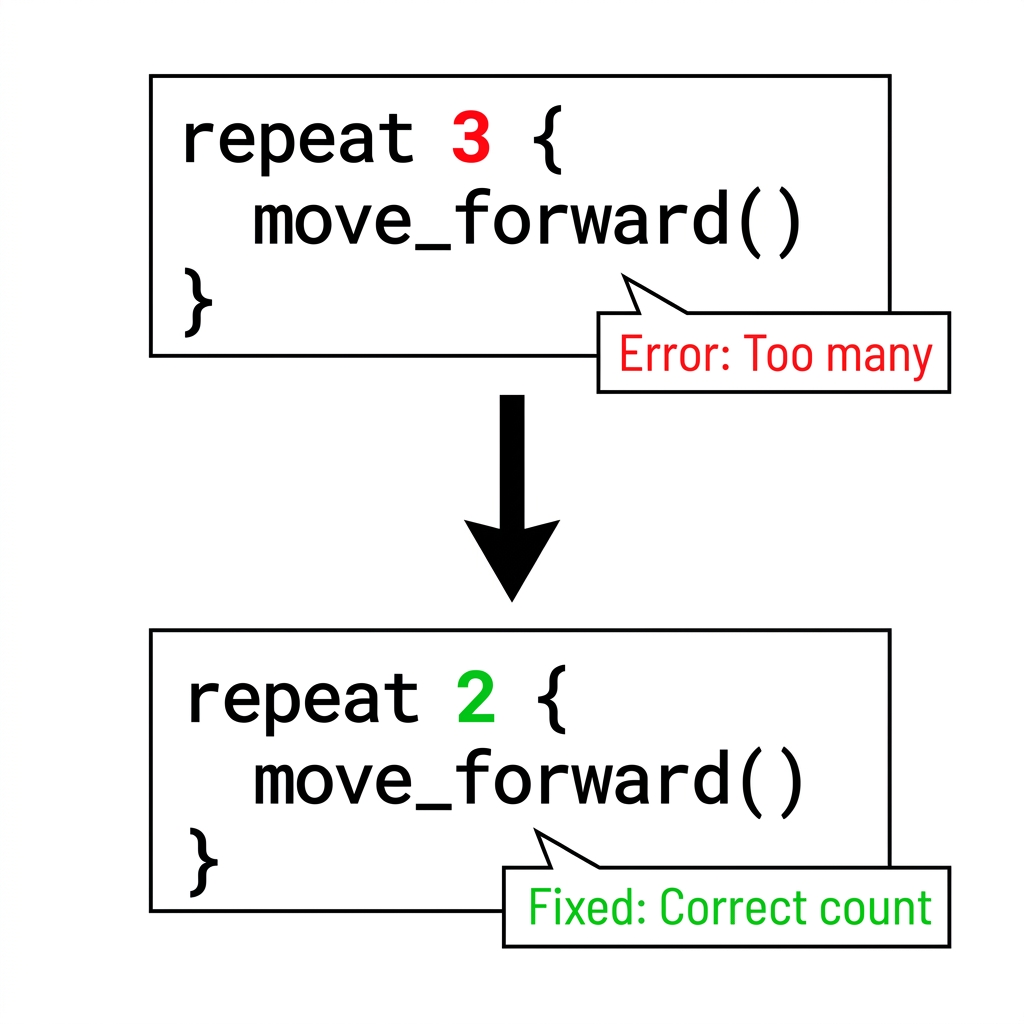
A parent once asked me if my students were just staring at screens all day when I mentioned we were starting computer science. I told them the screen time is minimal compared to the brain time. For second graders, the work is less about syntax and more about the logic of the steps they choose. That is exactly what you get with Fixing Mistakes in Computer Programs, a lesson that takes the mystery out of coding for young learners. This is a solid resource whether you are looking for a whole-class assignment, an intervention session, or a day for a substitute. Students in Moreno Valley Unified, San Juan Unified, Morongo Unified, and Redding Elementary School District are using this same material to master the fundamentals of second grade computer science debugging.
Making sense of the concept
The lesson starts by anchoring abstract concepts in reality. It defines an algorithm as a set of instructions that tells us how to complete a task, like making a sandwich. I like this because it forces students to think about the order of operations. If you put the peanut butter on before the bread, you have a messy situation. When we write these instructions in order, we can follow them to get the same result every time. From there, the lesson introduces the two main vocabulary terms:

- Bug: A bug is a mistake in a computer program that prevents it from working the way it should.
- Debugging: Debugging is the process of finding and fixing a mistake in a computer program so that it works the right way.
It is a relief to have these terms laid out so cleanly. By giving students the language for these errors, you change the conversation in the classroom from frustration to investigation.
What the lesson actually asks students to do
This lesson is specifically designed to meet CA.CS.K-2.AP.16. This California-adopted standard asks that students debug errors in an algorithm or program that includes sequences and simple loops. When I look at this standard, I see a requirement for students to not just execute a plan, but to look backward at their own logic and evaluate why a specific step failed. The lesson asks students to find and fix mistakes in step-by-step instructions and repeating patterns. It is one thing to write a correct code, but it is a much higher-level skill to look at a broken path and diagnose exactly where the error occurred.
To practice this, the lesson presents a scenario in a robotics lab. Imagine a robot that has a path to follow. If the robot turns left when it should turn right, that is a bug. Students have to trace the path and fix the turn instruction. It is a simple example, but it serves the objective well. It is not about complex machines, but about the mental model of identifying a disconnect between an expected outcome and a reality that deviates from that outcome.
Applying the logic with guided practice
Once the robotics example is clear, the lesson moves to a craft table scenario where students sort beads into a pattern of red, blue, red, blue. This is where the simple loops come into play. If a student sees a pattern of red, blue, red, blue, and then suddenly sees red, red, blue, they need to spot that extra red bead as the bug. This physical, tactile analogy makes the abstract concept of a loop concrete. It helps students understand that when a sequence is supposed to repeat, anything that breaks that repetition needs to be addressed.

I find that second graders are surprisingly good at this if they are given the vocabulary to talk about it. They understand when a pattern is broken because they live their days in routines. When a routine changes, they notice. This lesson just applies that observational power to a formal structure.
Where students slip
The biggest hurdle in this lesson is the emotional reaction to being wrong. For many students, finding a bug feels like a failure rather than a step in the process. I always spend a minute before we start reminding them that in computer science, a bug is not a bad thing. A bug is just information. It is a sign that the program needs more work. The lesson reinforces this by explaining that debugging is very important in real life, noting that software engineers use it to fix video games so they do not crash and to make sure apps work on their phones. Showing them that their favorite games have bugs that need fixing helps them see the value in the troubleshooting process. If you have students who are hesitant or perfectionistic, this perspective shift is the most important part of the forty-five minutes. Keep your eyes on those students who stop and stare at the screen once they hit an error. They usually just need a prompt to look for where the sequence broke, rather than a correction of the error itself.
Related lessons

Making a Plan for Your Program, Drafting logical sequences and steps for simple computer programs

Breaking Down Big Problems, Dividing larger tasks into manageable algorithmic steps for students
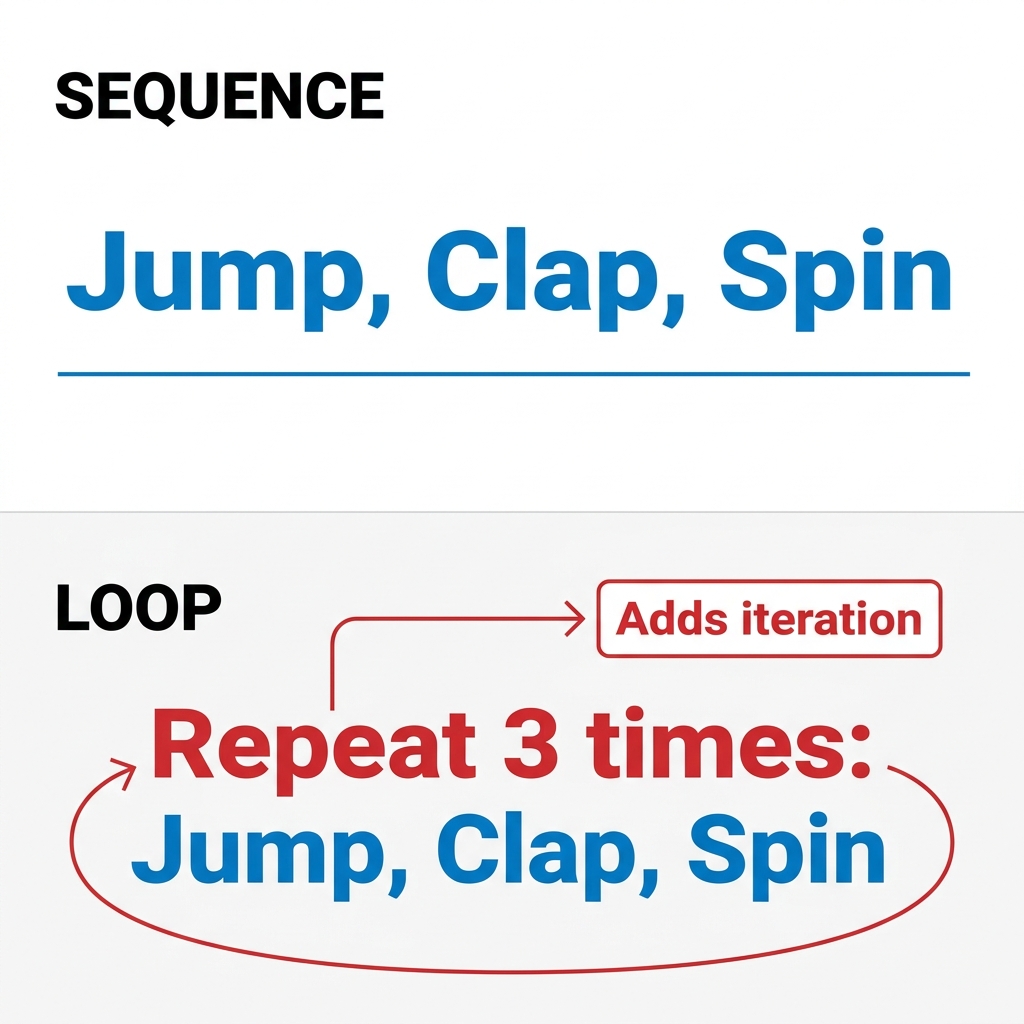
Building Programs with Steps and Loops, Constructing programs using ordered sequences and repeating loop patterns