

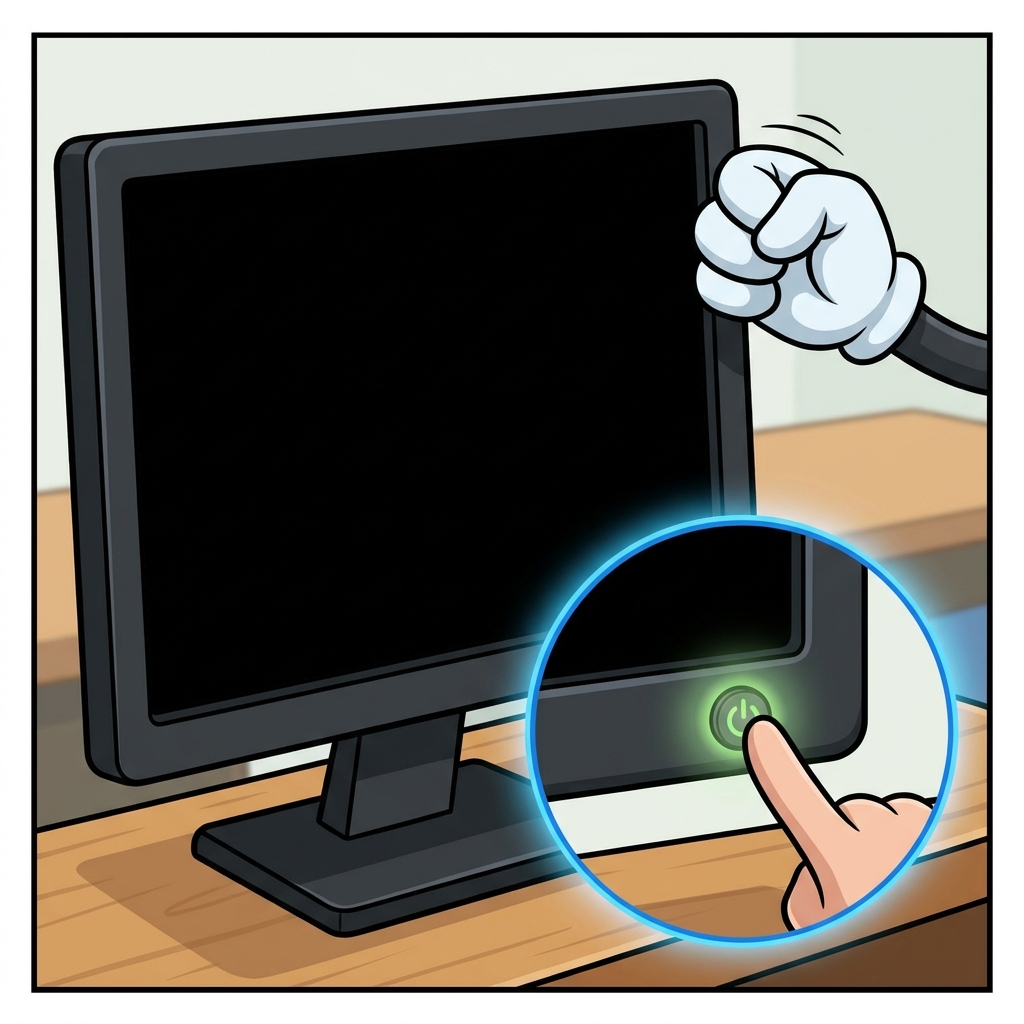
This 3rd grade computer science lesson is a straightforward way to teach your students how to handle common tech glitches. When a screen goes black or an app decides to stop responding, many students panic. This lesson takes the mystery out of those moments by turning them into logical steps. It is a solid choice for a whole-class introduction, a quick intervention for a student who struggles with digital tools, or as a productive activity for a substitute day.
The lesson covers the fundamentals of Fixing Computer Problems by clearly defining the difference between hardware and software. Hardware is described as the physical parts of a computer that you can touch, like the mouse or keyboard, while software refers to the programs and apps that run on a computer to help users do tasks. The lesson introduces troubleshooting as the process of finding and fixing a problem by checking parts one at a time. It uses relatable scenarios, like a frozen app or a tablet screen that stops responding to touch, to show kids that they do not need to be experts to resolve minor errors.
What the standard actually asks
The lesson is built around CA.CS.3-5.CS.3. This standard asks that students determine potential solutions to solve simple hardware and software problems using common troubleshooting strategies. This is a California-adopted standard, and I have seen it used in districts like Bakersfield City School District, San Diego Unified, San Mateo-Foster City School District, and El Centro Elementary School District to build student independence. The standard demands two things: that the student can identify the source of the issue, is it the physical device or the program running on it, and that they can apply a logical, step-by-step method to fix it.

When a student sees an error message, which the lesson defines as a note on the screen that tells you something went wrong with a program, they often feel stuck. The standard expects them to look at that message as a clue rather than a stop sign. By practicing these strategies, students move from waiting for adult intervention to taking small, controlled risks to get their technology working again.
Where students slip
The hardest part for third graders is often slowing down to actually check one thing at a time. They tend to want to press every key on the keyboard when something freezes. The worked example in the lesson regarding a frozen app is particularly helpful because it guides the student through a software restart instead of a frantic hardware button-mashing session. It is a good reminder to me that even with young students, we can teach a systematic approach to technical issues.

I find that students who are taught third grade computer troubleshooting methods early on are much less likely to be frustrated when they encounter a digital hurdle during a project. They understand that fixing things is just a natural part of being a computer user. If you have been looking for a way to stop the constant refrain of “my computer is broken,” this is the place to start. It does not promise to make every student a technician, but it certainly makes them more capable of handling the daily hiccups that occur in our classrooms.
Related lessons
How Computers Work Together, Explains the basic way computer components communicate with one another
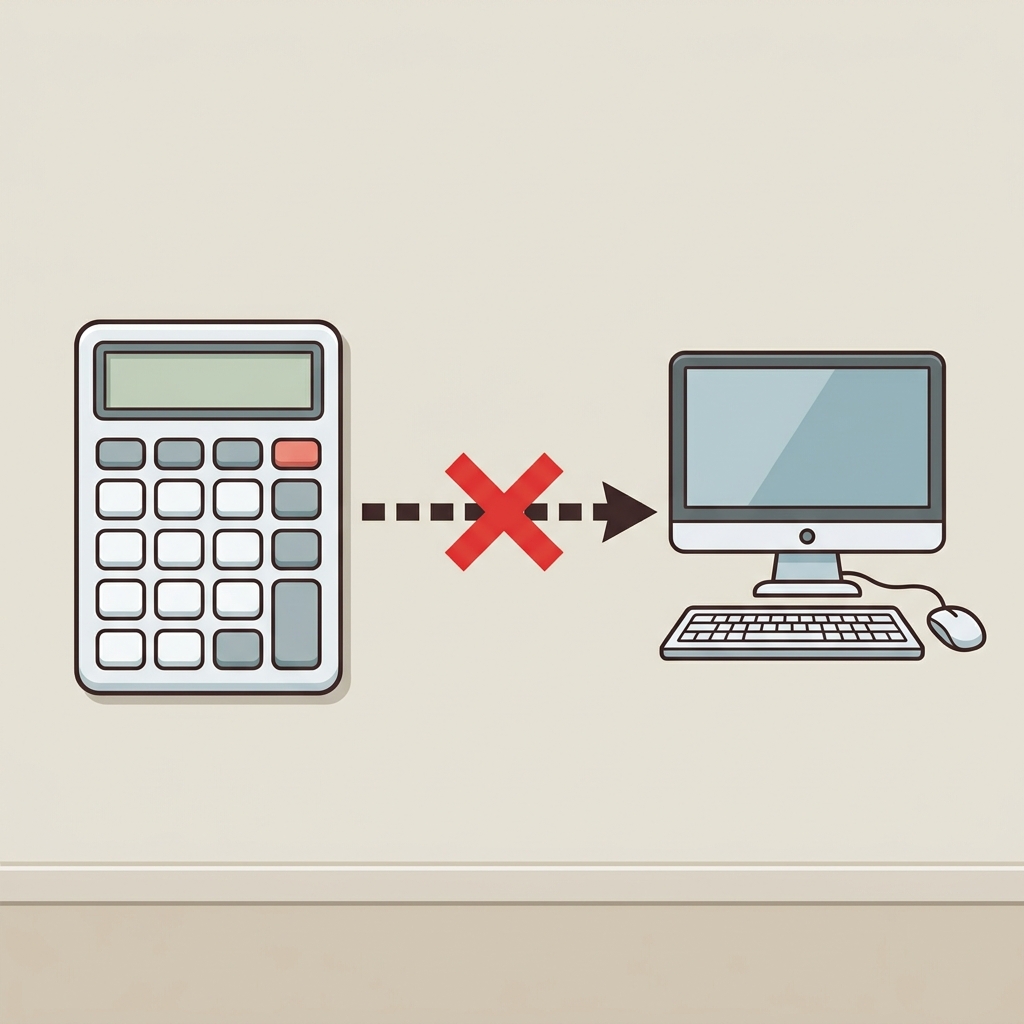
Building a Computer System, Shows the essential parts needed to create a functioning system