

Many high school computer science courses emphasize syntax and logic, but students often encounter difficulties when moving from individual scripts to larger group projects. Teaching students how to manage their workflow and edit files in a shared environment is essential for their growth as programmers. This high school computer science lesson prepares learners to handle these challenges by introducing professional software development tools and practices.
Setting the stage for team coding
Most high school computer science courses start with the basics of syntax, variables, and logic. But halfway through the year, or perhaps when they move from simple scripts to substantial programs, your students will hit a wall. They will realize that two people trying to edit the same file at the same time is a recipe for disaster. That is where Collaborative Software Development: Version Control and IDEs comes in. Introducing these concepts before the final project phase is vital because it prevents the frantic, manual file-copying that happens when students try to “back up” their work by naming files “final_version_updated_v2.”

Breaking down the professional standard
The core of this material is built around CA.CS.9-12S.AP.25, which is the California-adopted standard requiring students to use version control systems, integrated development environments, and collaborative tools for group work. To understand this standard, we have to look at what it actually demands. First, it asks for a version control system, which is a software tool that tracks and manages changes to source code over time. In the classroom, this is where students learn about a repository, which is a storage location for project files and version history.
Second, the standard demands the use of integrated development environments, or IDEs, defined here as a single application that provides a code editor, compiler, and debugger in one workspace. Finally, it asks for collaborative practices like code documentation and branching, which is the process of creating a parallel version of the code to work on features without affecting the main project. Teachers in Garden Grove Unified, Modesto City High School District, Albany City Unified, and Bonsall Unified all use this framework to ensure their students move beyond solo programming toward the realities of modern software engineering.
How the lesson builds these habits
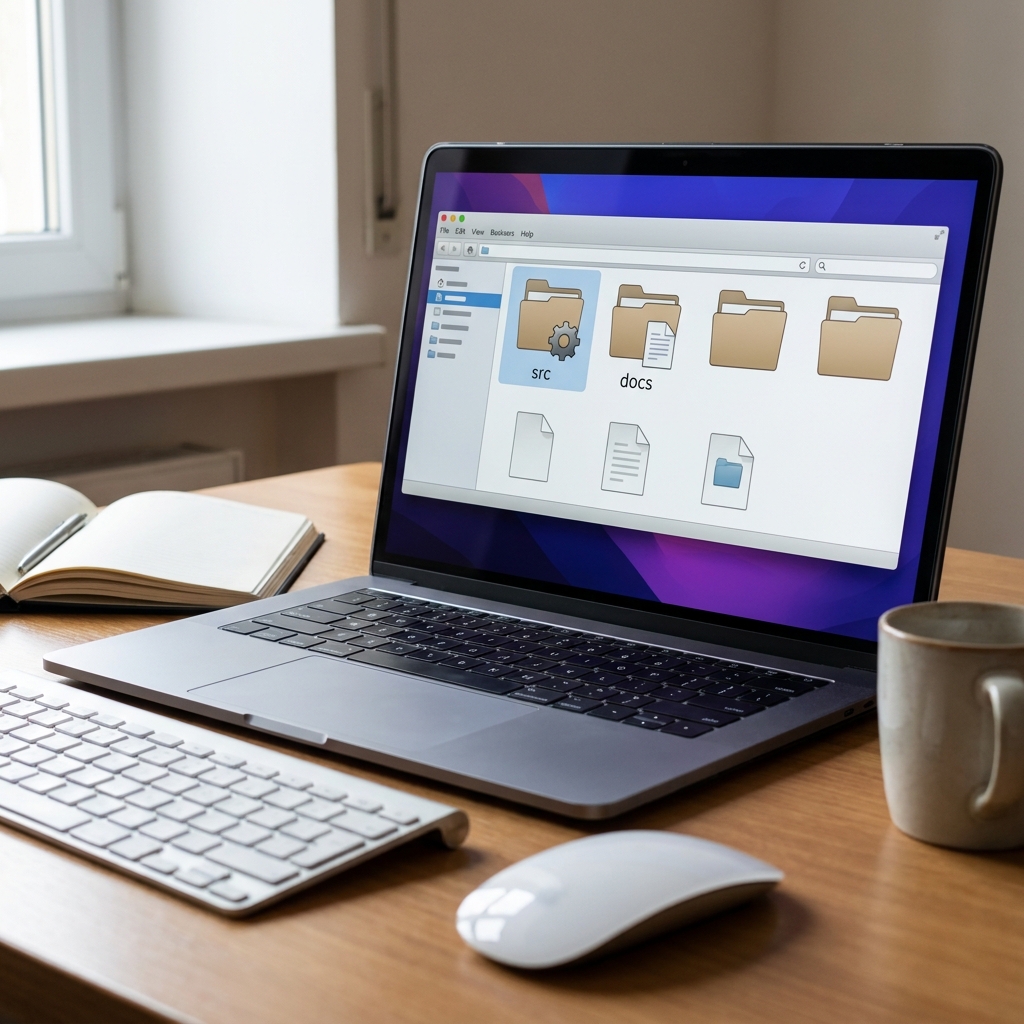
This high school computer science lesson does not just lecture on theory. It starts by acknowledging the messiness of group work. It points out that while you might manually copy a file to save a backup, this approach can quickly become confusing as you lose track of which file contains your most recent 5 lines of code. The lesson then moves into a worked example that is surprisingly concrete. It explains that a professional repository structure uses specific folders like ‘src’ for code and ‘docs’ for instructions. By forcing this separation, the lesson makes it easy for students to find files before they even get to the complex merging of branches. The guided practice is the real test: students manage a program with a team where they have two branches that contain different features. Merging those branches correctly is how they demonstrate they understand the final product workflow.

Why this matters for your classroom
The most honest thing I can say about this standard is that it is often the most frustrating part of the year for students. They want to rush into writing code, but they hate having to learn the “infrastructure” of tools. However, the lesson provides a necessary why-it-matters statement: version control is not just for small school projects. Real-world companies use it to manage millions of lines of code. Without it, companies would face disastrous errors that could break apps used by millions of people. I have found this lesson works exceptionally well for whole-class instruction, especially in the week leading up to a major project. It is also an excellent catch-up module for a student who missed the week, or as a structured activity for an independent study track where a student is working solo but needs to learn the professional habit of consistent backups and repository management.
If you have a student who finds syntax easy but struggles with organization, this lesson will pull them back to earth. It is not about writing better code, but about managing the environment where code lives. Assigning this before the final group project will save you countless headaches, because instead of chasing down who lost which file, you will be checking to see how well their branches merged. It is a technical shift, but one that moves your students into the professional mindset of a developer.
Related lessons

Organizing and Searching Data, Teaches techniques for sorting and retrieving information from data sets

Planning for Inclusive Software, Covers design principles for creating software accessible to all users

Efficiency in Algorithms, Explores how to measure and improve performance in program code