

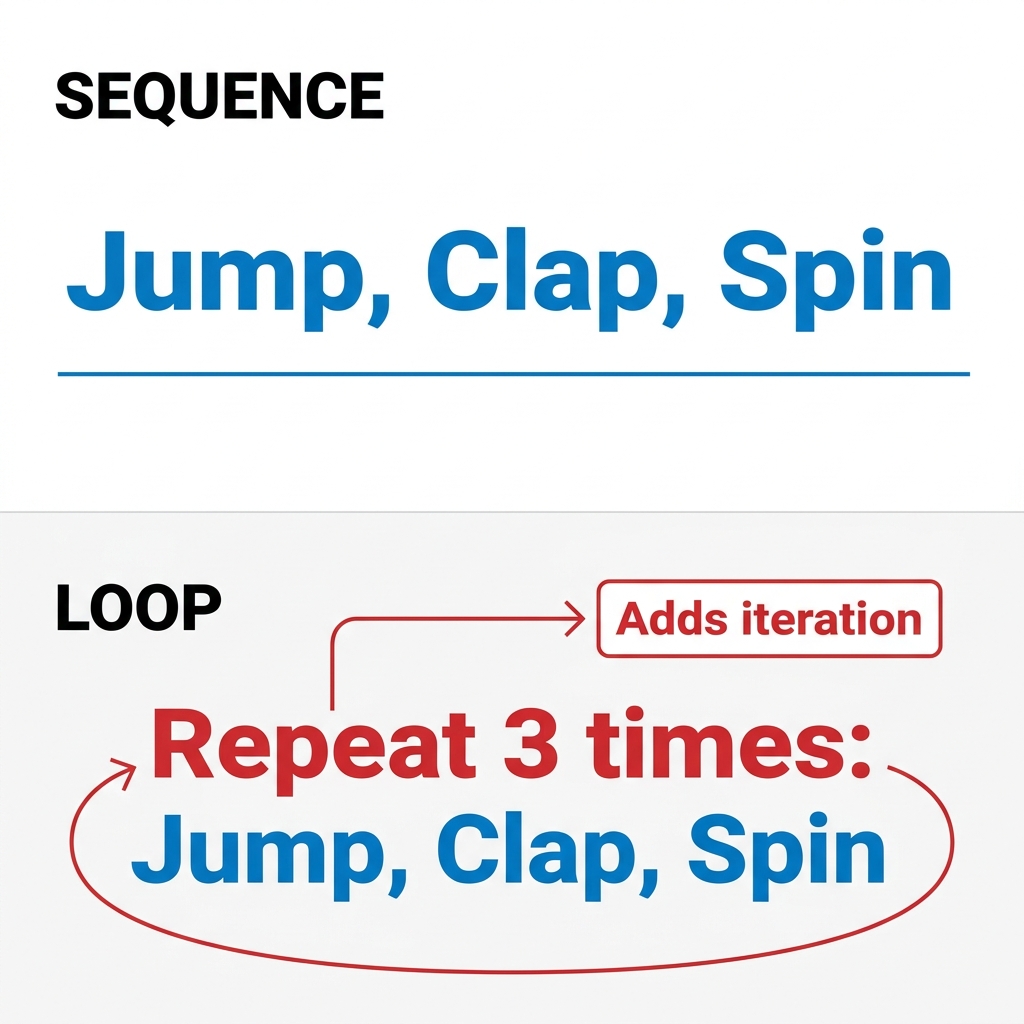
Many second grade teachers worry about how to introduce students to the logic behind computer science without overwhelming them. The goal is not to turn every student into an engineer, but rather to help them think clearly and follow directions. In 2nd grade computer science, the biggest hurdle is usually impatience. Students want the robot to reach the goal immediately, so they start dragging commands onto the screen without considering the order or the repetition of the steps. They try to brute-force a solution rather than building a plan.
How to get students to slow down with sequences
I once had a parent ask me if their second grader needed to learn how to code to be successful. I told them that while they do not need to be engineers, learning the logic behind computer science is like learning how to think clearly and follow directions. Building Programs with Steps and Loops is designed to curb that tendency by forcing students to look at the grid first. It breaks down the logic into two fundamental pieces that every young programmer needs: a sequence and a loop. A sequence is defined as the exact order in which computer commands are performed. When students see that the robot needs to move one square at a time, they start to see that code is just a recipe for action. Once they get the order right, the lesson introduces the concept of a loop, which is a command that tells the computer to repeat a set of instructions multiple times.

Using robots to model repetitive tasks
The lesson starts with a simple, concrete example that works well for a second grade computer science class. The material uses a robot moving across a grid to reach a goal, which is a perfect visualization for how sequences work. By the time they reach the worked example, where a robot walks in a square by moving forward and turning right four times, they understand why we do not just write the same four commands over and over. They learn that a loop makes the code more efficient.
I find that students really grab onto the “trash in a line” scenario in the guided practice. It makes the abstract concept of automation feel like a real task. Whether it is used in Moreno Valley Unified, San Bernardino City Unified, Moorpark Unified, or Livingston Union School District, the goal remains the same: helping students understand the power of repeating steps to solve problems efficiently. This is the exact requirement of CA.CS.K-2.AP.12, which asks students to create programs with sequences of commands and simple loops to express ideas or address a problem. This is a California-adopted standard within the Algorithms and Programming domain, specifically focusing on the control cluster.
When to use this in your classroom
If you are looking for a second grade computer science algorithms and programming lesson, this is a solid choice for a whole-class assignment or a substitute day where you want students to work independently. It takes about 45 minutes to complete, which fits nicely into a standard period. If you have a student who missed the previous week of instruction on basic commands, this is an excellent intervention tool to get them back on track because it builds the concepts from the ground up.

The lesson does a great job explaining why this matters. It connects these lines of code to the things students interact with every day: games that use loops to move characters, apps that show new pictures, and automated systems that handle chores. By framing the standard this way, students stop seeing it as just a screen activity and start seeing it as a way to control the digital tools around them. One limitation to keep in mind is that you will need to monitor how they transition from manual step-by-step programming to using the loop block. Many students will stubbornly write out long strings of commands instead of using the loop feature. Just keep them focused on the robot’s square-shaped path, and they will usually have that “aha” moment when they realize they are doing unnecessary work.
Related lessons
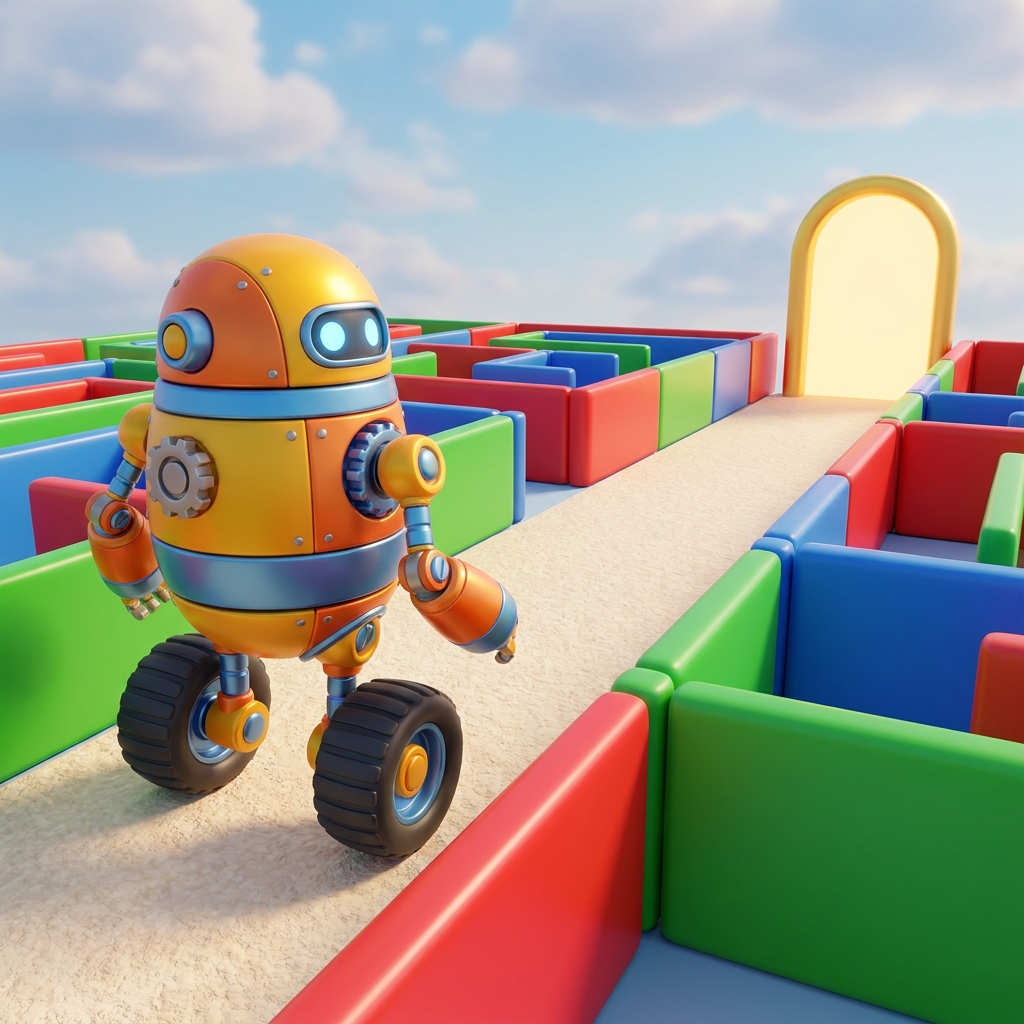
Making a Plan for Your Program, Focuses on planning and organizing code before implementation
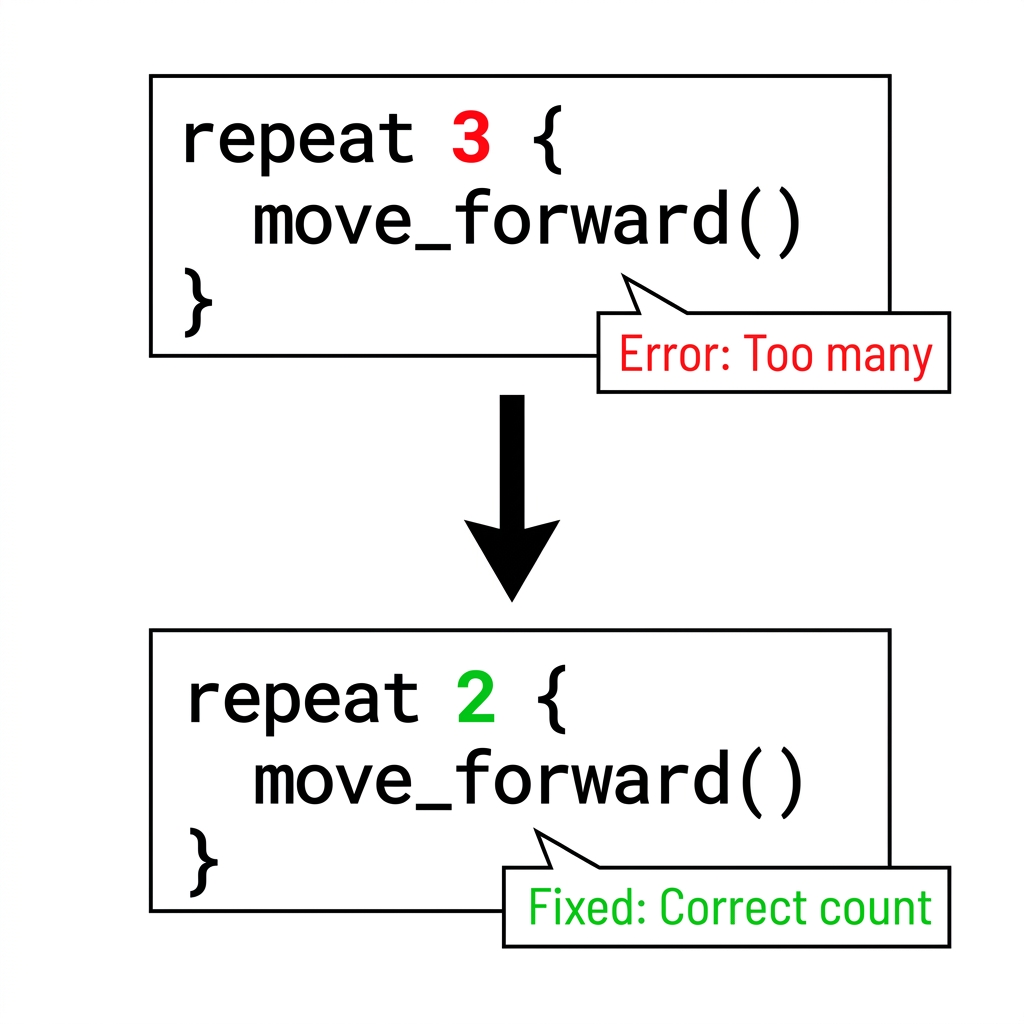
Fixing Mistakes in Computer Programs, Teaches basic debugging and fixing errors in code
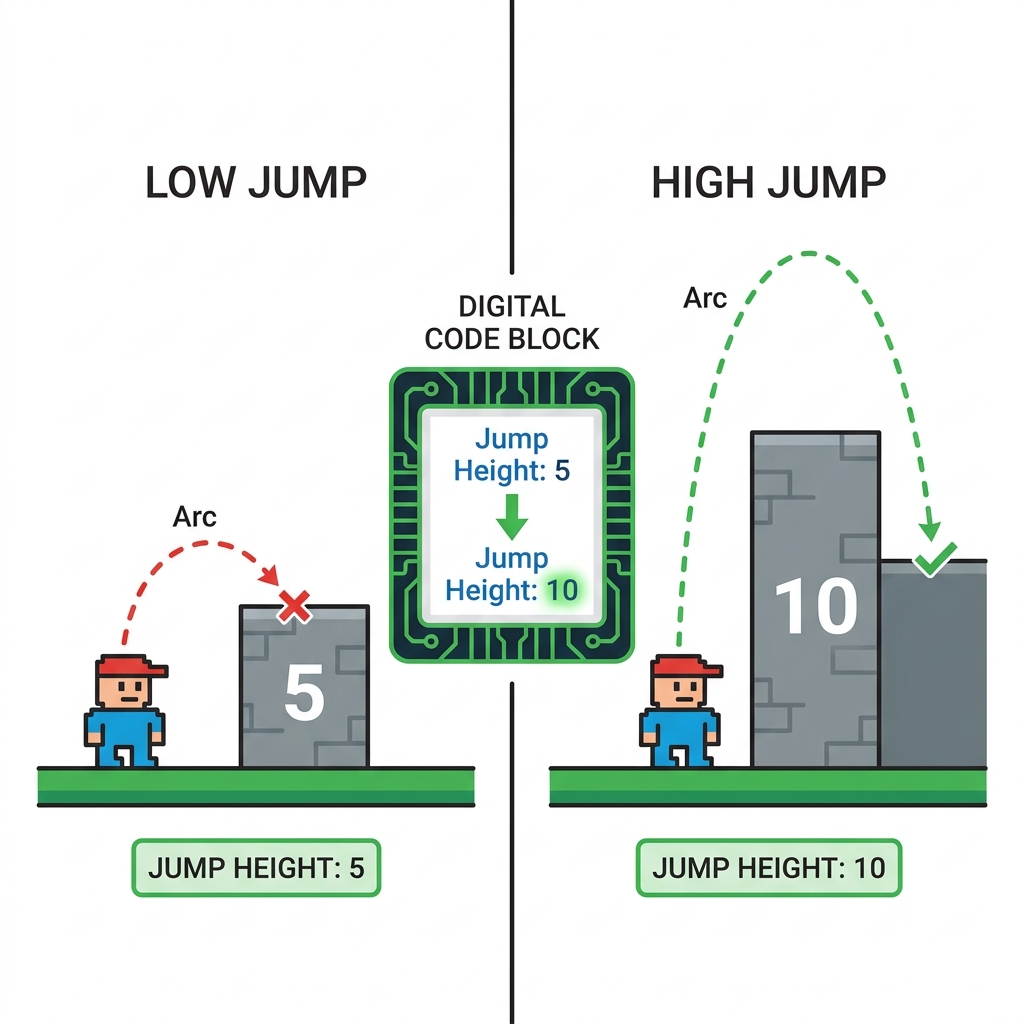
Making Programs Better, Covers refinement and optimization of existing code blocks