

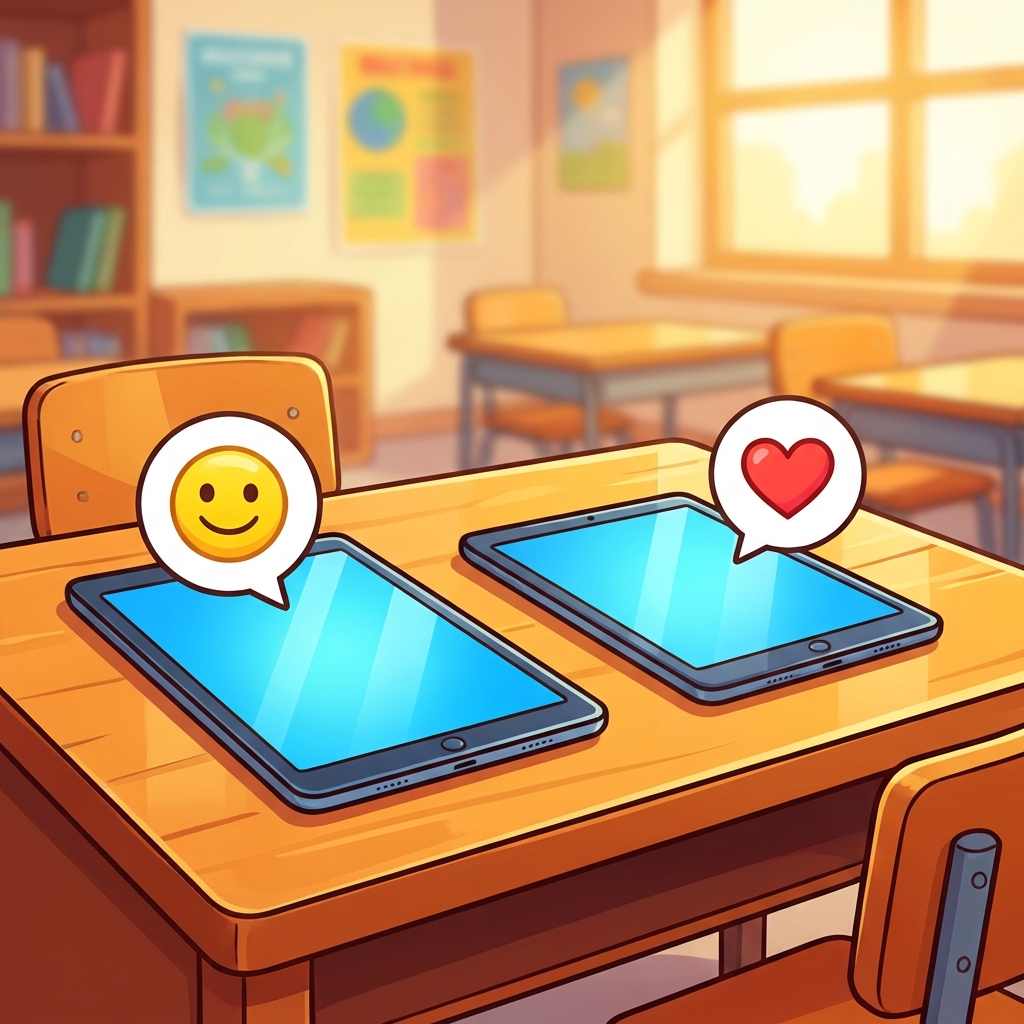
When a student brings a drawing to your desk, they expect you to look at it, smile, and maybe say something nice. That human connection feels automatic. But when those same students are using tablets or computers, that physical presence vanishes. I remember watching a five-year-old squint at a screen, completely unsure how to react to a digital message from a peer. It struck me that we cannot assume they know how to translate their playground manners into a digital space. This kindergarten computer science lesson helps bridge that gap.
Being Kind Online is a fifteen-minute activity that focuses on the core concept that being a kind friend applies to screens just as much as it does to the block area. The objective is simple: students learn that the same rules of politeness we practice in person, using kind words, sharing, and being patient, are the requirements for interacting with others through technology. The lesson avoids jargon, instead focusing on what it means to be respectful and responsible when communicating with peers in a digital environment.
Building the foundation for digital citizenship
This kindergarten digital citizenship lesson sets the stage for everything that comes later in their academic life. If a student does not internalize this now, they will struggle when they eventually start collaborative online projects in later grades. We see the same challenges in Corona-Norco Unified, San Juan Unified, Baldwin Park Unified, and Parlier Unified, proving that the need for these early habits is consistent across our state. When students understand that there is a person on the other end of that message, they build empathy before they build technical habits.

The material covers the basic premise of how to act when you are using technology to talk or share with classmates. It encourages students to think about their choices, asking them to consider if their digital actions would make a friend feel happy or sad. It is a subtle shift, but it helps them move from seeing the screen as a toy to seeing it as a space for human interaction. The lesson is straightforward and fits well into a busy day, especially if you have a student who missed the week or if you need something solid for a substitute day.
Understanding the standard and the path forward
The primary standard being served here is CA.CS.K-2.IC.19, which is part of the California computer science standards under the Impacts of Computing domain and the Social Interactions cluster. Specifically, this standard asks that students work respectfully and responsibly with others when communicating electronically. It is a foundational expectation that we start early because it is the baseline for all future computer-mediated work. Without it, you are trying to teach complex collaboration on a house built of sand. If a child enters the third or fourth grade without this sense of digital etiquette, correcting that behavior is much harder than building it here at the start.

While this might seem like a small, quick talk, it is actually the start of an entire trajectory. Once students grasp that kindness extends to the screen, they can begin to handle more technical tasks without causing friction. I suggest using this for a whole-class assignment early in the year, or keeping it in your back pocket for a refresher when you notice the class starting to lose their filter during independent study or tablet rotations. It provides a shared language you can point to whenever a misunderstanding occurs. Even though it is brief, it forces a moment of reflection that is often missing from our high-speed digital routines.
One caveat to keep in mind is that repetition matters. A single fifteen-minute session will not make a student a perfect digital citizen forever. You will need to bring these concepts back up during your daily routines. When you are walking through the hallway or helping them log in, use the vocabulary from the lesson to reinforce that the computer is just another place to be a good friend. It is not about the software or the hardware. It is about how we treat one another. By framing the screen as an extension of the classroom community, you remove the mystery and make the expectations clear. Keep it light, keep it consistent, and you will see those habits take root.
Related lessons
Counting Our World, Teaches fundamental counting skills using objects from the real world

Parts of a Machine, Explains the basic components that make up common simple machines

Steps to Solve, Outlines logical sequences for solving problems in a digital environment